Positions
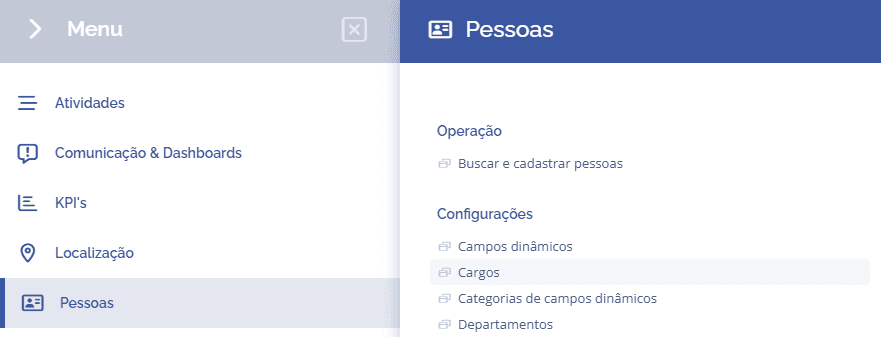
To add people job titles, open the main menu, select the People module, Settings and click the Job Titles option.
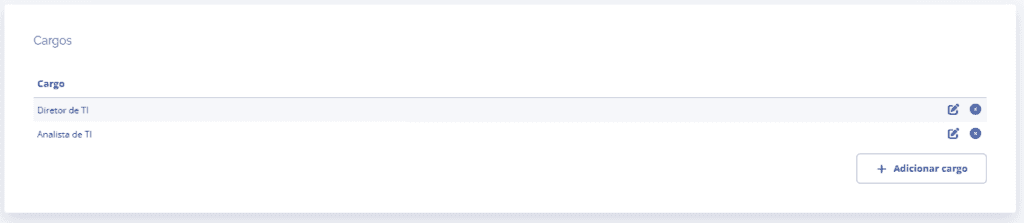
The Job Titles block will be displayed, allowing you to create job titles by clicking the Add job title button.
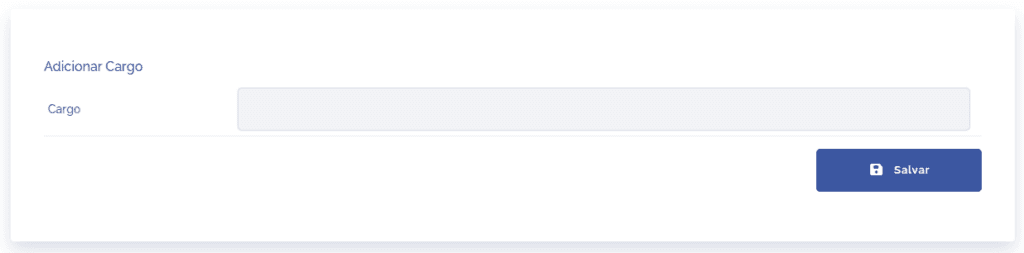
When you click the Add job title button, a new block will be displayed asking for the job title name.
After clicking save, the job title will be added to the job titles list, and you can edit it by clicking the edit icon (pencil) or remove it by clicking the X icon.
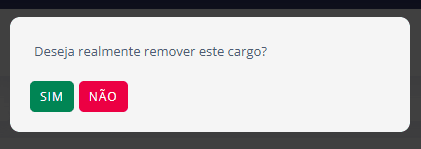
If you remove a job title, a confirmation window will be displayed.