Dynamic occurrence fields
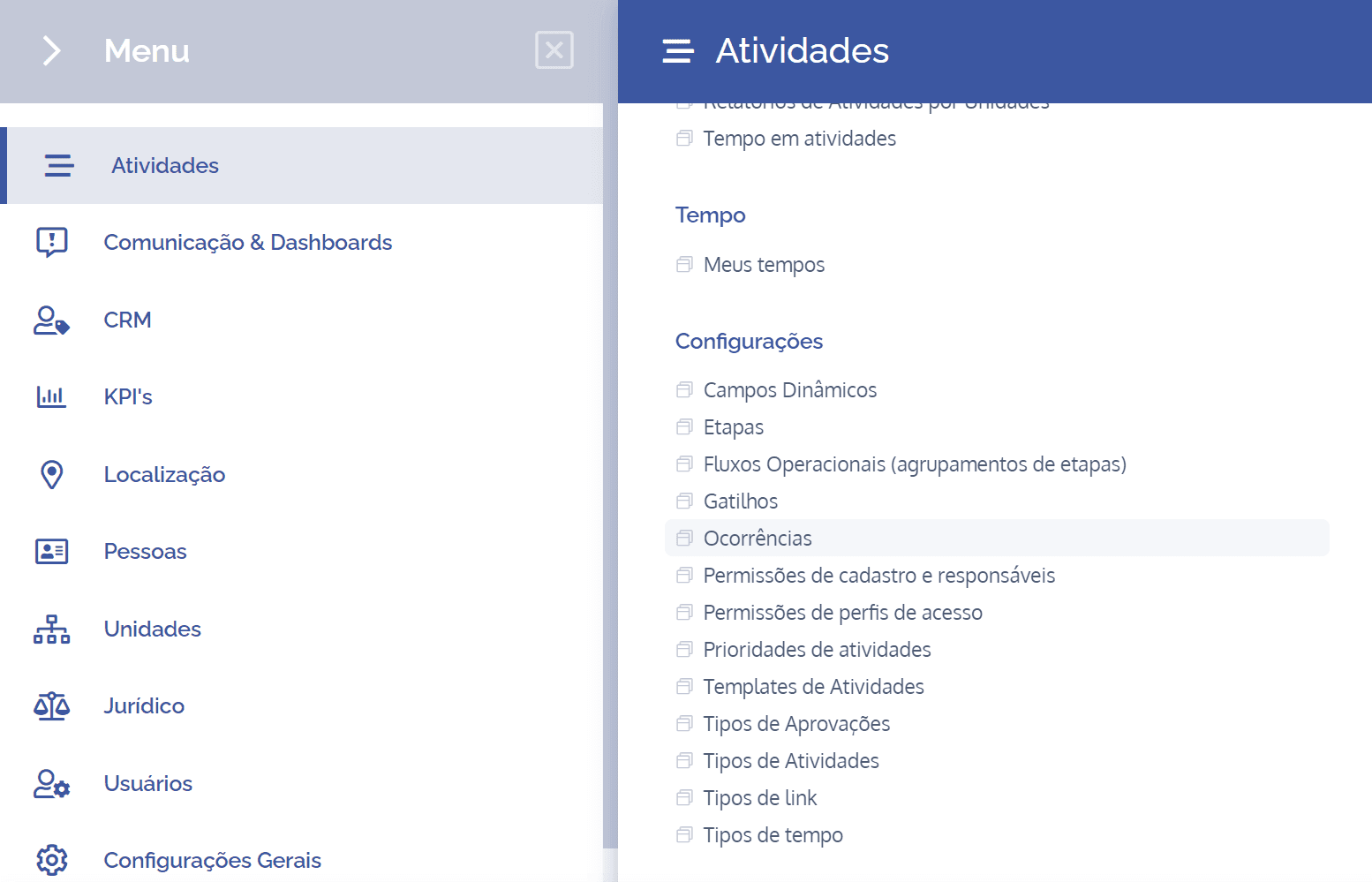
To create dynamic occurrence fields, open the main menu, select the Activities module, Settings and click the Occurrences option.
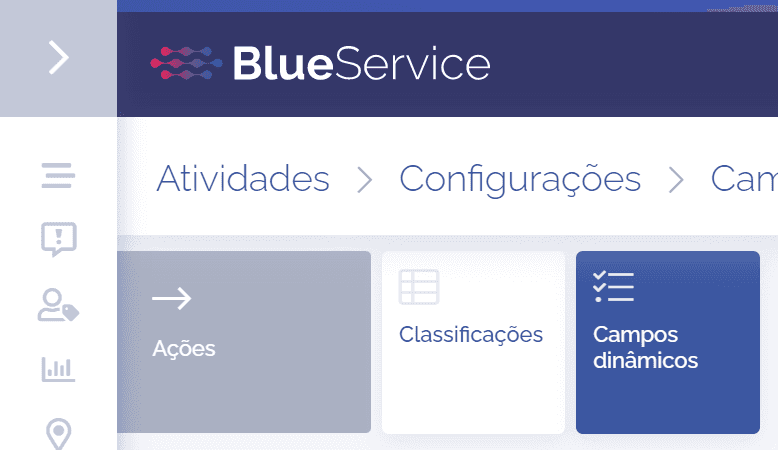
Click the Dynamic fields card to proceed with creating dynamic occurrence fields:
The dynamic occurrence fields will be displayed in this block:
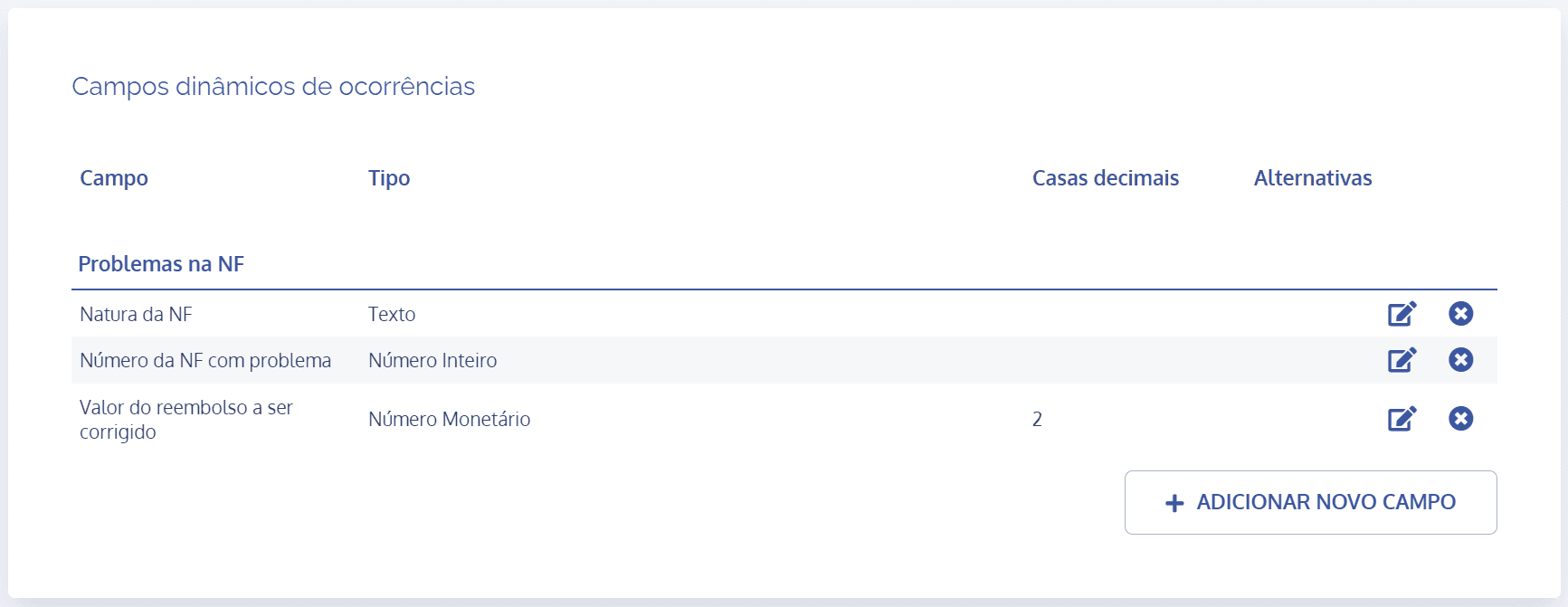
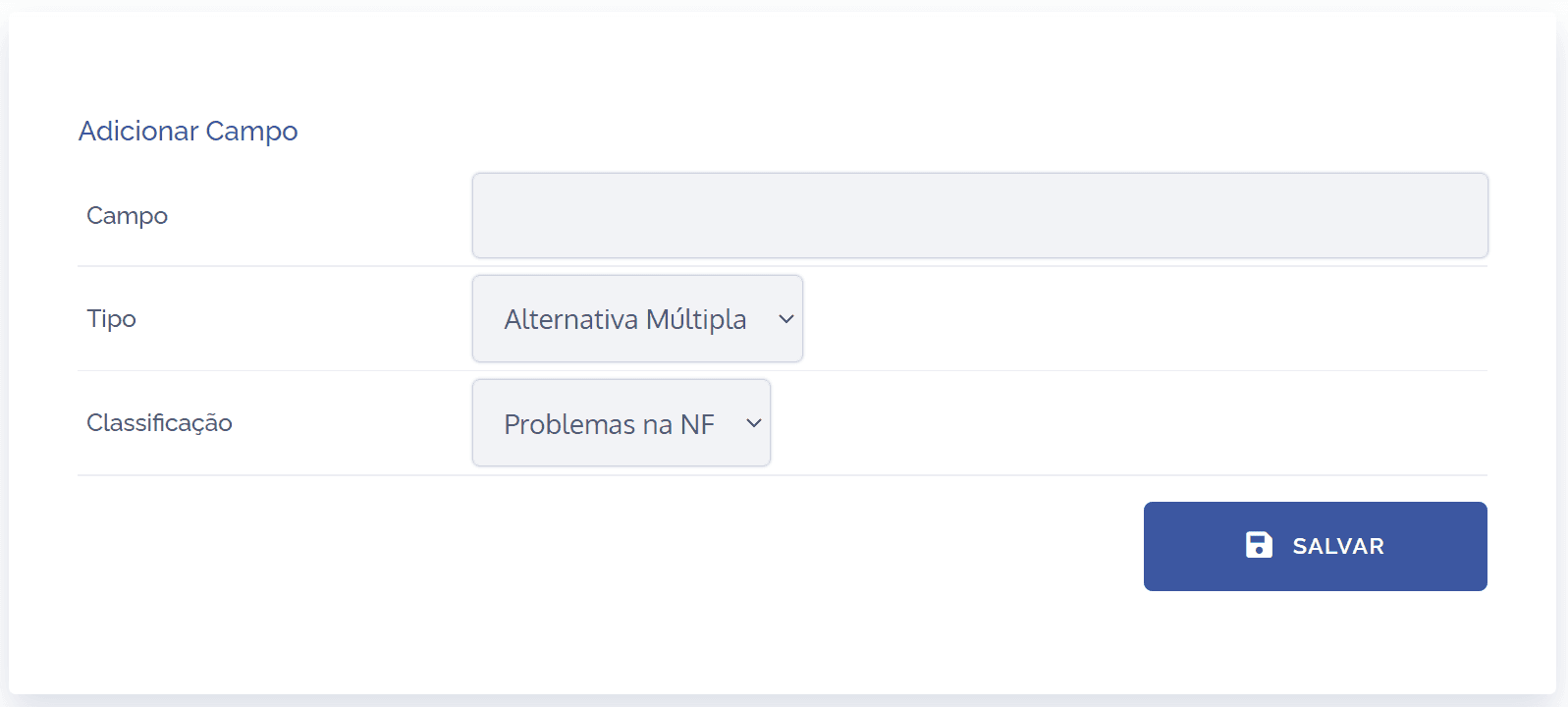
When you click the Add new field button, the Add field block will open:
Fields to be filled in
To proceed with creating dynamic occurrence fields, the following fields must be filled in:
Field
Brief description of the occurrence;

Type
Define what the type of the dynamic occurrence field will be;

Classification
Define which classification the dynamic occurrence field will belong to.

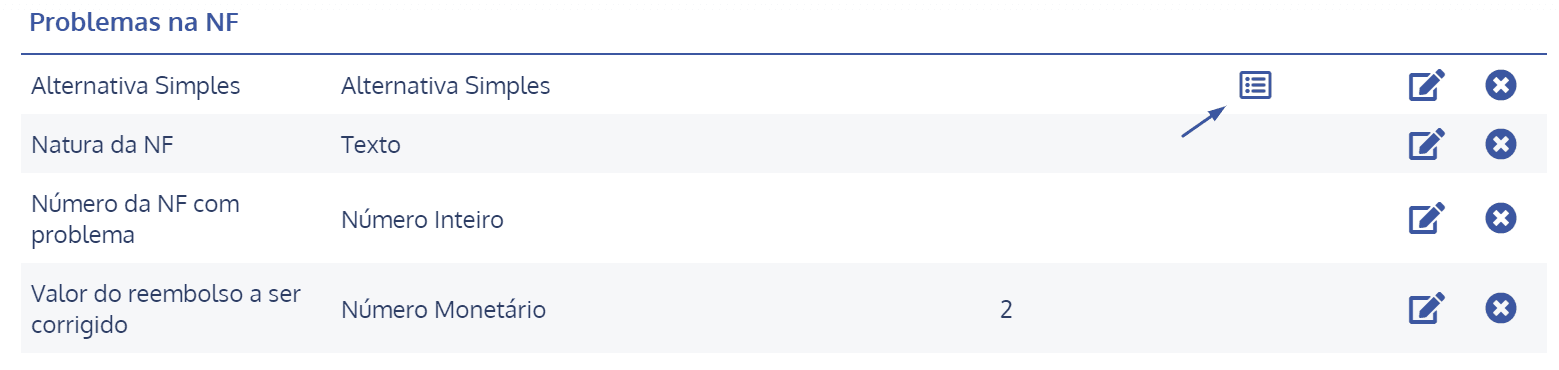
Note: If the field type is single or multiple choice, it will be necessary to add the options, as well as define the order in which they will be listed. To do this, just select the Edit options icon: