
Currency registration
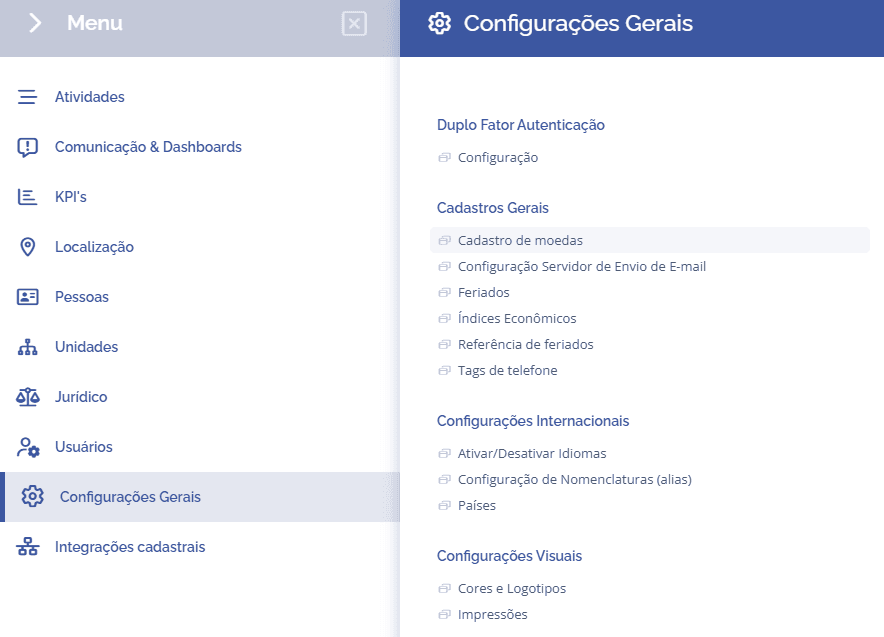
To register currencies, open the main menu, select the General settings module, General records, and click the Currency registration option:
In this section, the registered currencies are displayed:
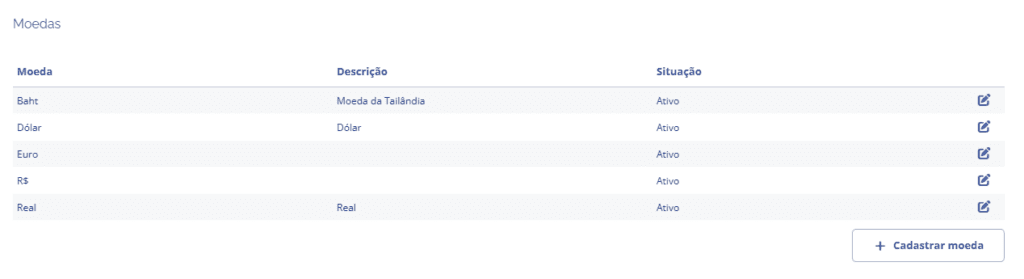
When you click the Register currency button, a section below will open:
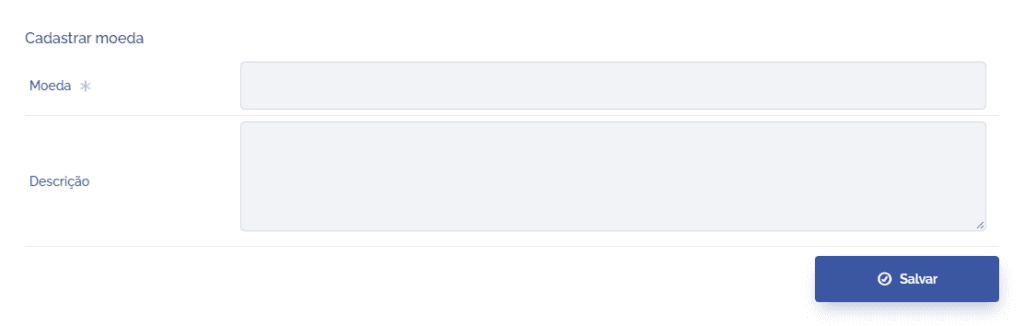
Currency: Define a name/title for the currency.
Description: In this field, you can enter a description for the currency.
After filling in the fields, click the Save button to record the information.
Edit
To edit, click the edit icon
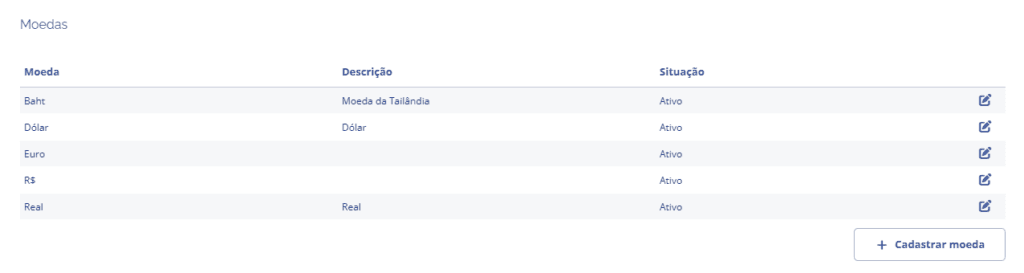
A section below will open for editing:
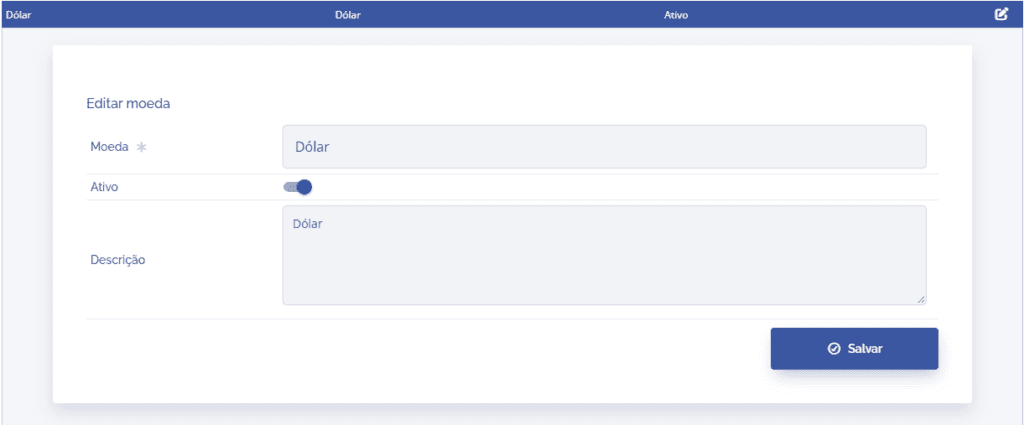
Note that, unlike registration, in editing we can define the status in the Active field.
After editing, click the Save button to record the information.