
Search for people
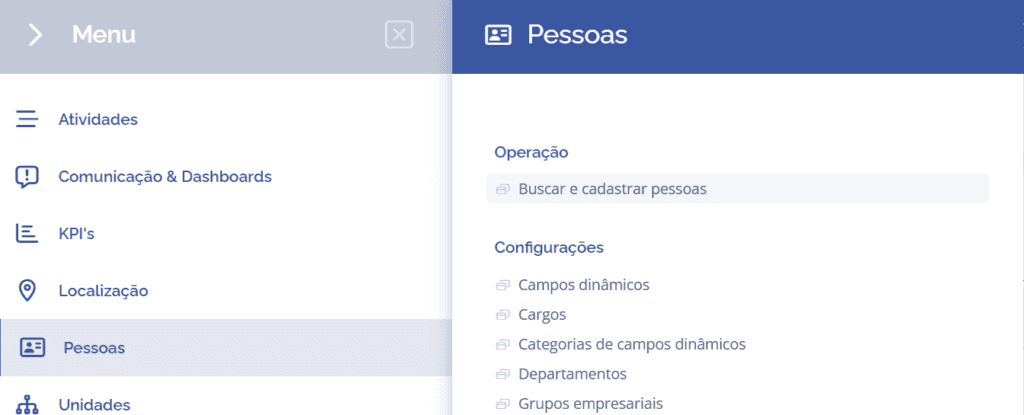
To access a person's details, click on the “Search and register people” screen:
or on the magnifying glass/search icon at the upper right side of the screen:

Next, a floating window will open:
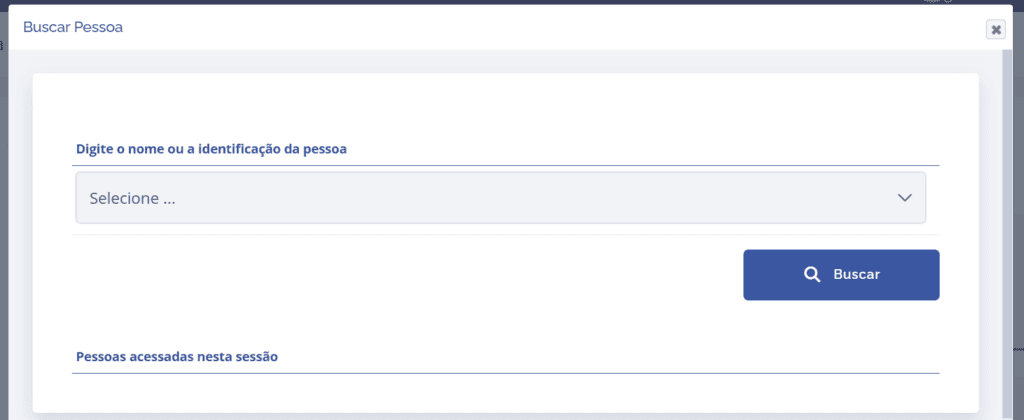
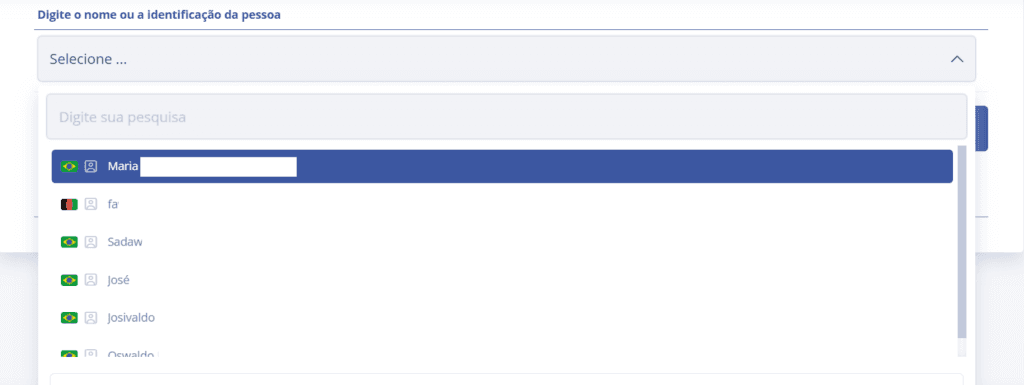
Click Select and type the name of the person whose details you want to access. Then, click the Search button.