
Create/Add people
To create/add people, click on the “Search and register people” screen:
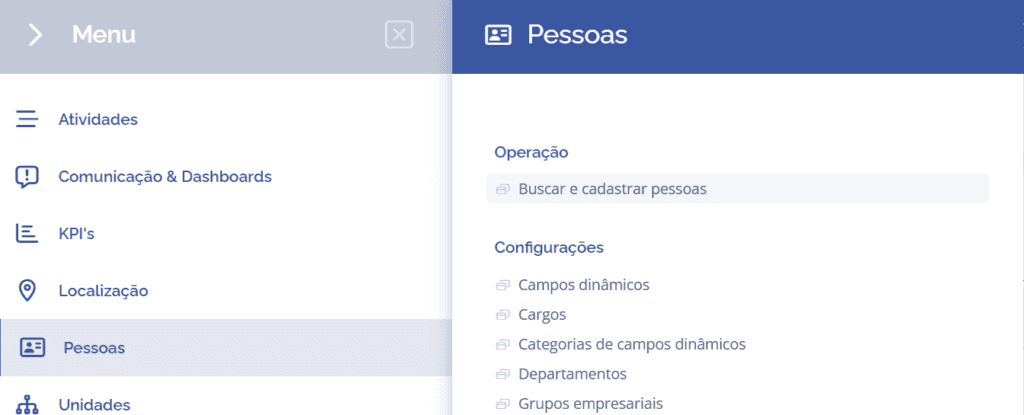
or on the search/magnifying glass icon in the upper-right corner of the screen:

Next, a floating window will be displayed to Search people:
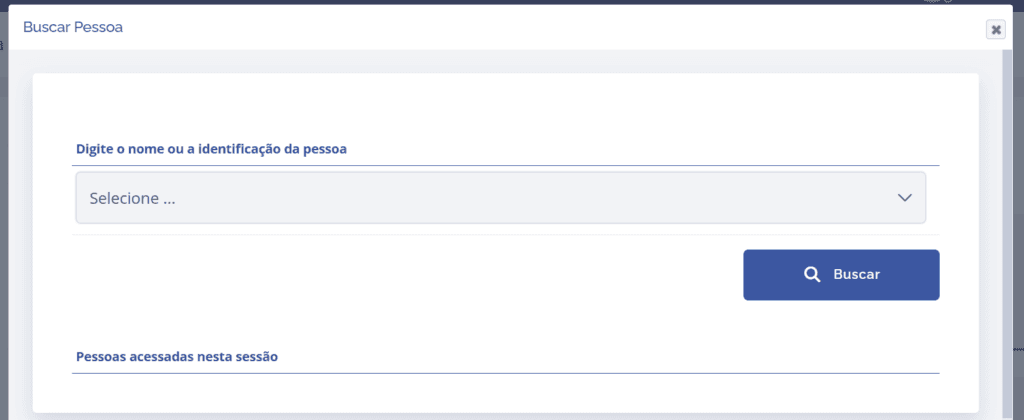
Search people: In this field, it will be possible to select or register people (by clicking the Select… field and then clicking the Register new button):

Then, a new floating window will be displayed, where the registration country for the new person must be selected:
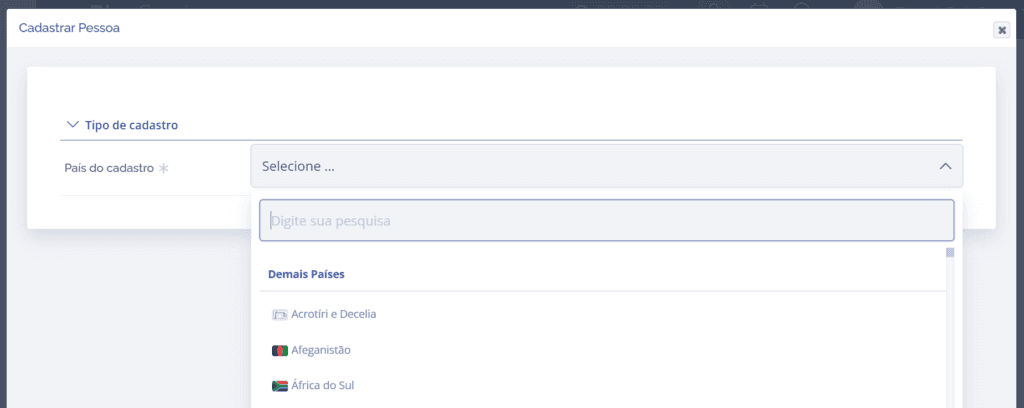
It is also necessary to choose the type of person, either legal entity or individual. To do this, click the Select field and choose the desired type (which will be displayed after selecting the registration country).
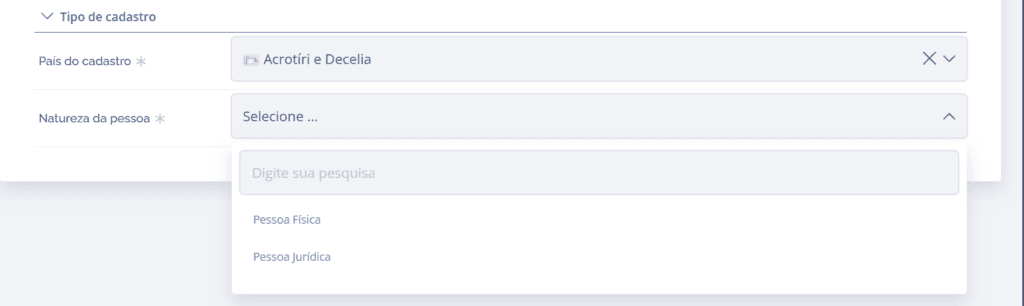
Depending on the type of person selected, some fields will be displayed to register relevant data about the new person (such as name, email, phone…).
After filling out the creation form, click the Submit button.