
Associate person with user
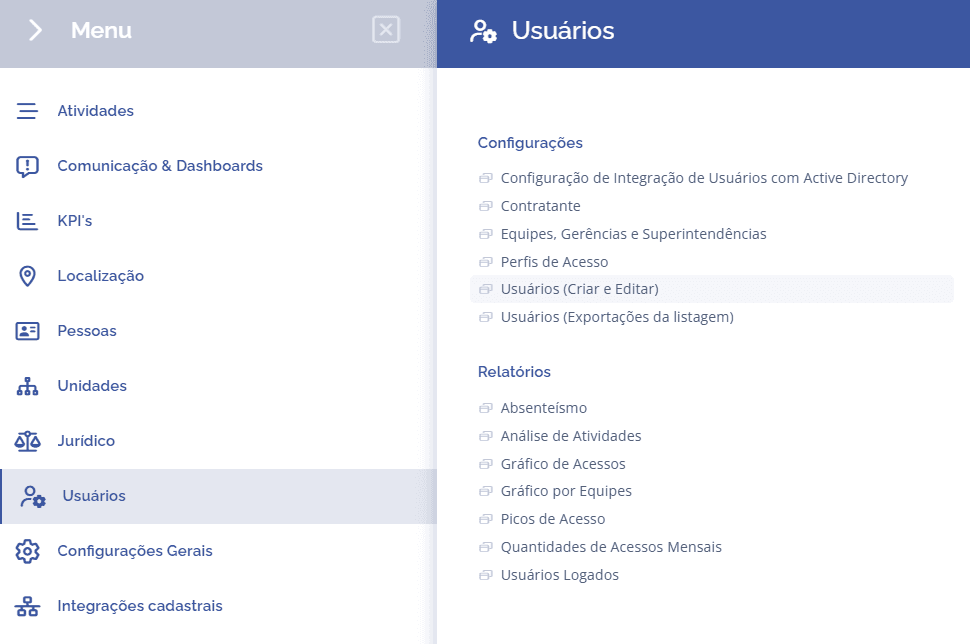
To associate a person with a user, open the main menu, select the Users module, Settings and click the Users (create and edit) option
Important: When associating a person with a user, it allows the person to have the same access permissions as the user.
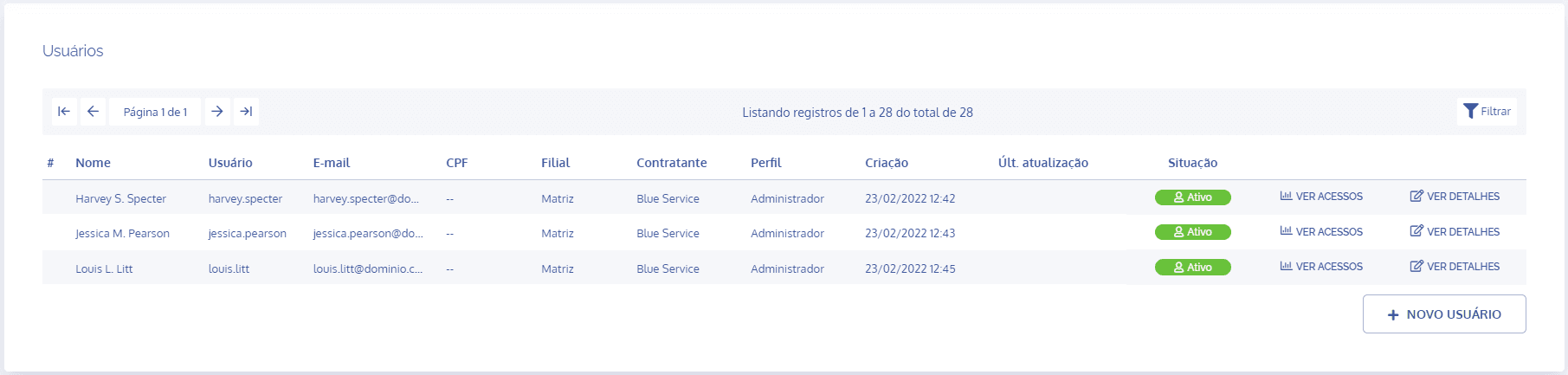
In the Users block, click the View details button on the user you want to associate a person with:
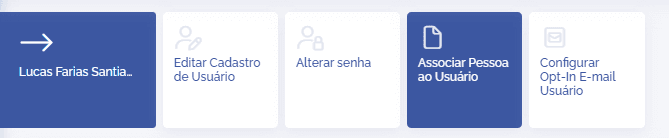
In the Edit user registration block, click the Associate person with user card:
In the Associate Person with User block, the user can associate a person with the user by clicking the Select option in the Person field

After associating, click the Save button.