
Change user password
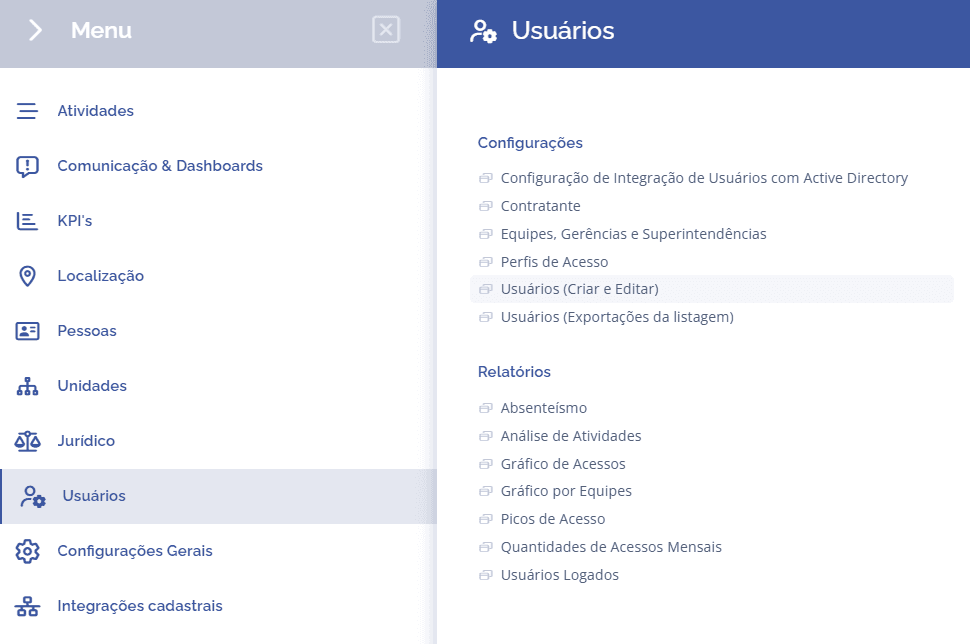
To change a user's password, open the main menu, select the Users module, Settings and click the Users (create and edit) option.
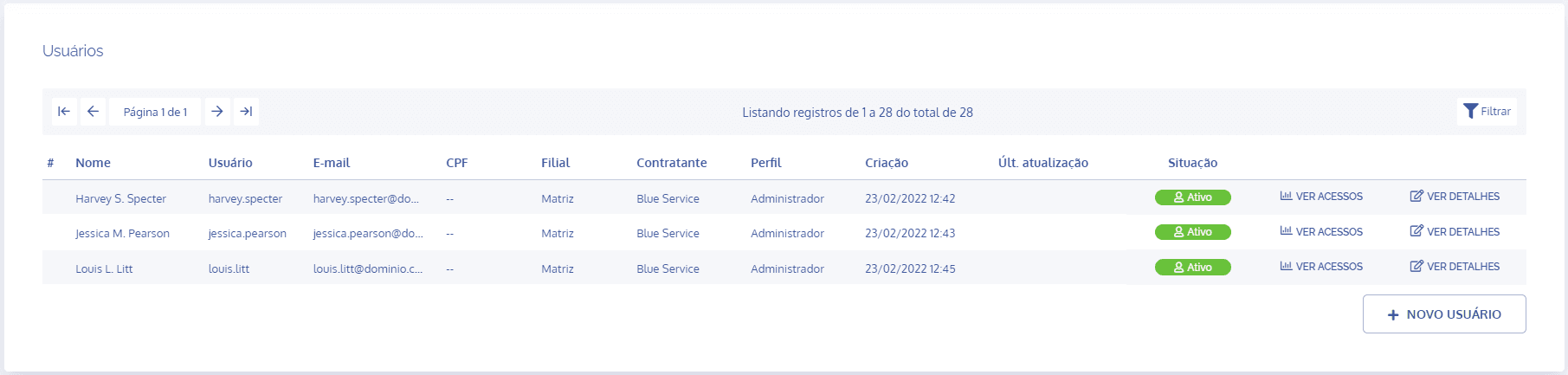
In the Users block, click the View details button for the user whose password you want to change:
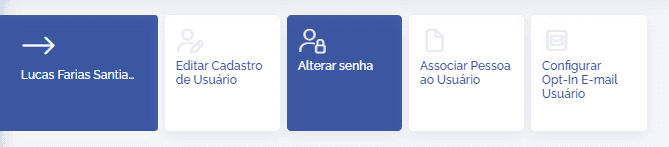
In the Edit user registration block, click the Change password card:
In the Change password block, the user will be able to change the current password:
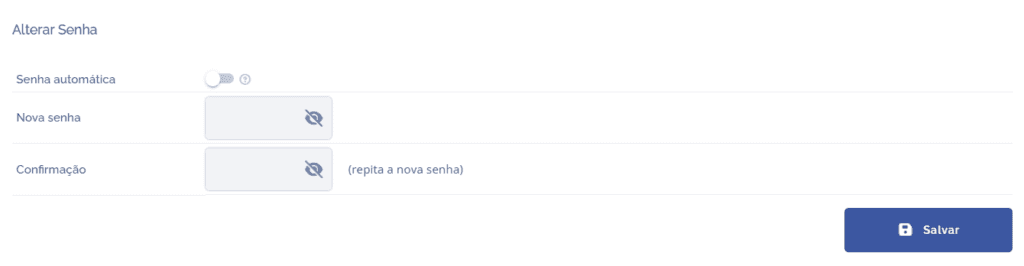
After creating a new password, click the Save button to save the changes made.