
Files in app activities
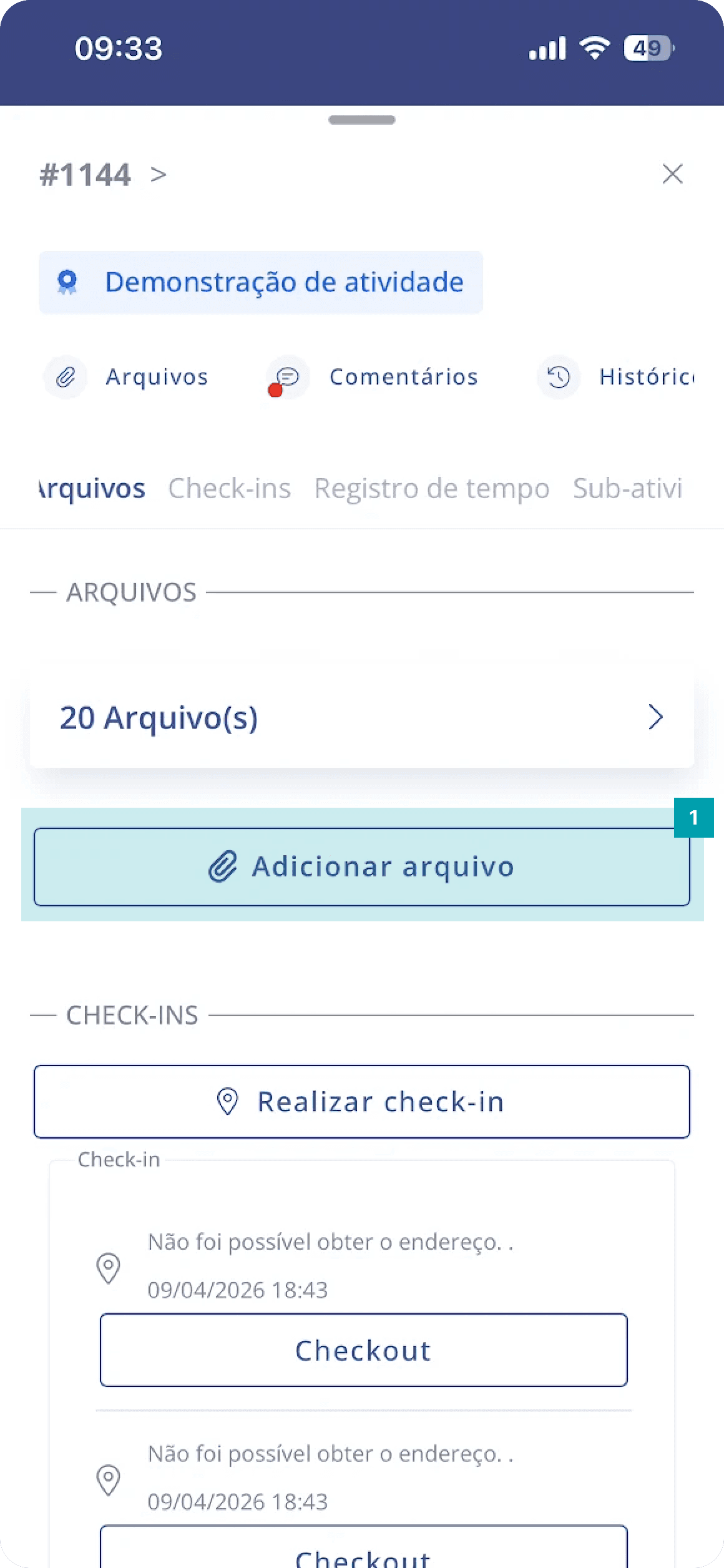
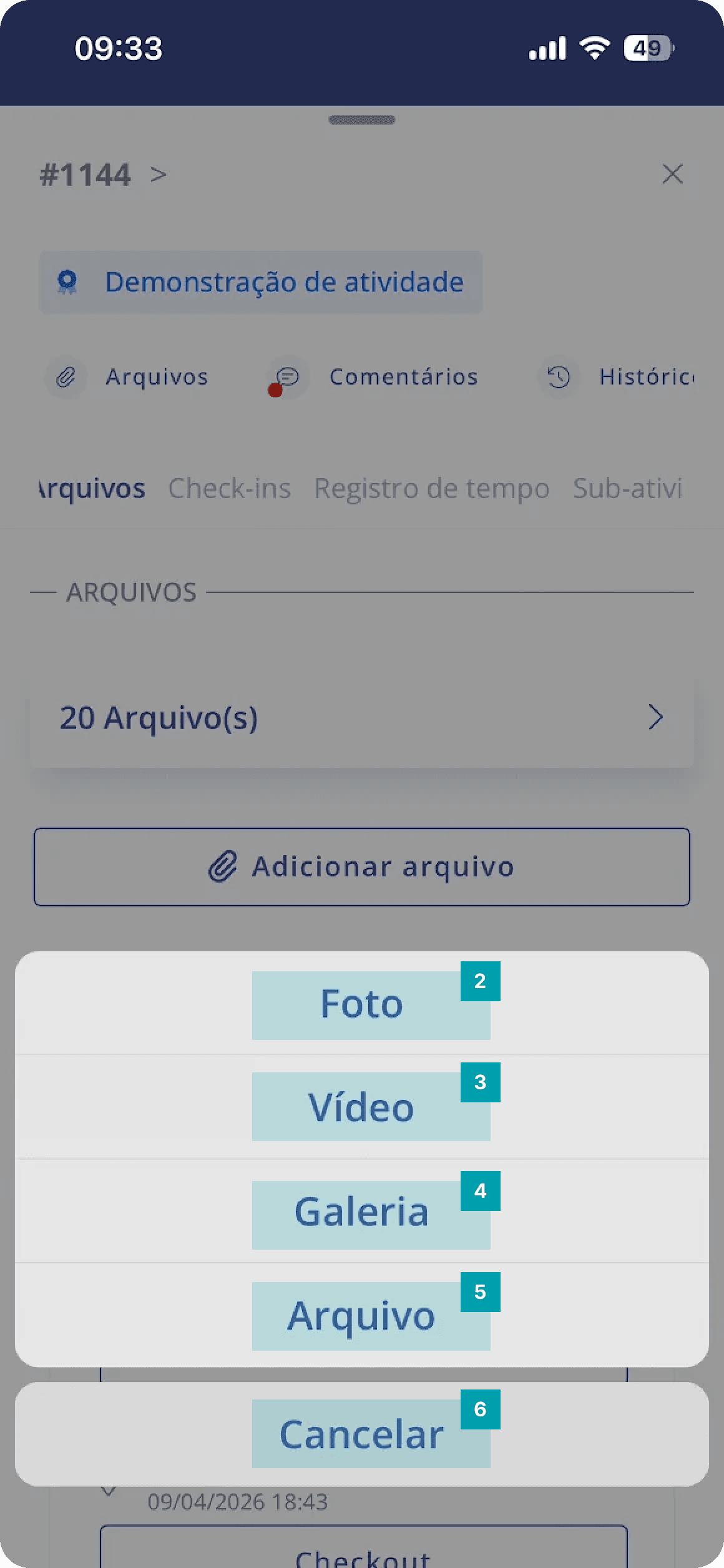
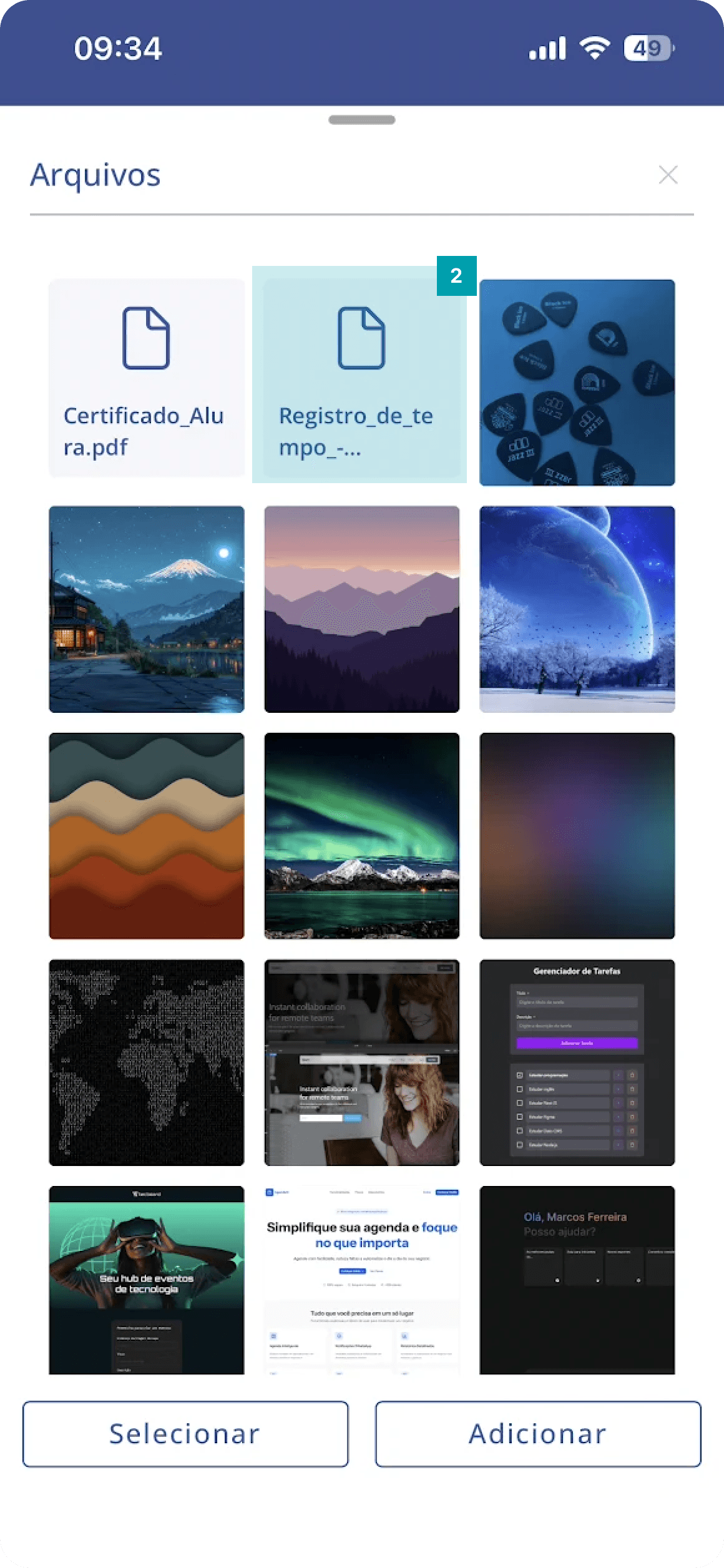
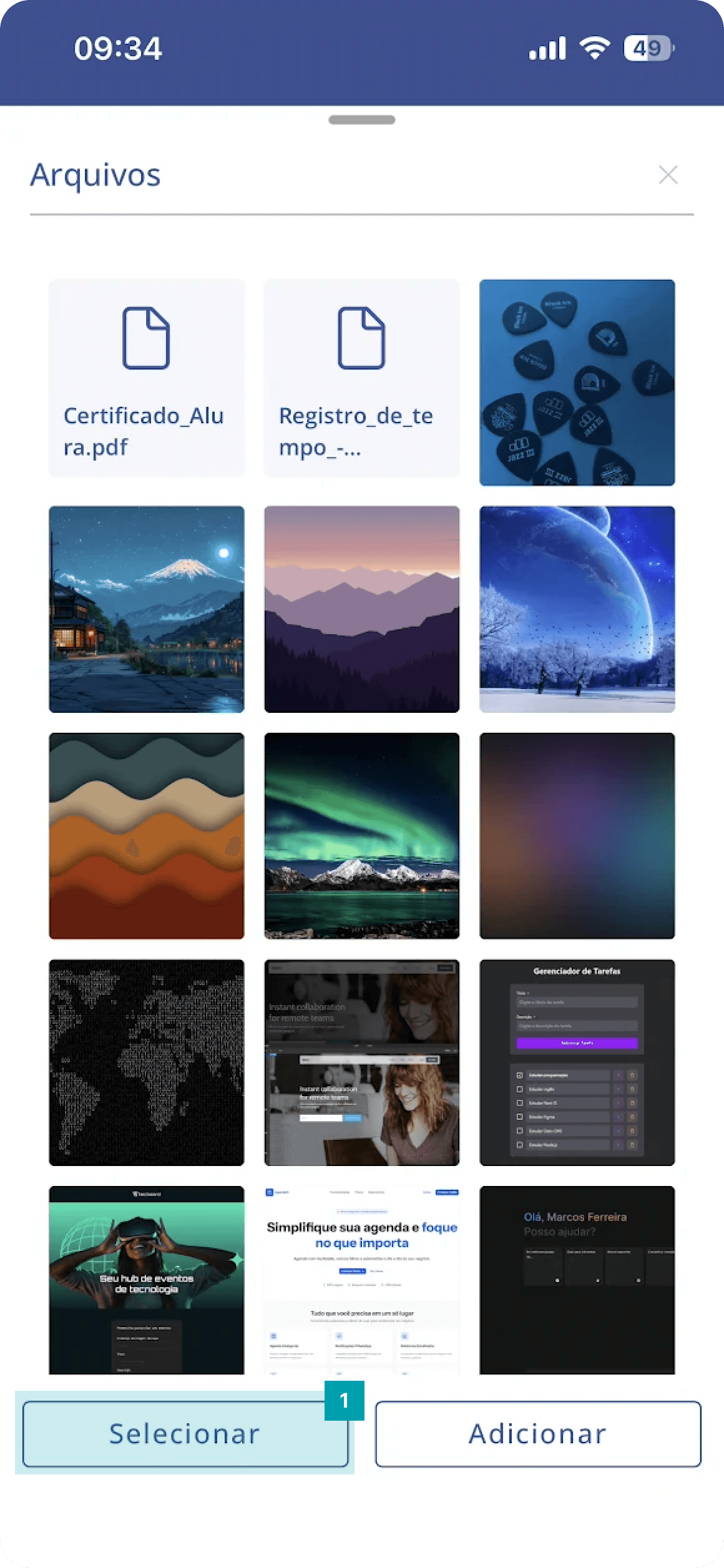
In addition to the fields that allow image uploads, the file panel may be present in an activity depending on the settings configured on the web platform. The purpose of this panel is to allow the documentation of files in various formats that help with monitoring and carrying out the activity; here you can upload photos, videos, gallery images, among others. Uploading is very simple, let's see:
 |  |
|
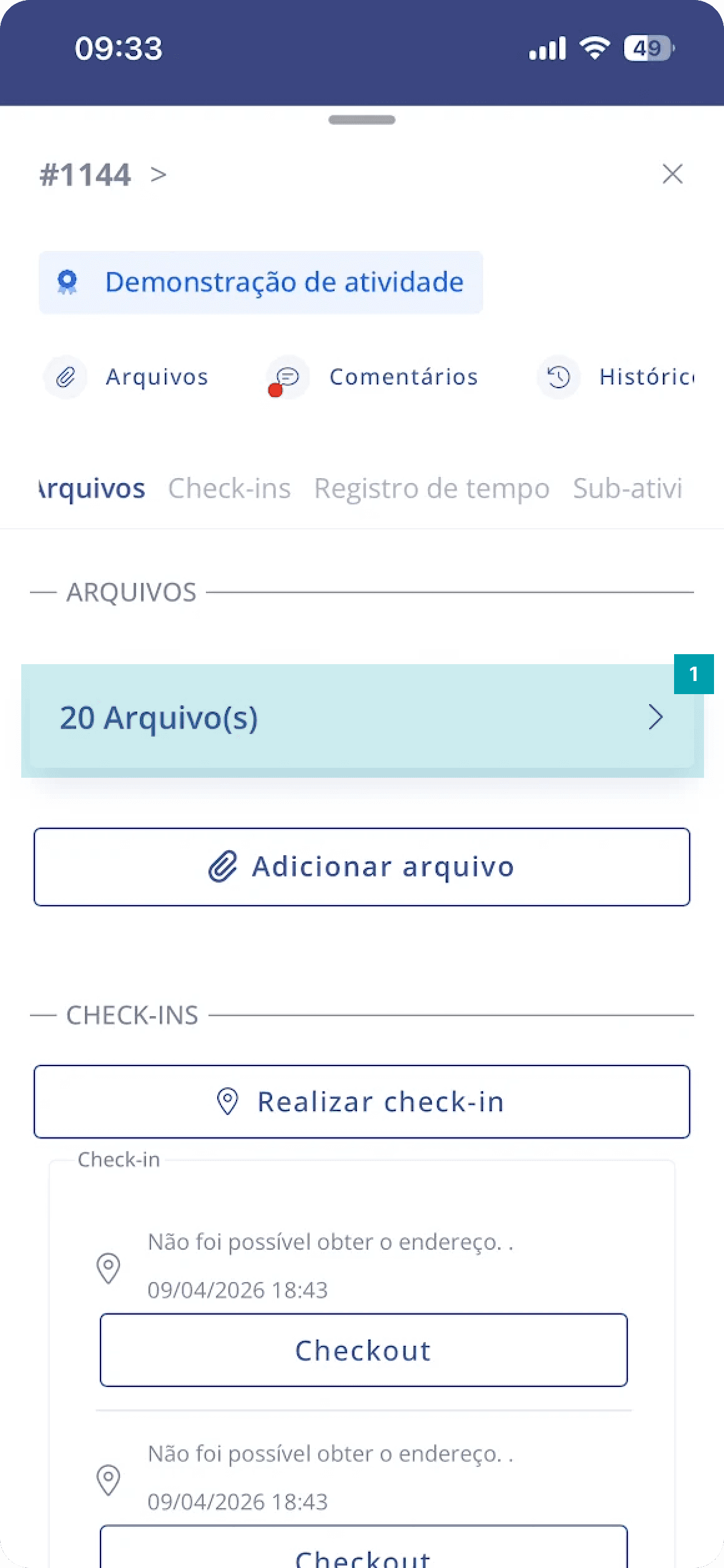
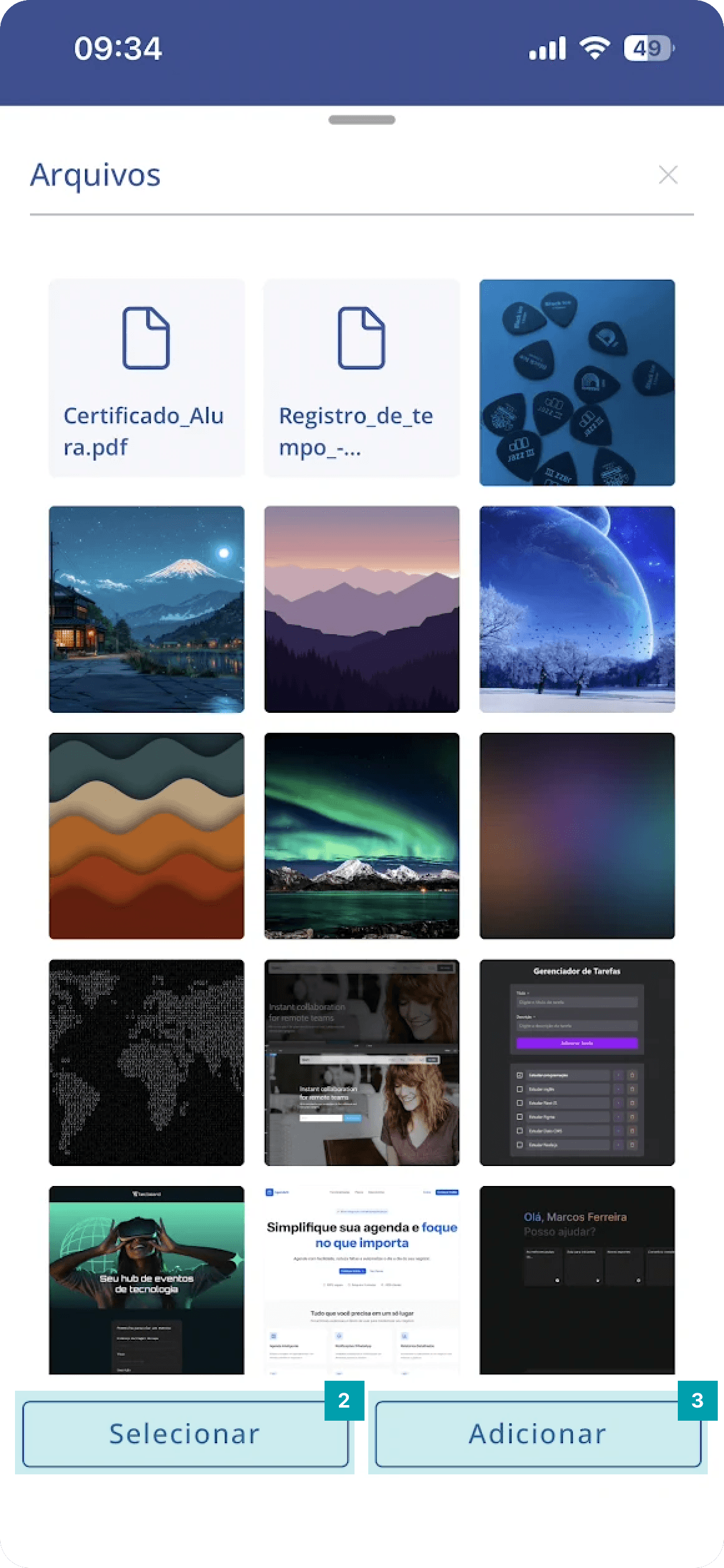
Accessing the uploaded files screen
 |  |
|
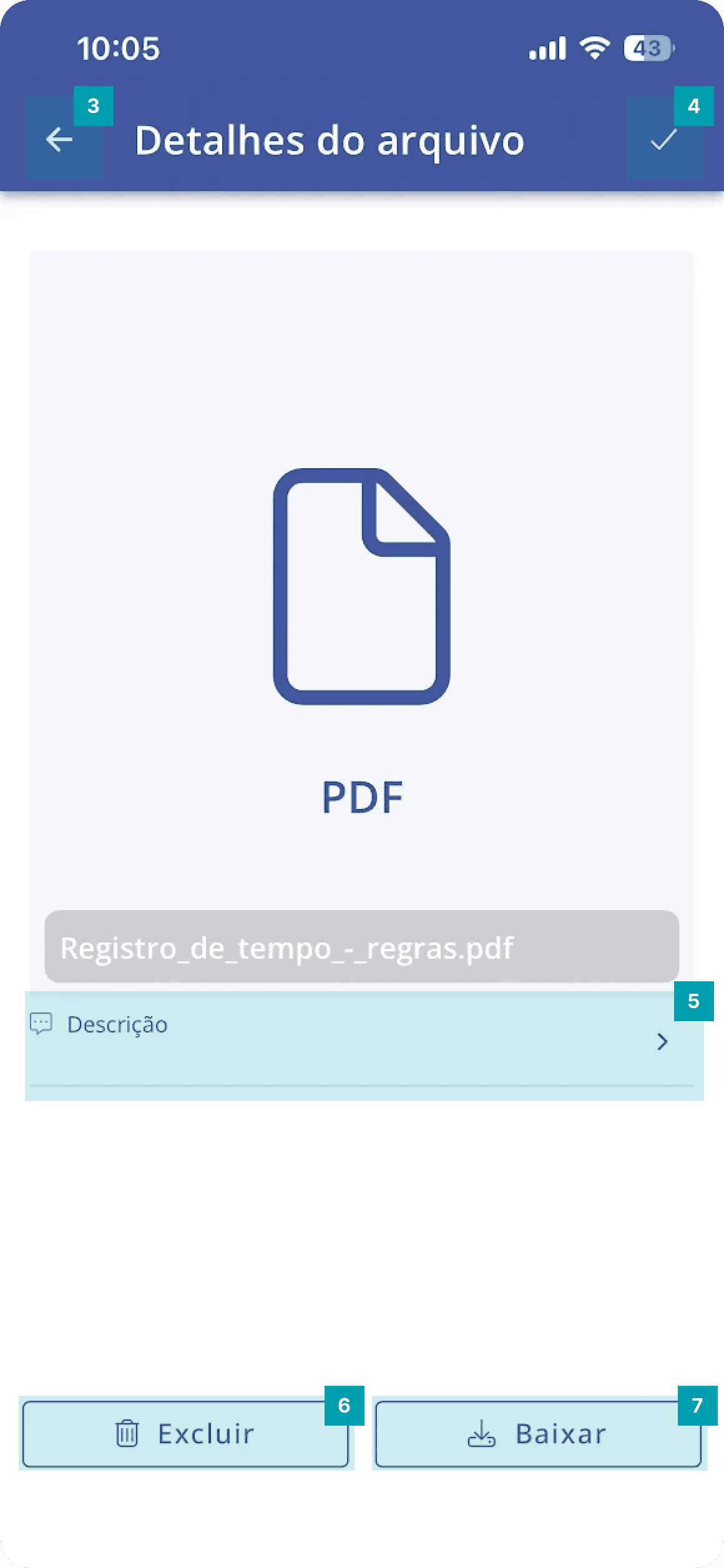
Accessing file details
|  |  |
|
|
|
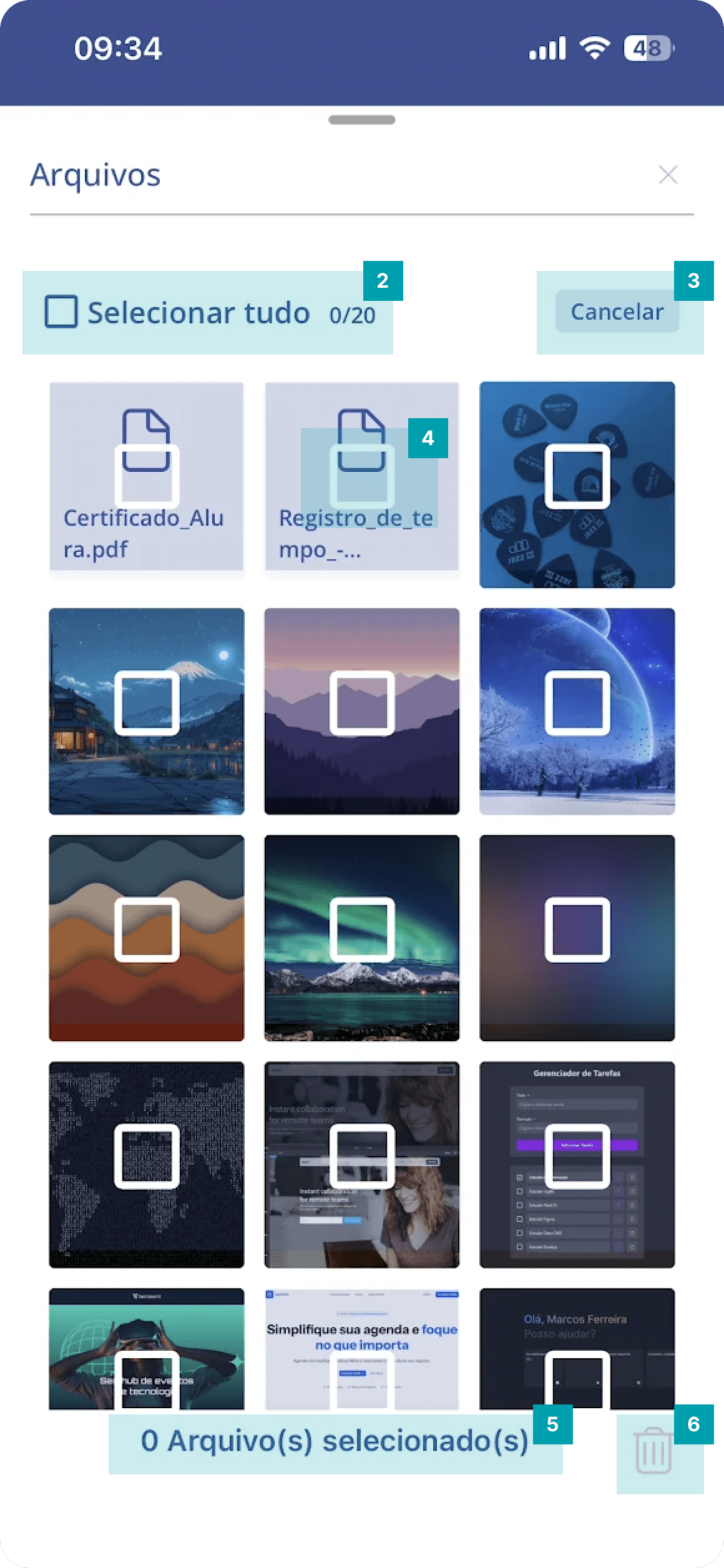
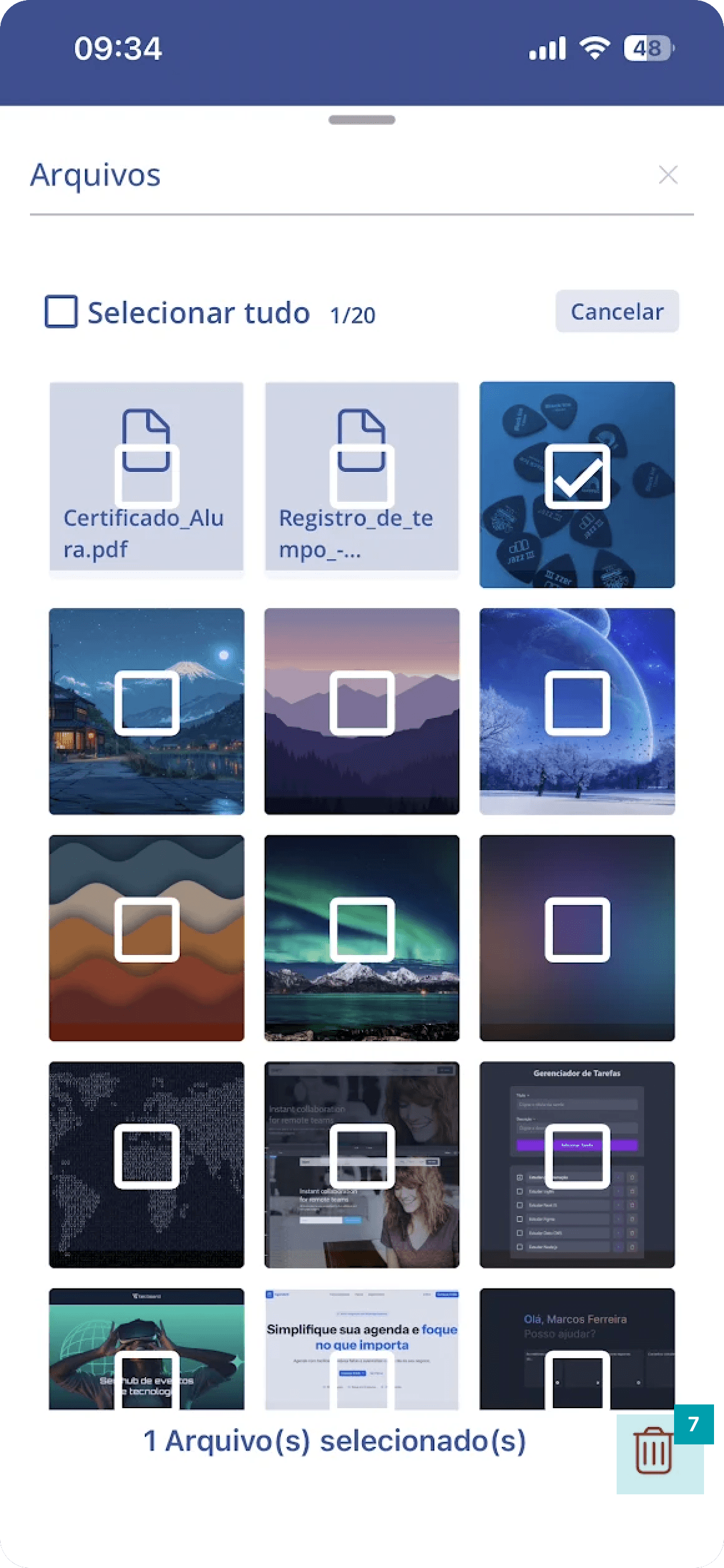
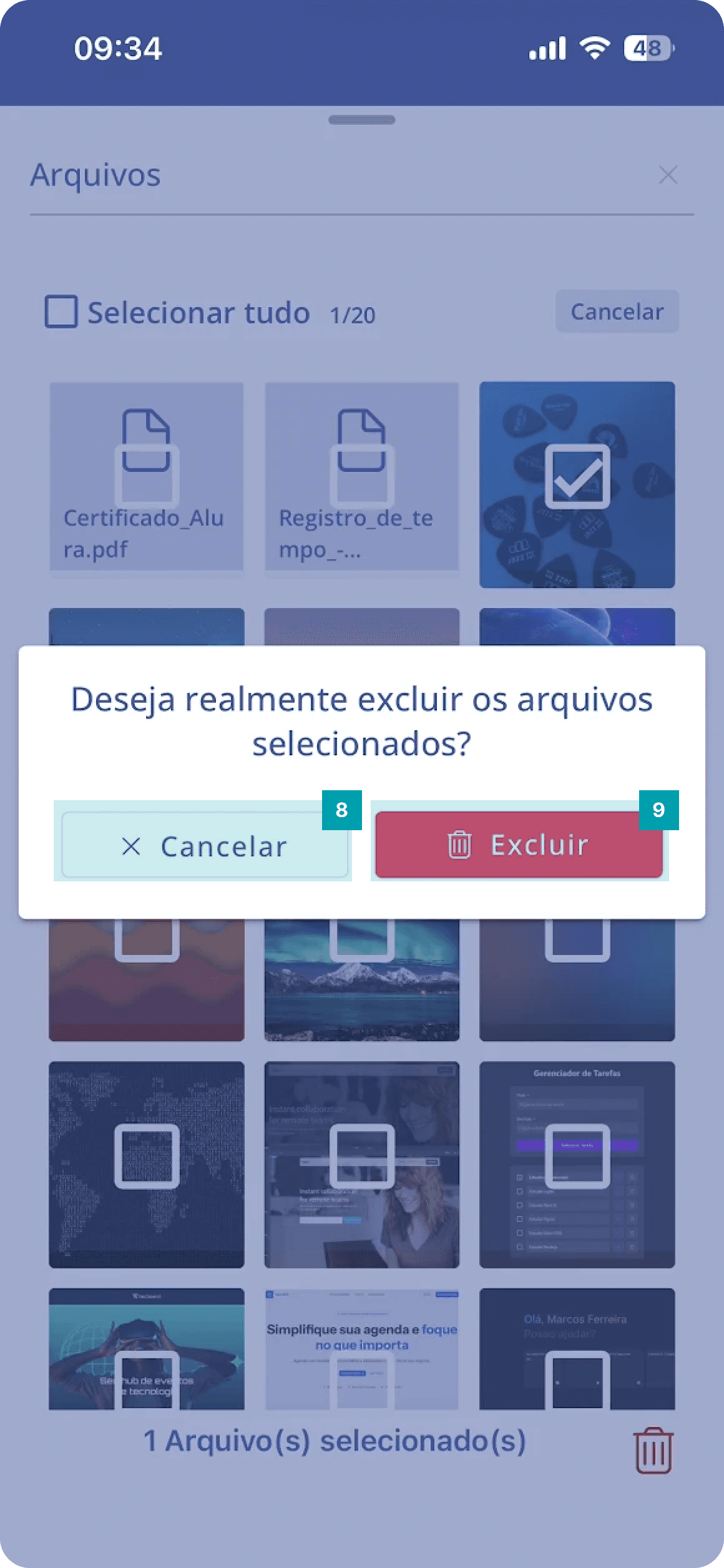
Deleting a file from the activity
 |  |
|
 |  |
|