
Check in for activities in the app
The check-in panel is ideal for documenting location evidence in a simple and practical way.
Performing check-in
See below how to perform a check-in in an activity:
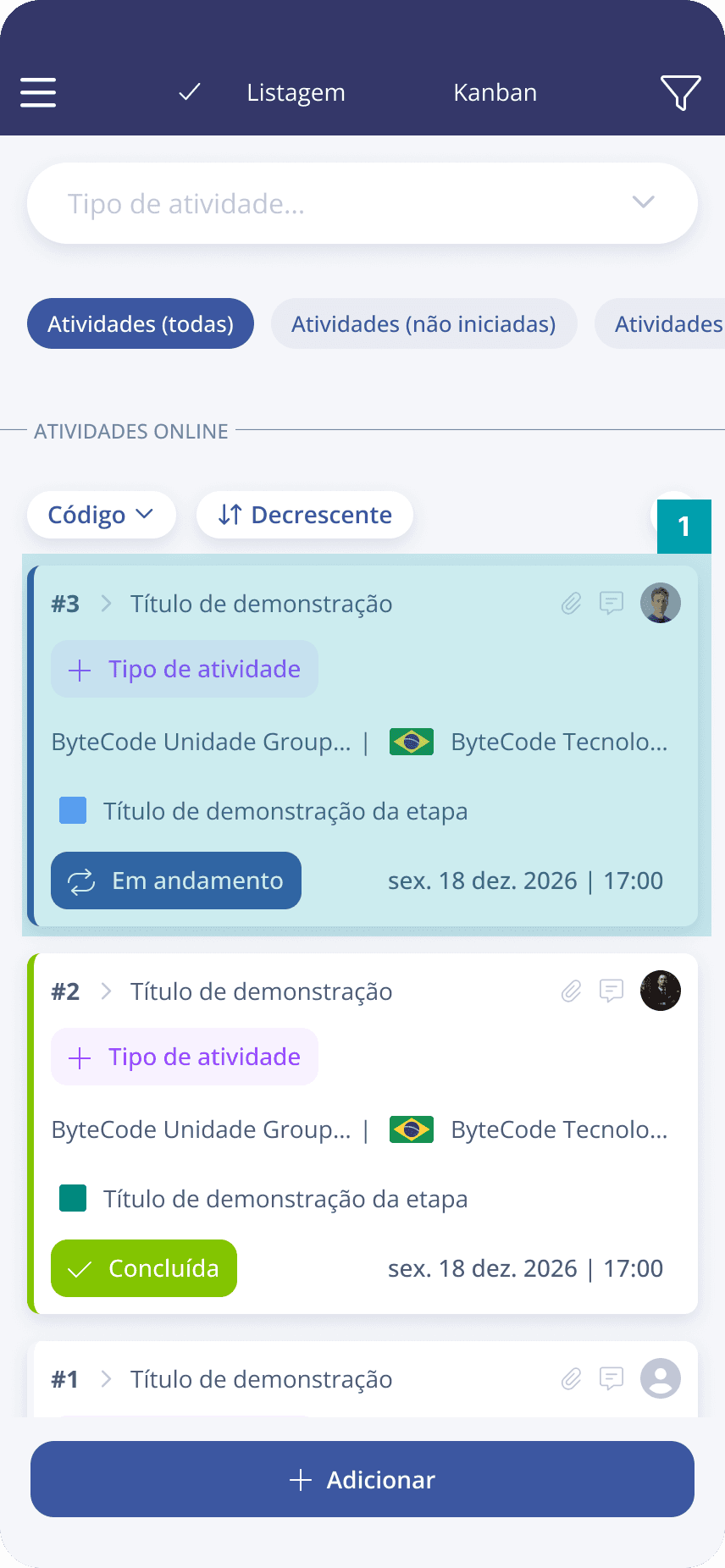 |  |
In the list of activities, select the activity you want to check in to.
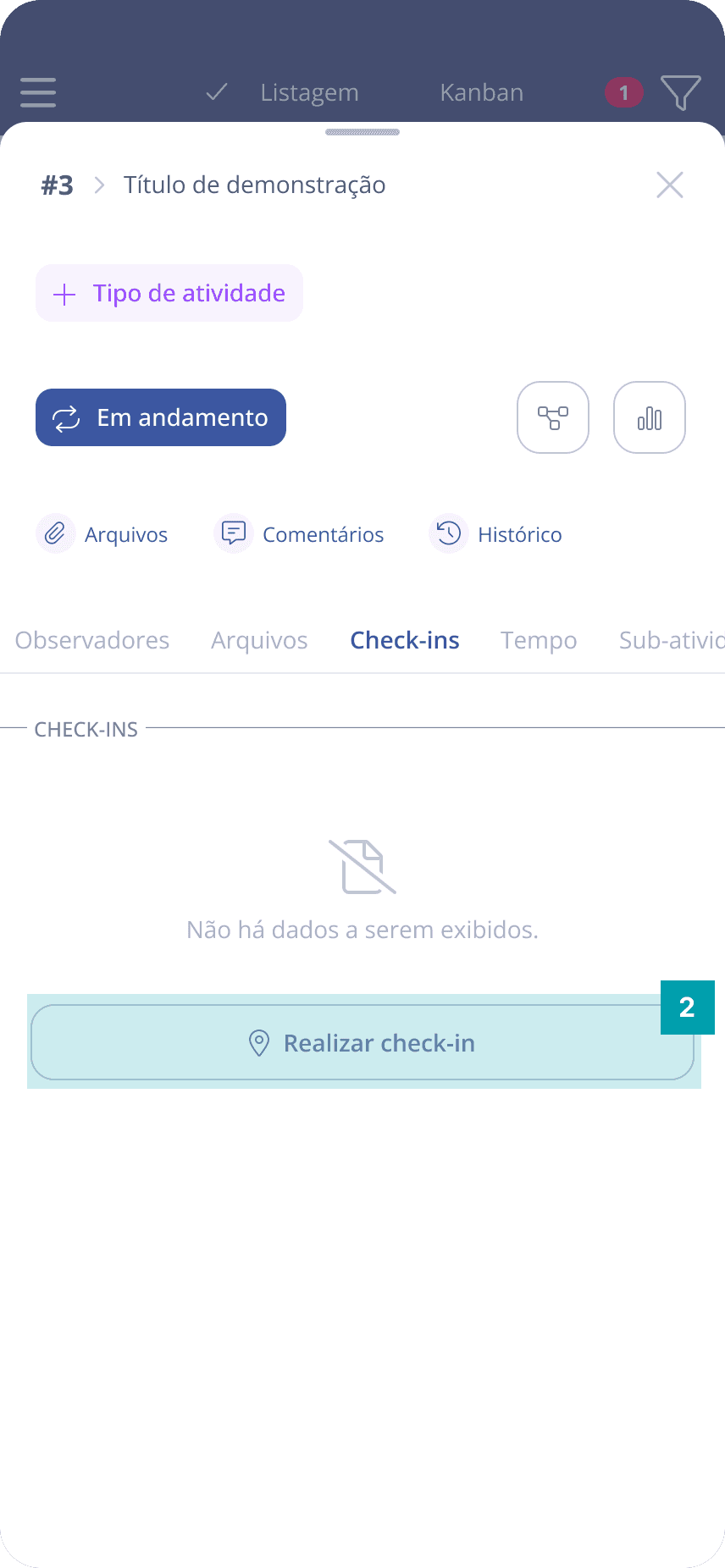
After selecting the desired activity, the activity details will be displayed. Further below, we have the Check-ins section. To perform the check-in, just click the Perform check-in button.
Attention: make sure to enable location so that it is possible to check in.