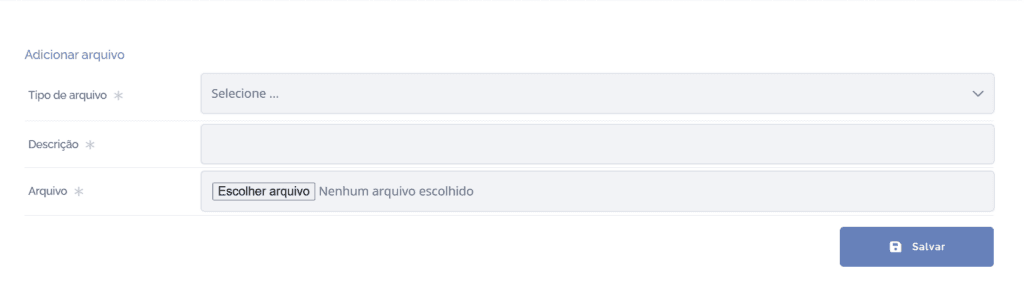
Legal document files
In a document's details, click the Files card:

The files will be displayed in this block:

Now see each available function (the first 4 functions are available in the file list – on the right side of the attached files):
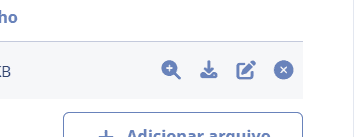
View file: When you click the magnifying glass icon, the file preview will be displayed.
Download file: When you click the download icon, the file will be downloaded.
Edit file: When you click the edit icon, you can edit the file type and description.
Remove file: When you click the remove icon, you can remove the file.
Add file: When you click the Add file button, select a file to upload.