Calendar (global)
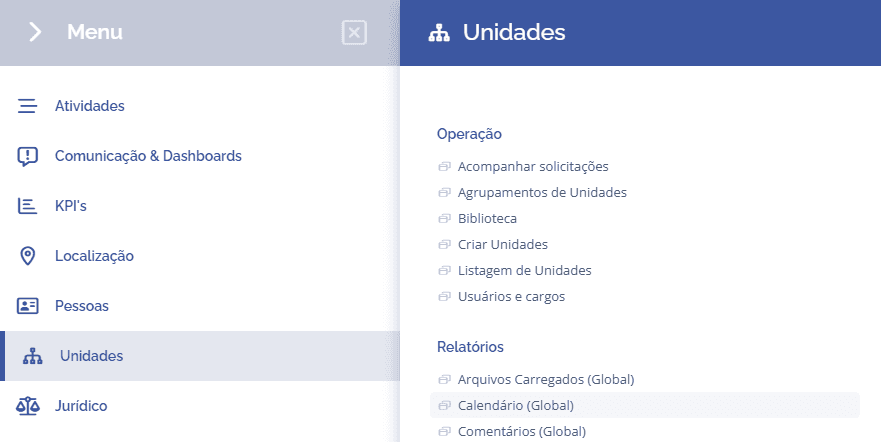
To access the report of events registered by unit, open the main menu, select the Units, Reports module, and click the Calendar (Global) option.
When accessing the unit calendar, it will be possible to verify the number of events per day, indicating the quantity of events next to the representative icon.
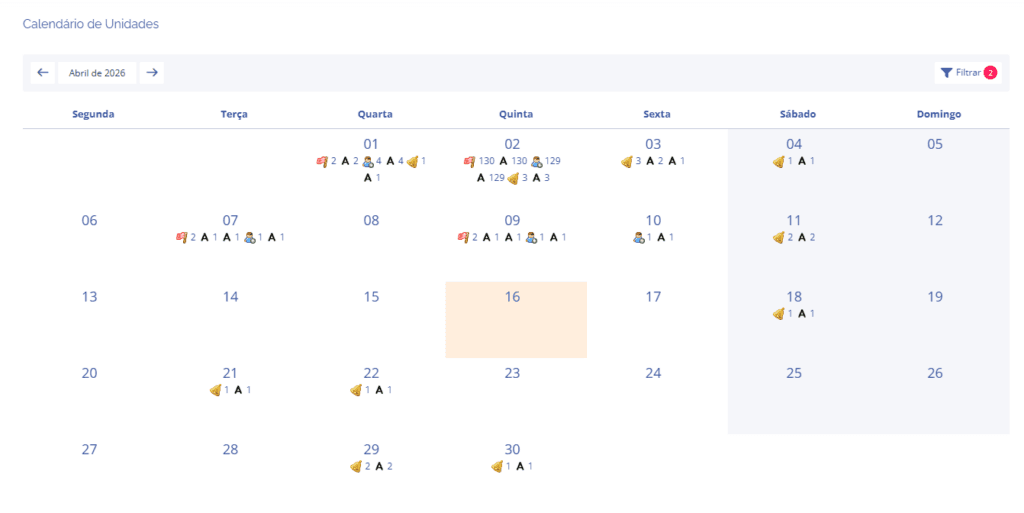
Below is the legend for the representative icons.

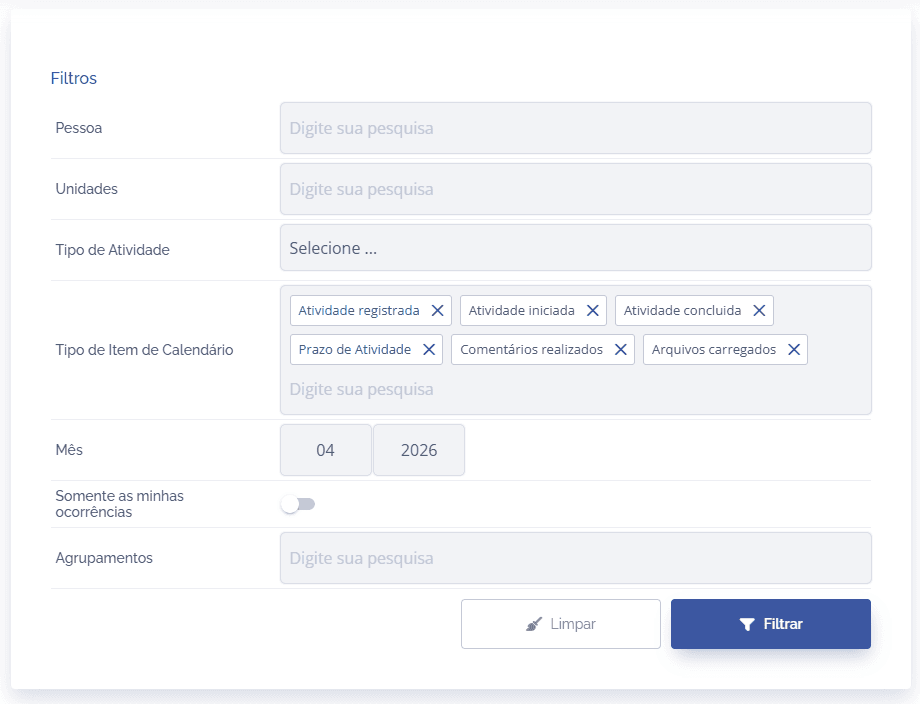
If necessary, the system allows you to search for a specific event by clicking the Filter button in the listing.