
Legal areas in units
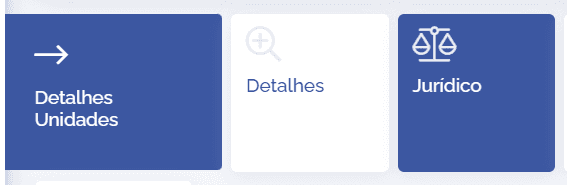
In a unit's details, click on the Legal card:
Next, the legal areas linked to the unit in question will be displayed:
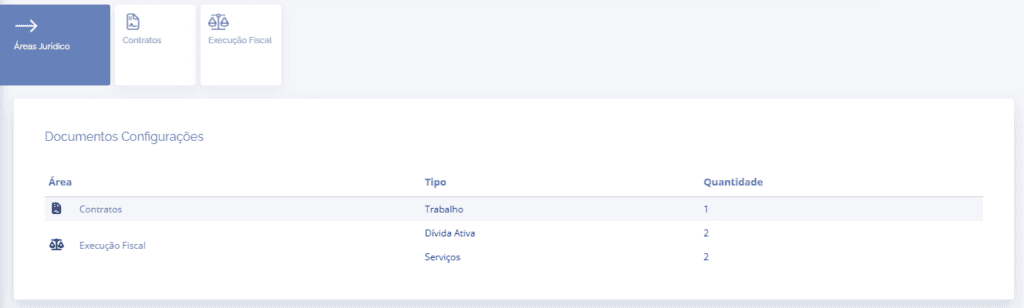
In the Document settings block, it is possible to verify the registered area, the type nature, and the number of linked cases. To access the area, click on the designated name, either through the card or in the block's Area column.
Next, the details of the selected area will be displayed:
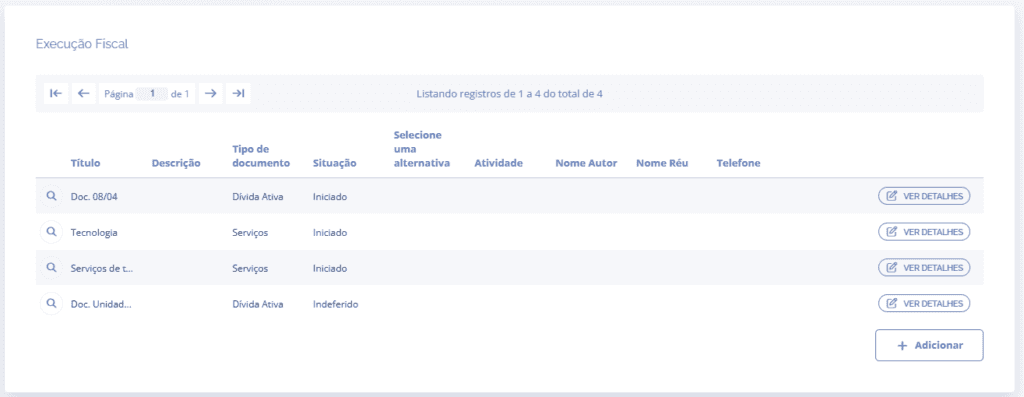
In this block, you can analyze the title, description, type, and status of each existing element in the specified area. To see the details of an existing document, click View Details. To add a new legal document, click the Add button:
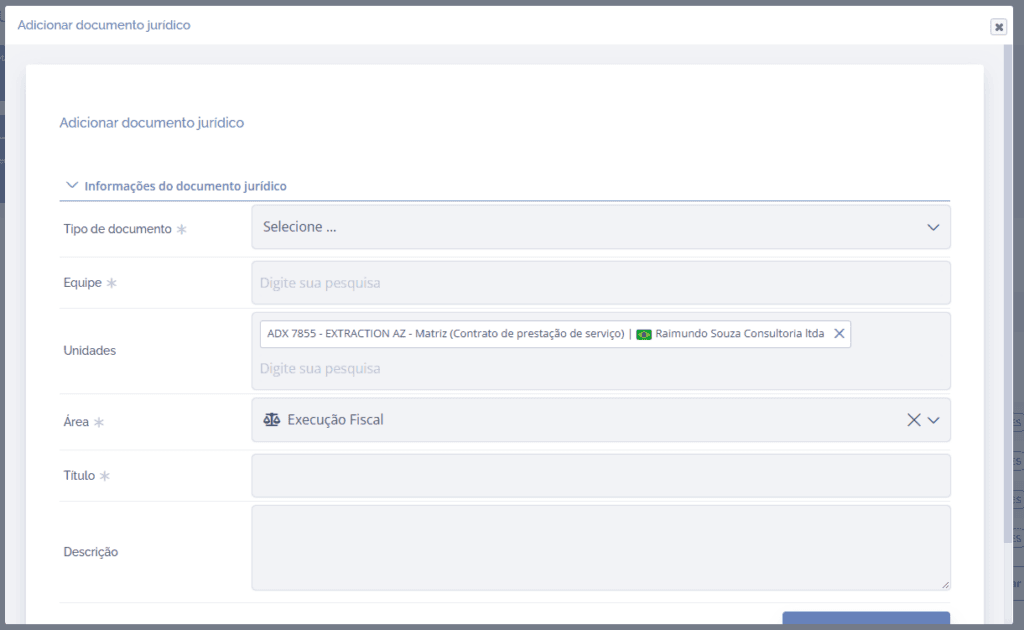
When you click add, a floating screen will be displayed in order to generate a new legal document. After filling in the fields, click the Save button.
Important: For a better understanding of how to fill in the legal document fields, see the topic Create/Add legal document in the Legal module of the Manual.