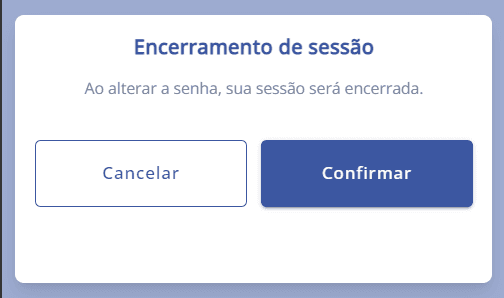
Change password in the app
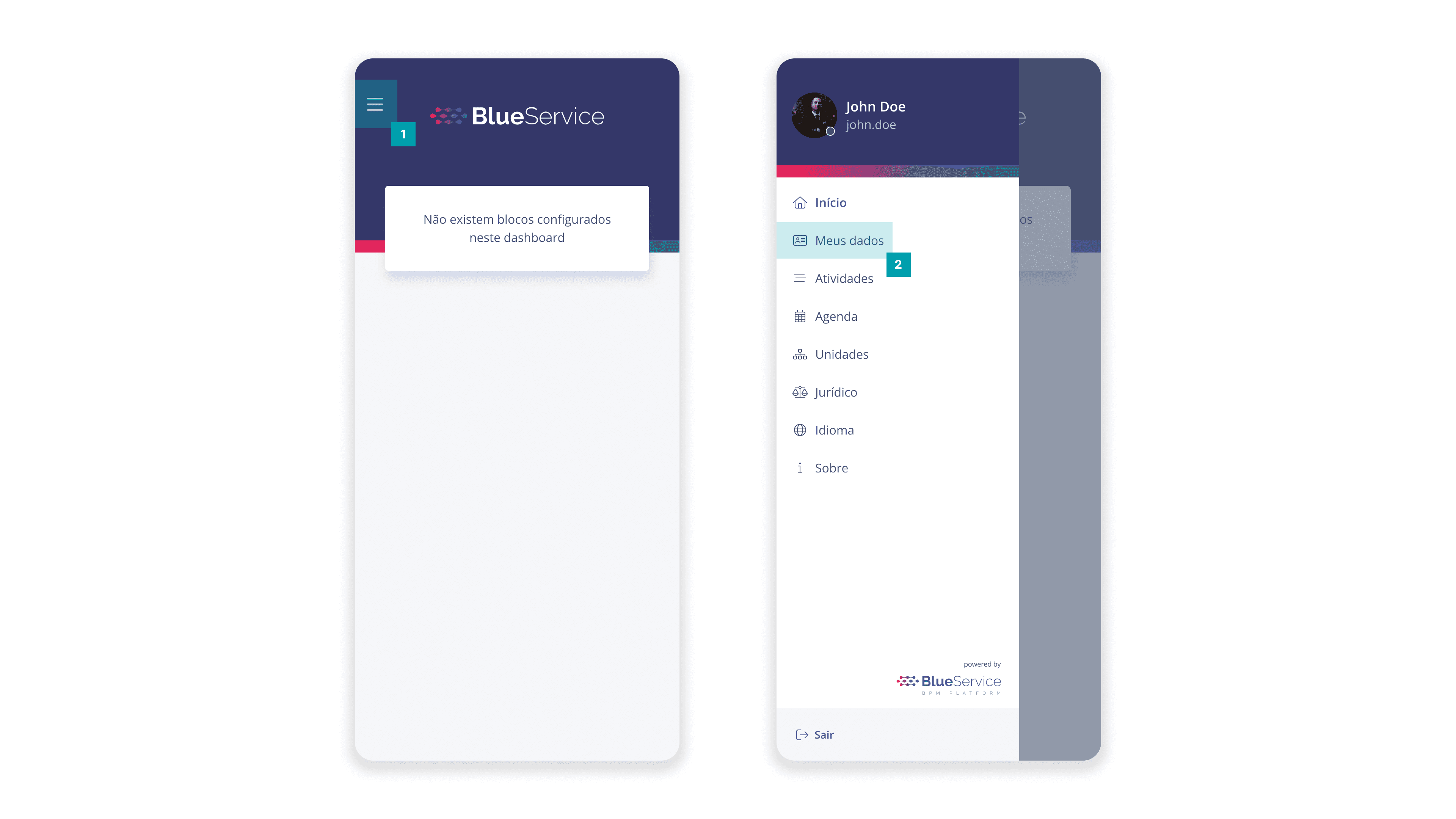
To change the password, open the user menu in the upper-left corner and click the My data option
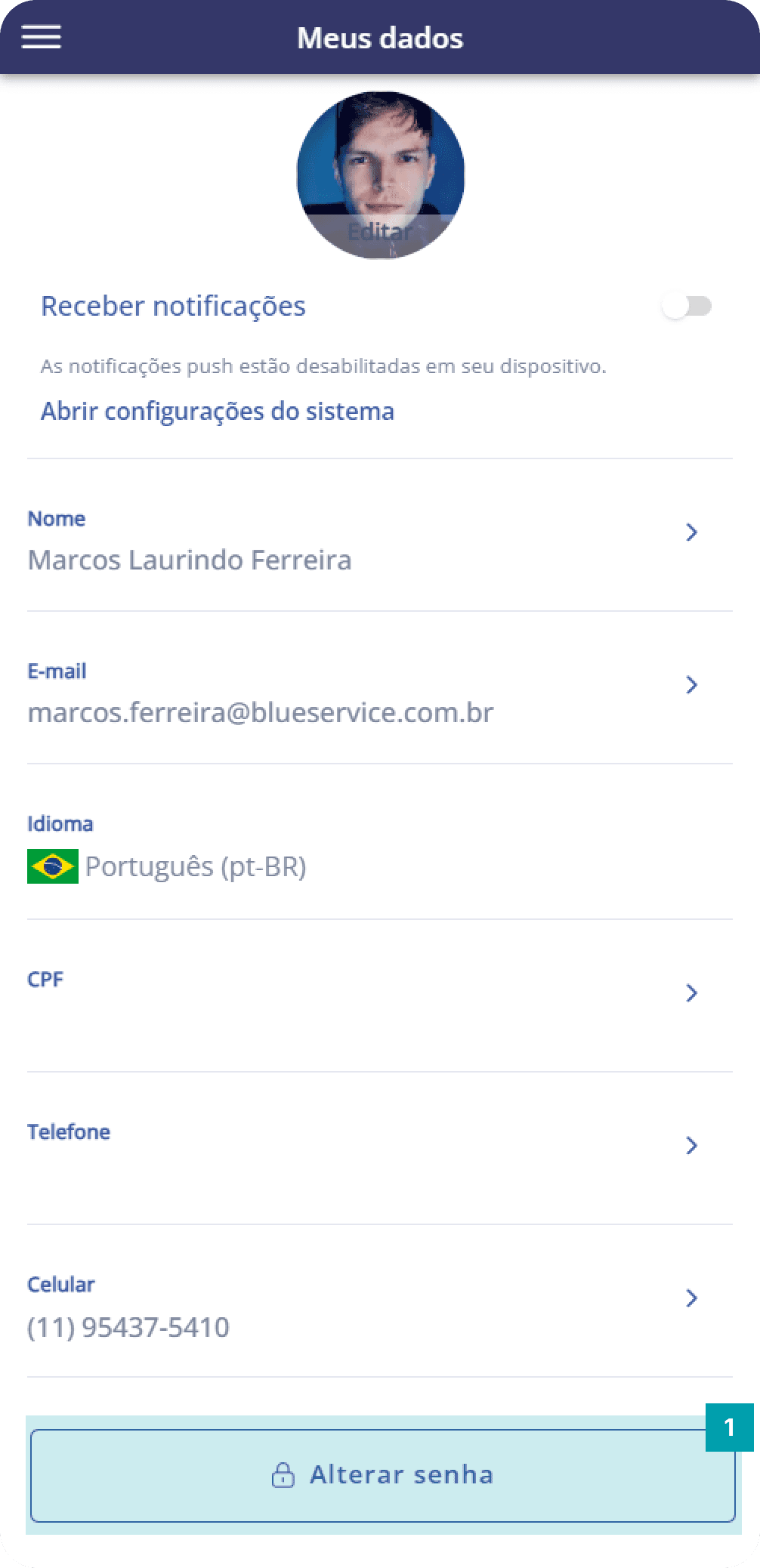
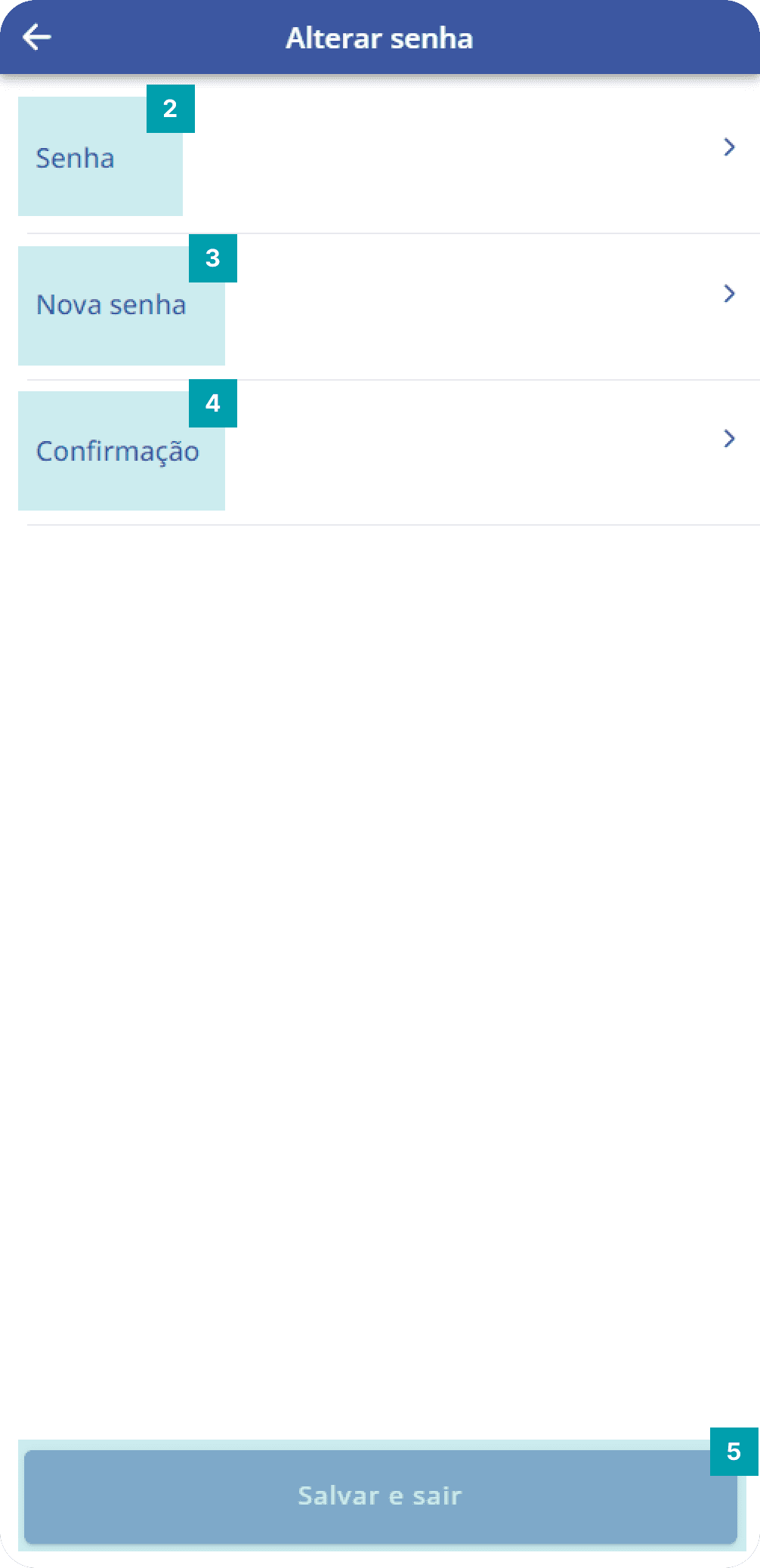
On this screen, follow these steps:
 |  |
|
To change the password, open the user menu in the upper-left corner and click the My data option
On this screen, follow these steps:
| |
|