Overview
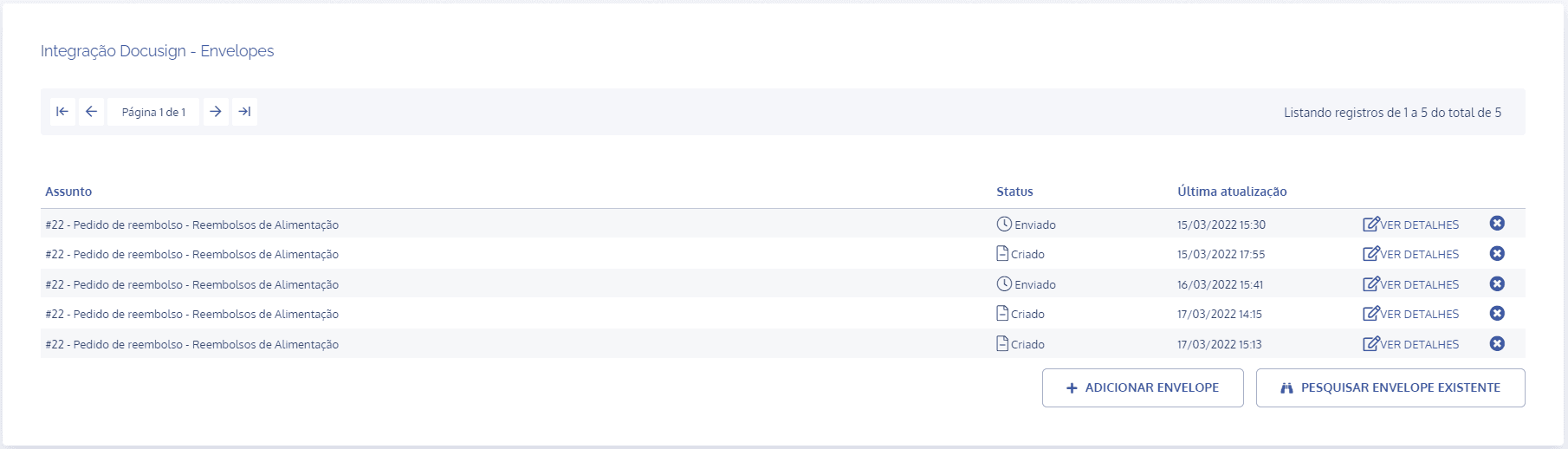
In the Docusign Integration – Envelopes block, click the view details button for the desired envelope:
Envelope details
The Envelope details block contains all relevant information about the envelope:
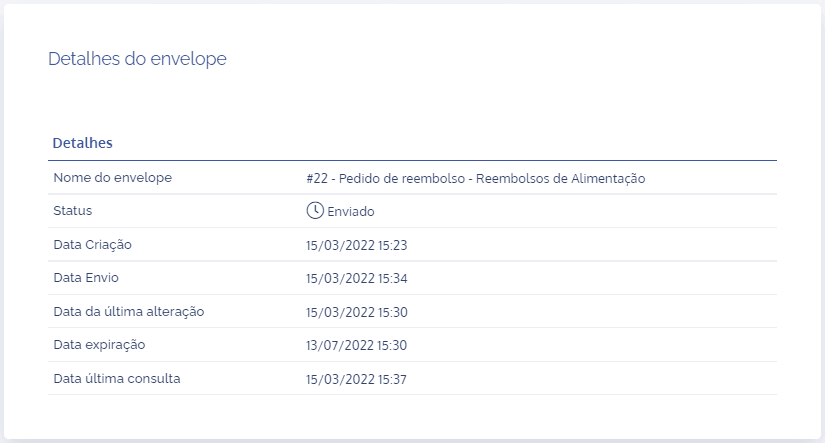
Envelope name: title assigned to the envelope that corresponds to an activity.
Status: the envelope may receive the status sent or created.
Creation date: date the envelope was created.
Sent date: date it was sent to the registered recipients.
Date of last change: last change made to the envelope.
Expiration date: final deadline for the envelope to be signed.
Date of last view: last view made of the envelope.
Recipients
The recipients block contains all recipients linked to the envelope:
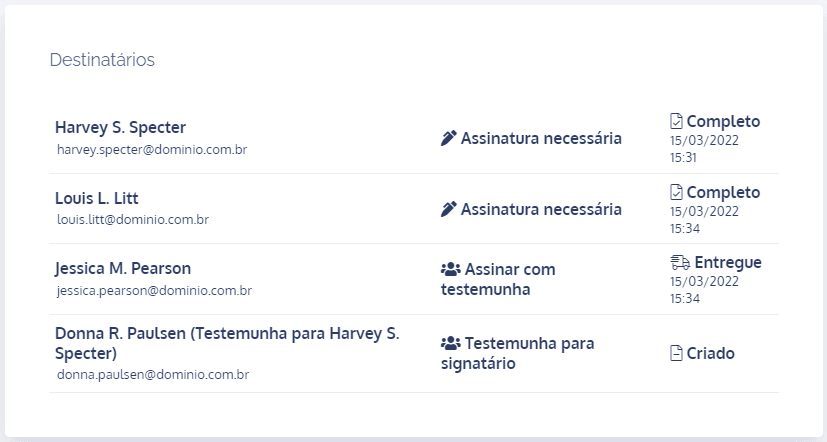
In the first column, the names of the parties involved are listed; in the second column, the required action for each client is shown; and in the last column, the envelope status for each recipient is displayed, whether it has already been sent, delivered, completed, or created.
Documents
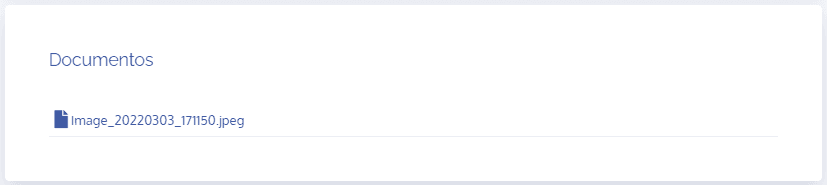
The documents block contains all files linked to the envelope, regardless of format: