
Planning – Identification Screen
This is your Identification Screen, your first contact with Annual Planning.
Here you must fill in the fields with your information, and then access the planning.
Note: The fields with will be required and must be filled in.
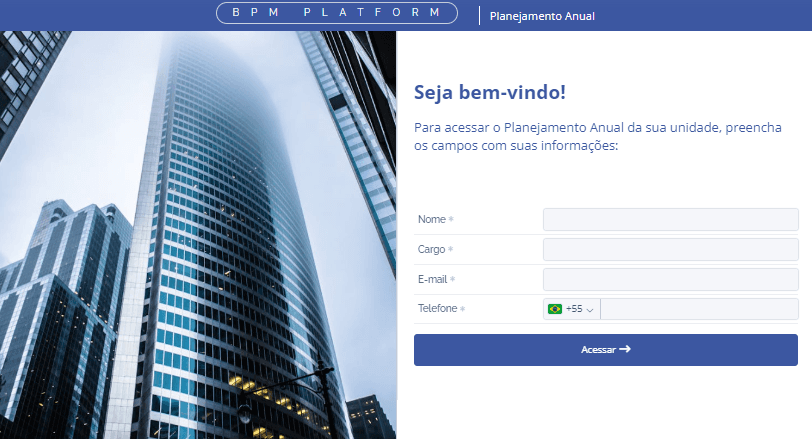
After filling in the fields, click “Access”.
This link is no longer accessible
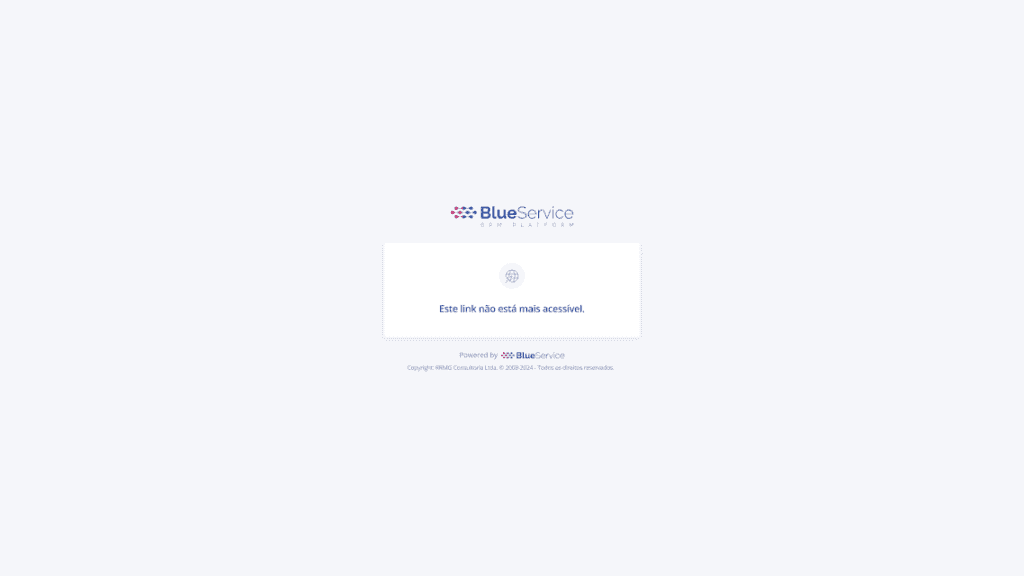
Attention: If this screen appears, the sender needs to resend the Planning.