Annual unit planning
In a unit's details, click the Annual Planning card:

Next, the Annual Planning section will be displayed, separated into 3 tabs:
View planning
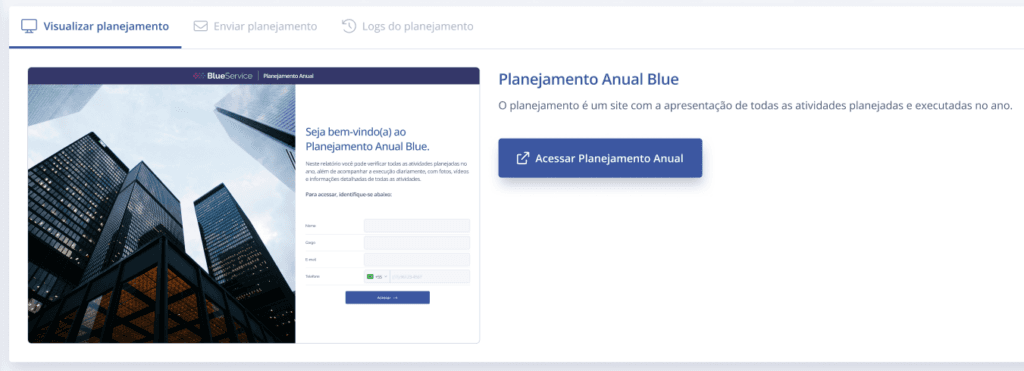
For the Annual Planning to be displayed, an activity must be linked; then it will be possible to carry out specific events within a given period. In this section, in the first tab, View planning, you can preview the user input screen and access the planning.
By clicking the Access Annual Planning button, you can access the annual planning in another tab.
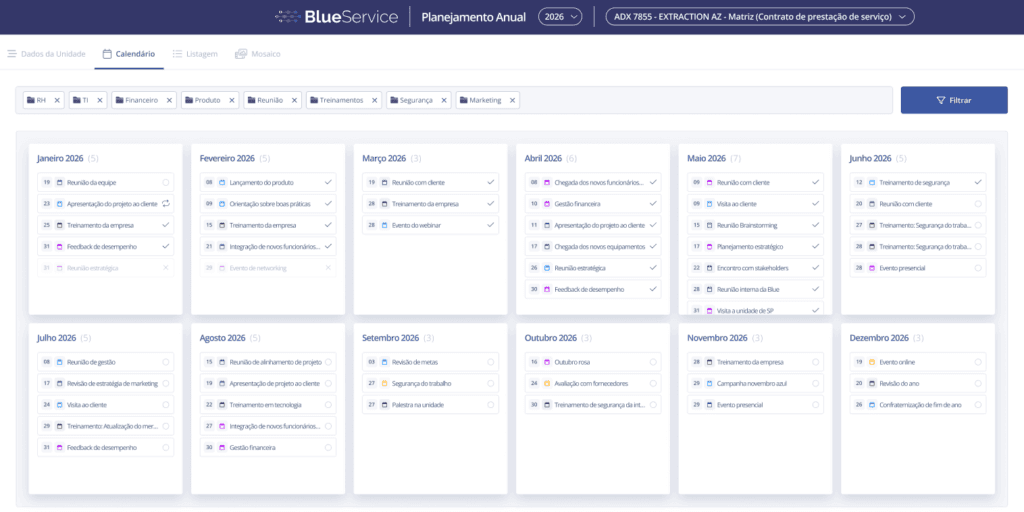
Send planning
By clicking the Send planning tab, a section will be displayed to register and send the annual planning by email to different recipients.

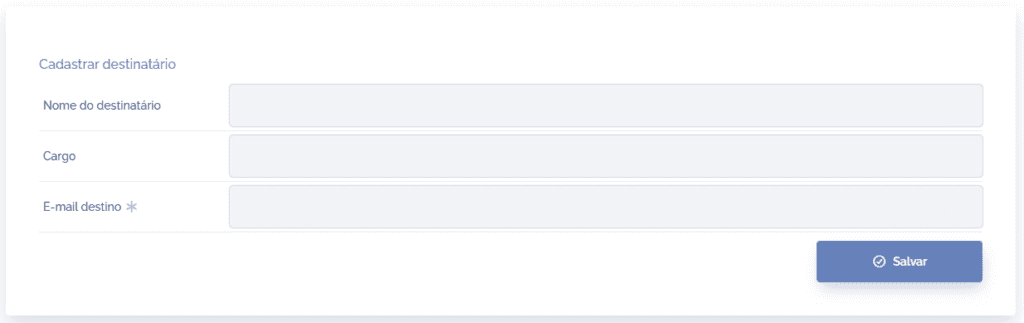
By clicking the Register recipient button, a new section will be displayed, where you can register a recipient's name, role, and a destination email (required).
By accessing the Planning delivery column in the list, you can check the delivery status and perform different actions:
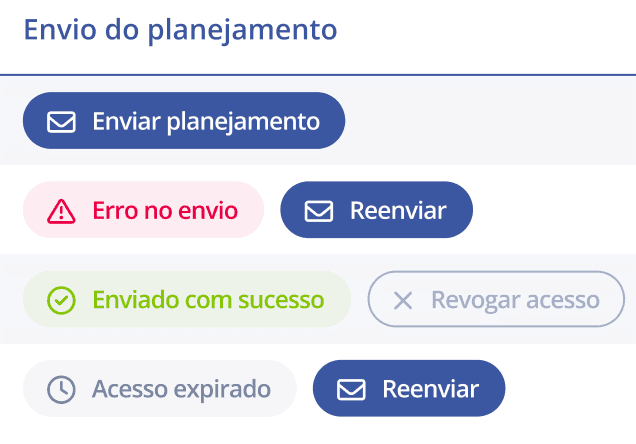
Send planning: sends the annual planning to the registered email.
Sending error: you can resend the email after a sending error.
Sent successfully: you can revoke access for the recipient who received the annual planning.
Access expired: you can resend the email with new access.
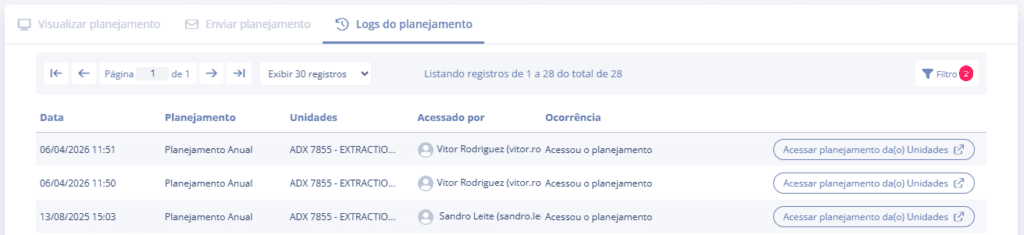
Planning logs
By clicking the Planning logs tab, a section will be displayed with the annual planning access history and a button to access it.