
Related people
In a person's details, click the Related people card:

Related people will be displayed in this block:

When you click the Add related person button, the Add related person block will open:
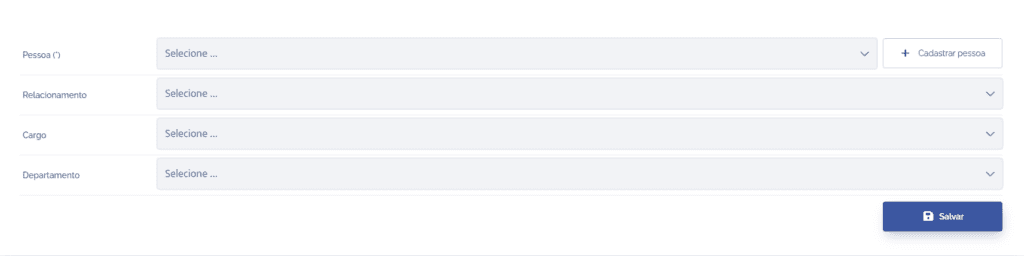
Person: Search for the person who will be linked.
Relationship: Choose the type of relationship with the selected person.
Role: Choose the role of the selected person.
Department: Choose the department of the selected person.
After filling in the fields, click the Save button to register it in the system.