
Parts of the legal document
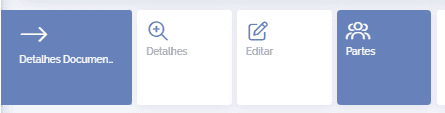
In the details of a legal document, click the Parties card:
In this block, all registered parties are displayed:
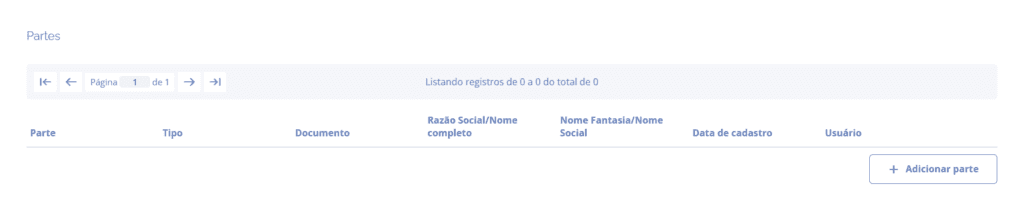
By clicking the Add party button, a block will open below:
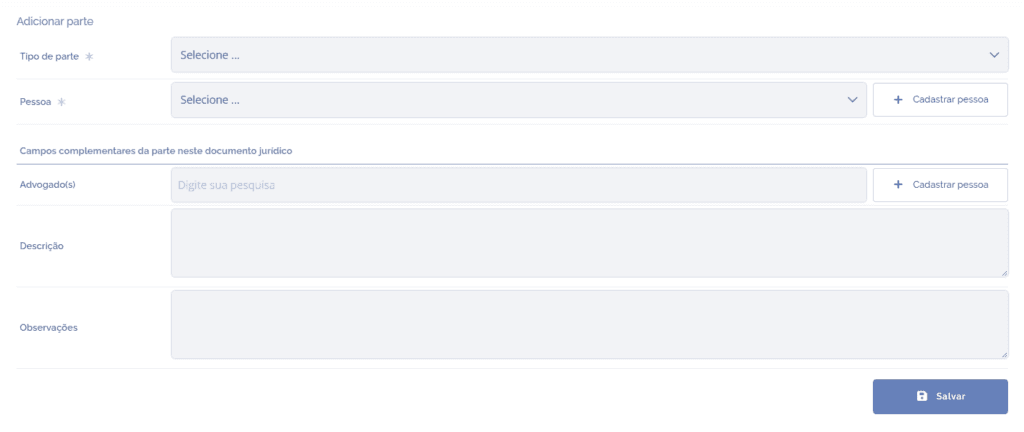
Party type: Select a party type.
Person: Select a person for the party.
Attorney(s): Select the party's attorney(s).
Description and Notes: For extra records.
After filling in the fields, click the Save button to record the information in the system.