Legal filters
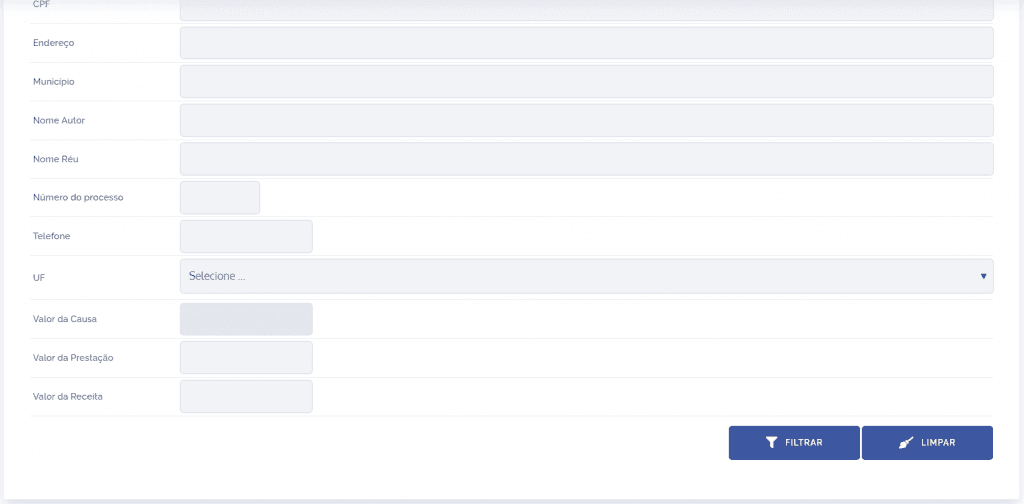
In the legal documents list, you can configure the filter, as well as add new fields. To perform this configuration, click the Filter icon located on the right side of the page:

A panel will be displayed:
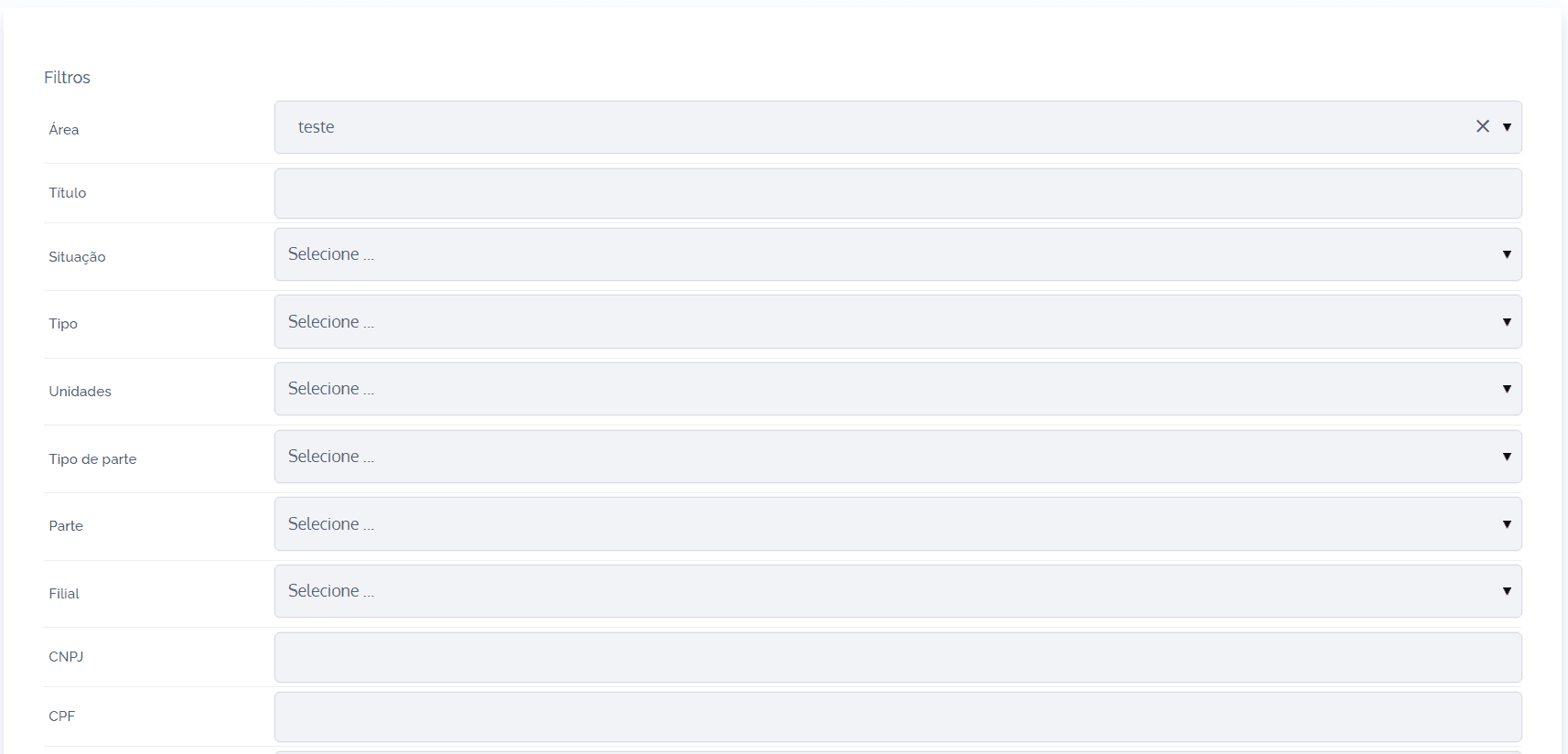
Note that the fields to be filled in are fixed, so it is possible to apply the filter using the elements relevant to the search.
After filling in the desired fields, click the Filter button. If you want to clear the applied filter, click the Clear button.