
Tools
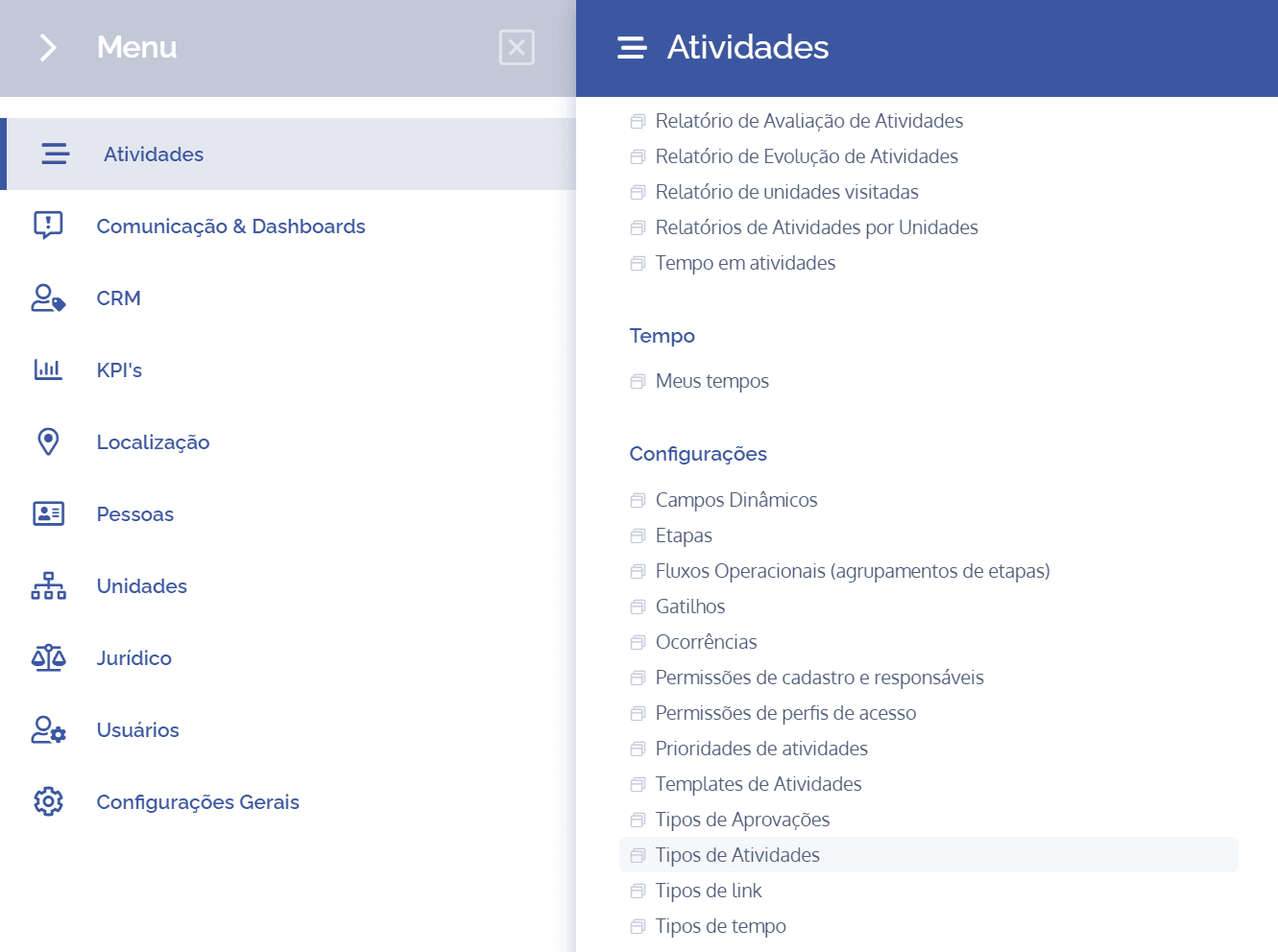
To add tools to an activity type, open the main menu, select the Activities module, Settings and click the Activity types option.
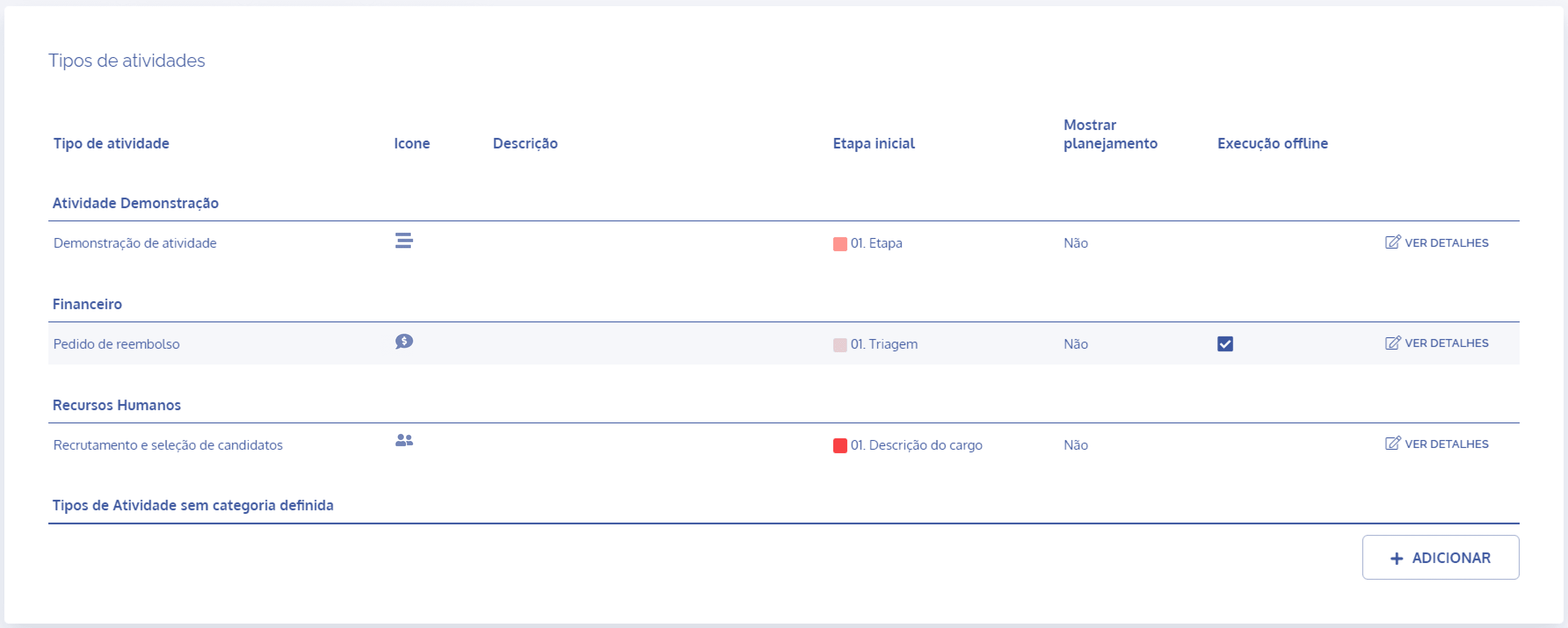
In the Activity types block, click the View details button to display the details of the desired activity:
Next, click the Tools card
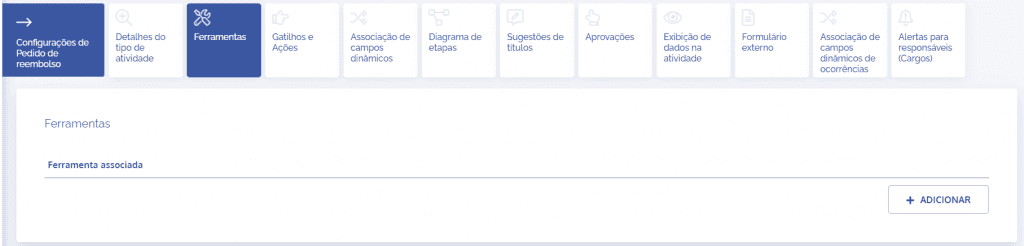
When you click the Add button, the Add tool block will be displayed:
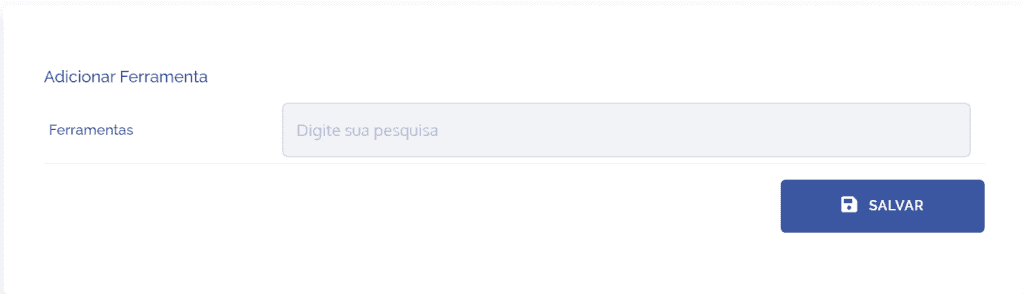
By default, the system provides three tools: Comments, Files and History/Occurrences.
After adding the tools, click the Save button.