
Delete unit list
In the unit listing, it is possible to delete a unit list. To perform this operation, click the Manage lists icon:

Next, a new block (Manage lists) will be displayed:
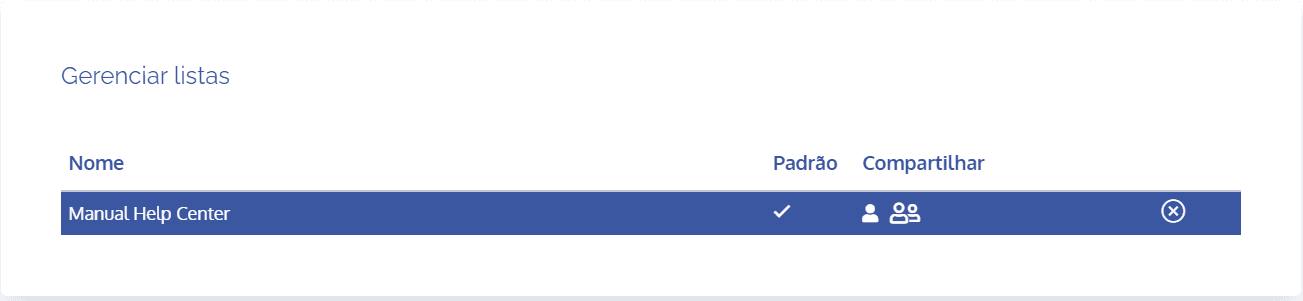
To delete a list, click the Remove list icon. Then, a confirmation window (pop-up) for deleting the list will be displayed:
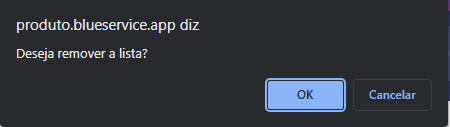
To confirm, click the Ok button.