
Share unit lists
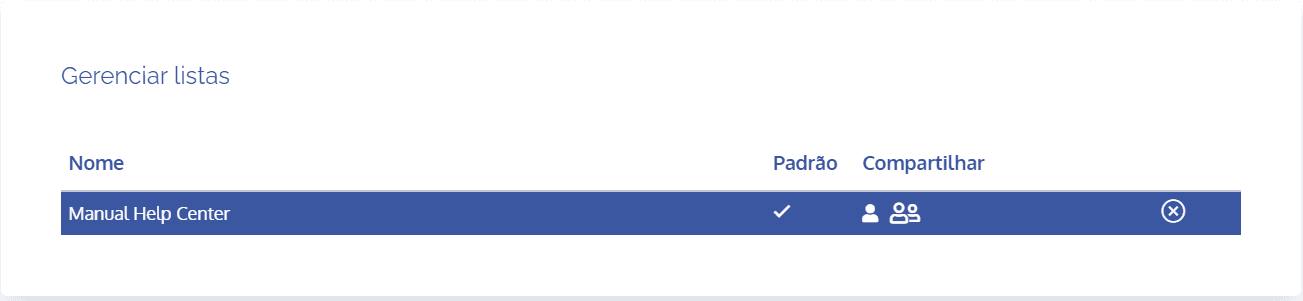
In the unit listing, it is possible to delete a unit list. To perform this operation, click the Manage lists icon:

Then, a new block (Manage lists) will be displayed:
Access profile
To share a list with access profiles, click the Share list with user profiles icon. Then, a floating window will be displayed:
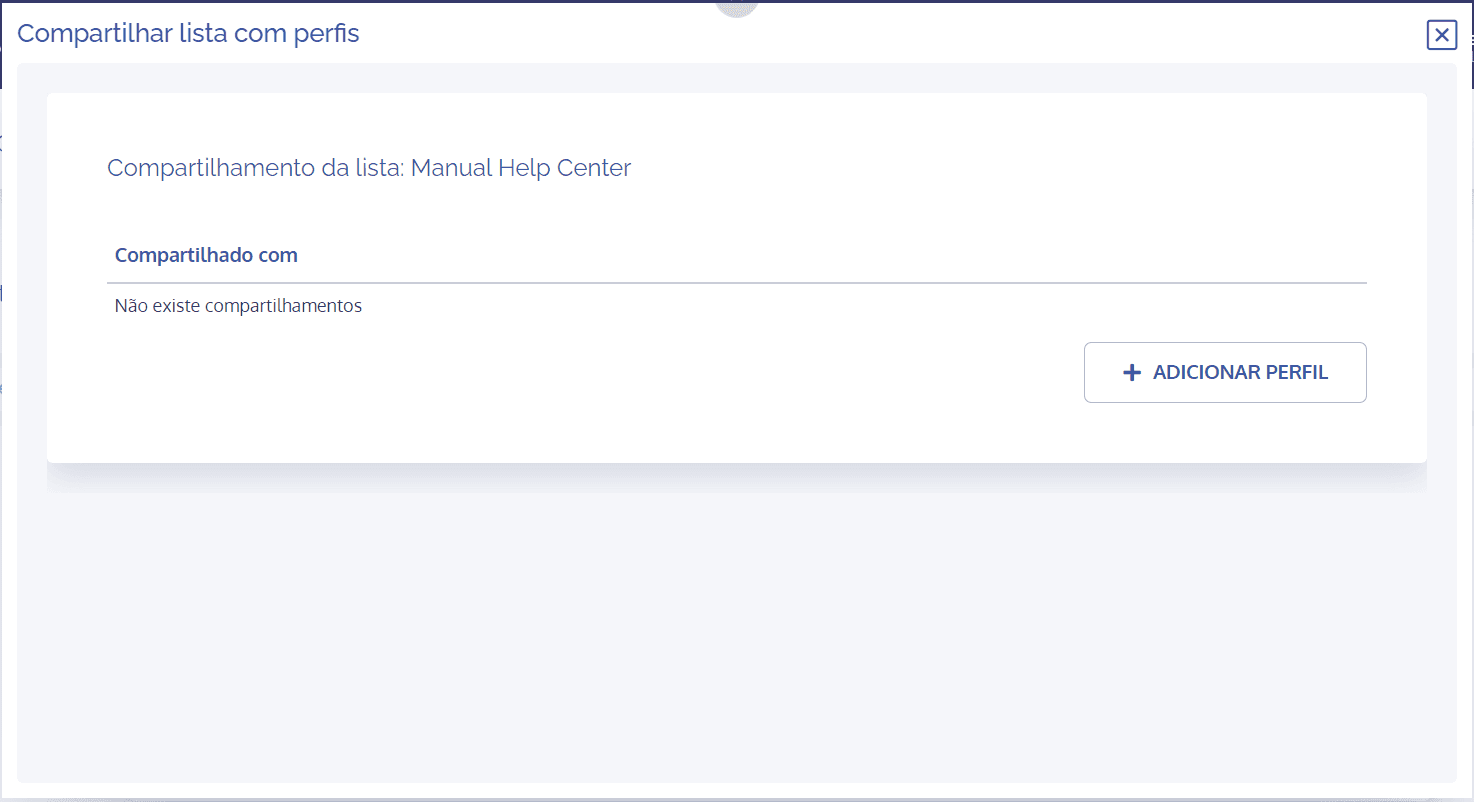
In this window, you can enter the access profile, then click Add profile:
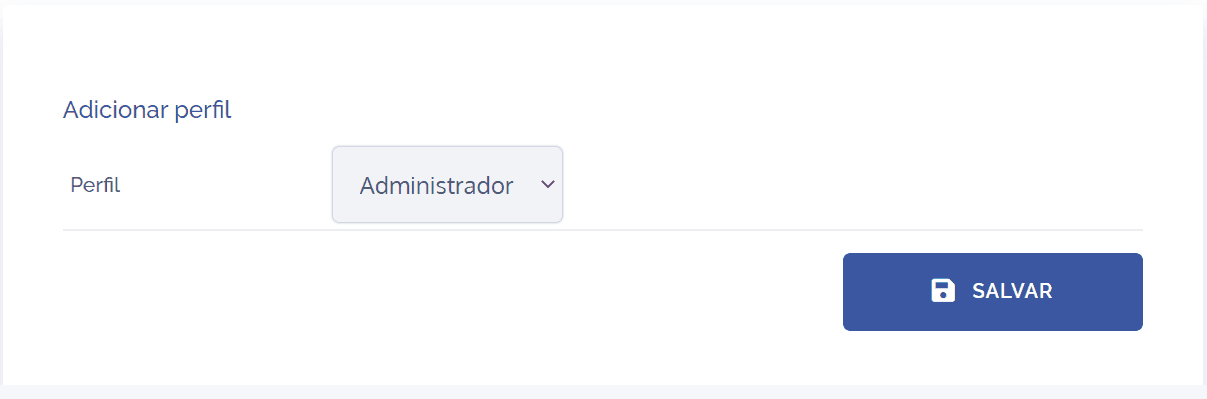
Choose the desired access profile to share the list and click Save.
Users
To share a list with users, click the Share list with other users icon. Then, a floating window will be displayed:
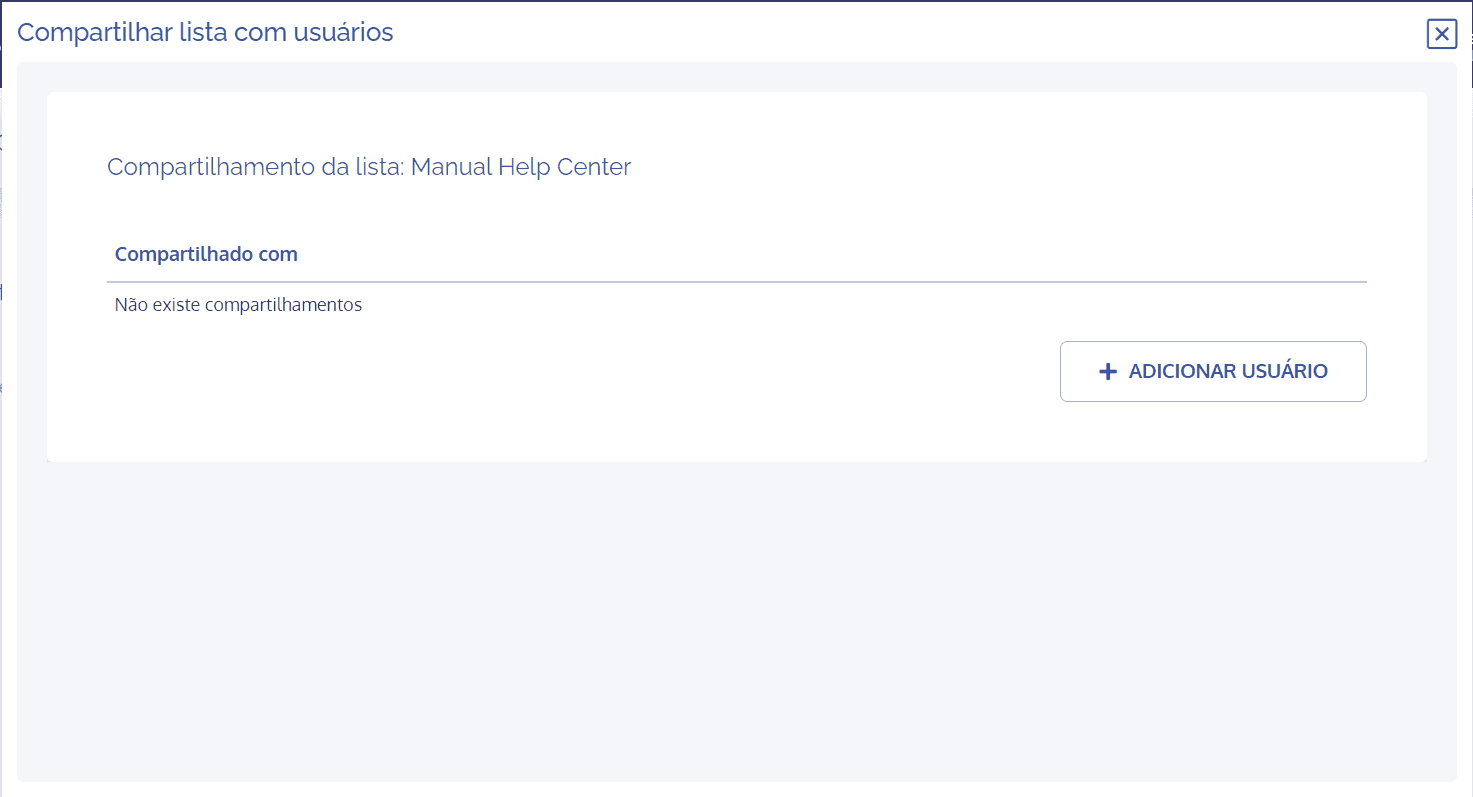
In this window, you can enter the user, then click Add user:
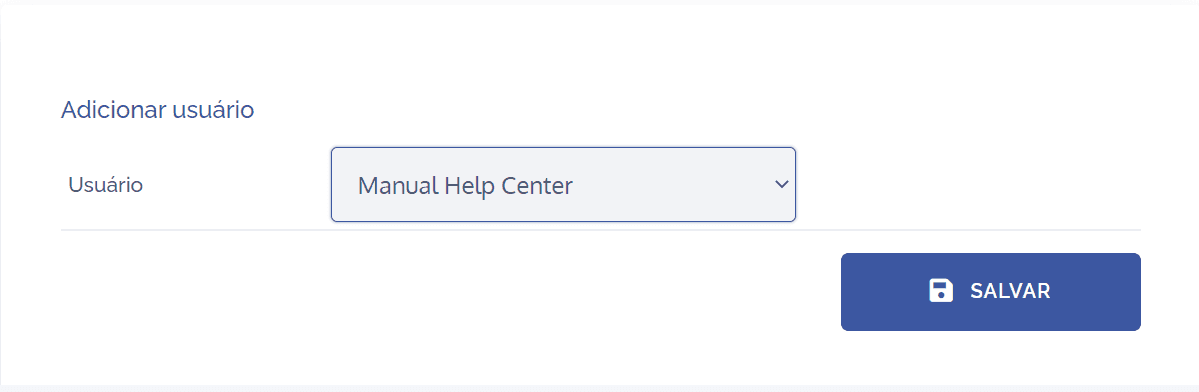
Choose the desired user to share the list and click Save.
Delete user and access profile
To delete a user and/or access profile, click the Remove icon in the sharing settings of the desired list. Then, a confirmation pop-up window for deleting the sharing will be displayed:
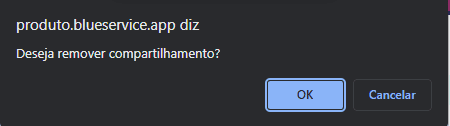
To confirm, click the Ok button.