I forgot my password
If the user forgets their password, they should click on “I forgot my password”, as shown in the example below:
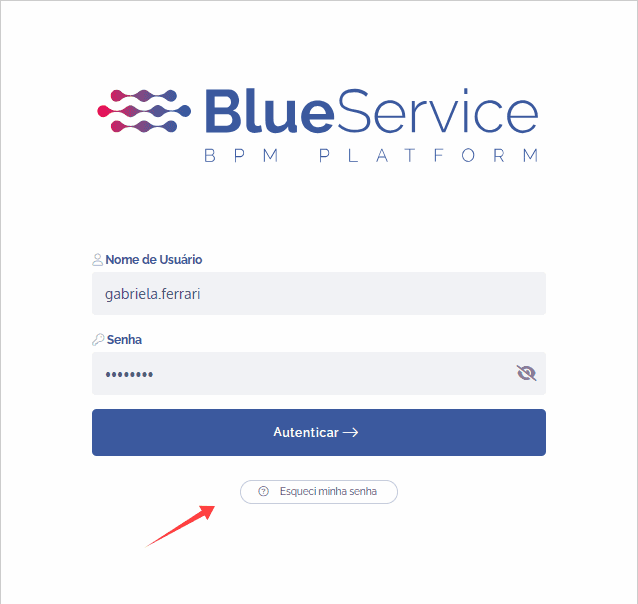
Next, it is necessary to enter the username, and the system will send an email so the user can reset their password.
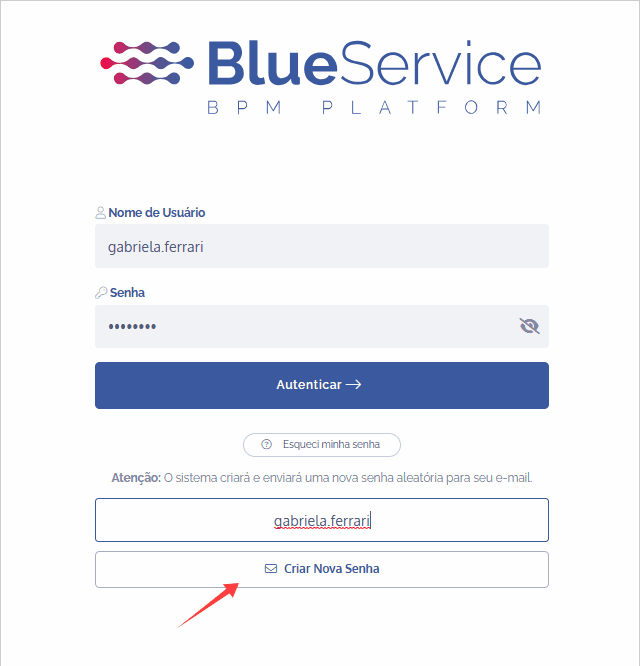
After filling in the field and clicking on “Create new password”, the following message will be displayed.
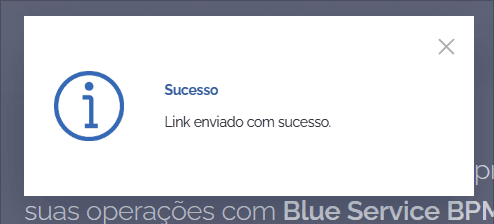
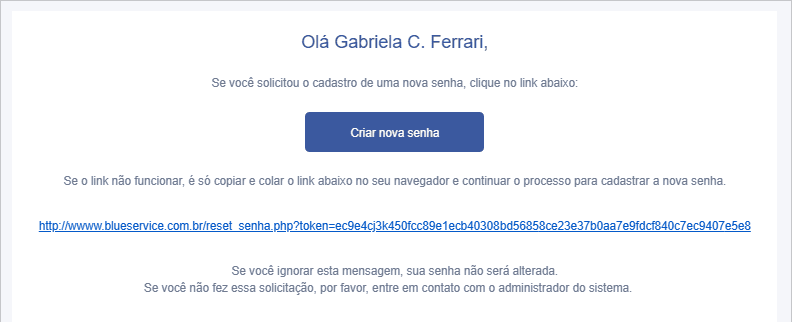
The system will automatically send the email with the password reset link, as shown in the example below:
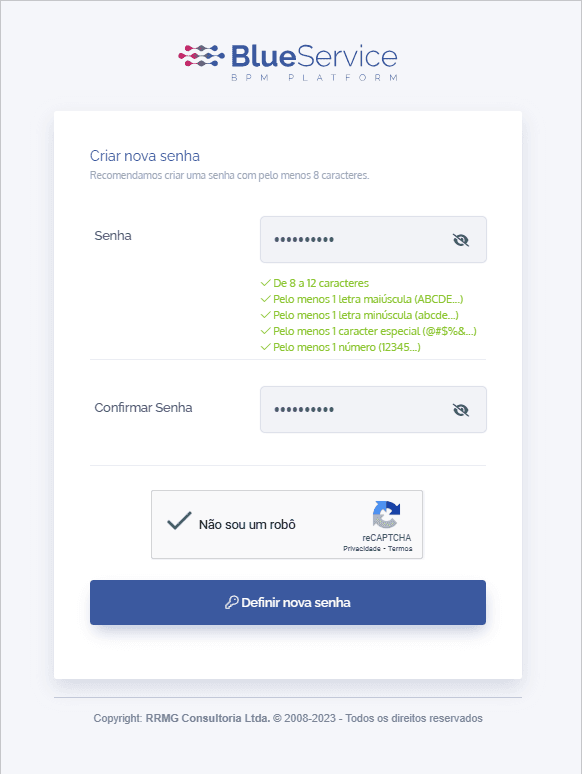
Then, the user must fill in the fields with a new password (following the displayed rules), as well as check the reCAPTCHA, and after that, click on “Set new password”.
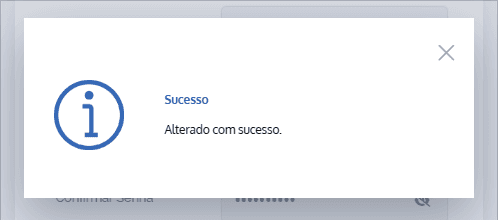
Upon confirmation, the message below will be displayed. Finally, just enter the login and the newly defined password and click on “Authenticate” to access the environment.