
Edit type of legal document
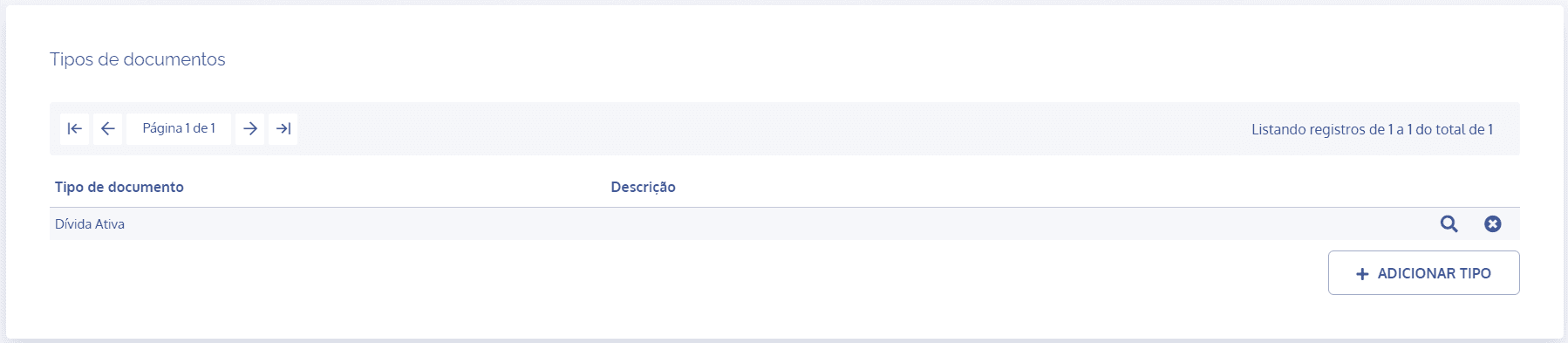
In the Document types block, click the details icon of the desired type:
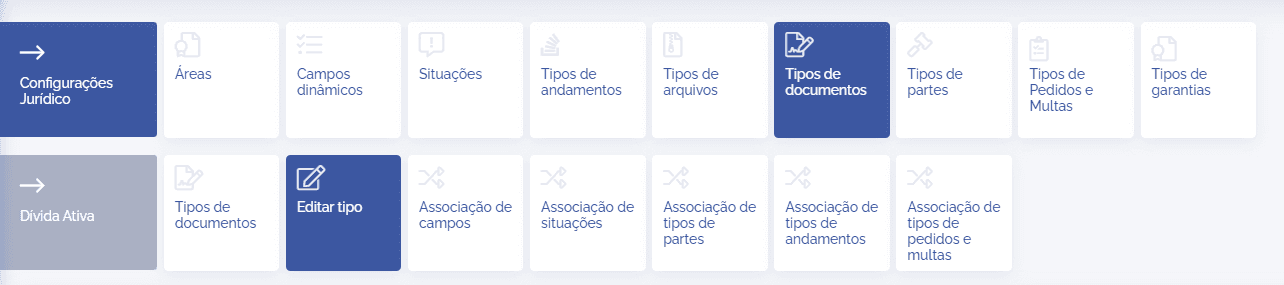
Next, by default, the Edit type card is already displayed:
In this block, it is possible to edit the type:
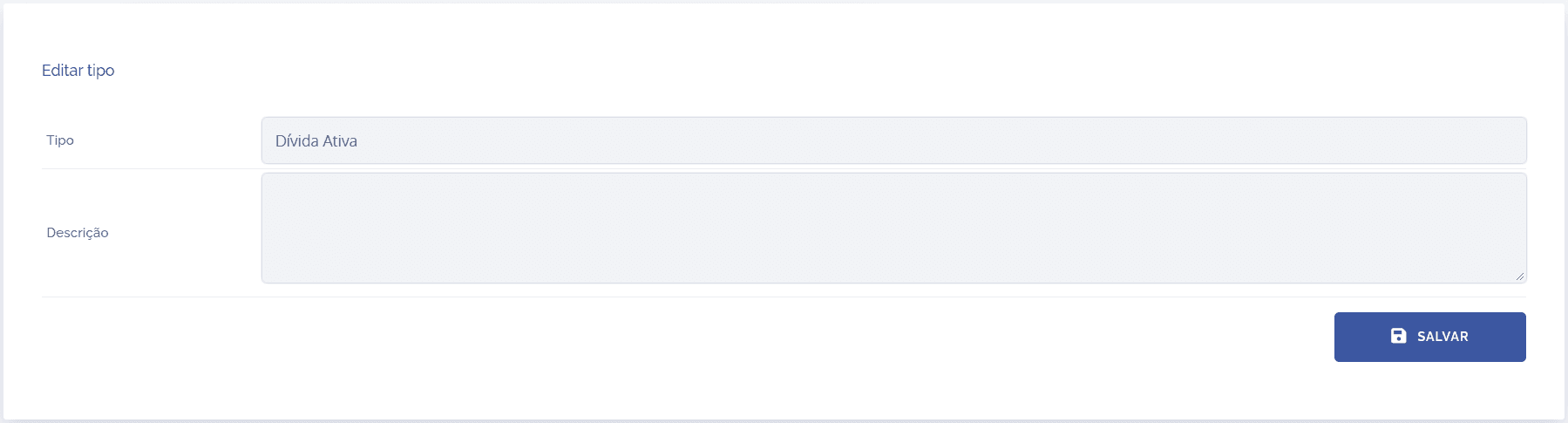
When editing a document type, it is possible to change the type name, as well as its description. After making the relevant changes, click the Save button.