
Edit block in the mobile dashboard
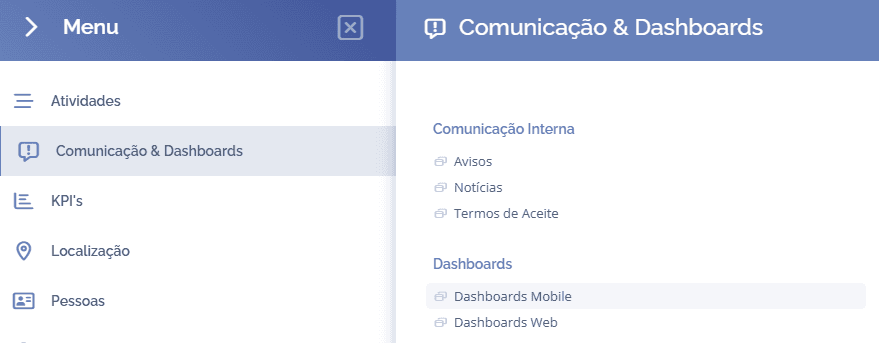
To edit a block, open the main menu, select the module Communication & Dashboards, Dashboards and click the Mobile Dashboards option:
In this block, click the settings icon
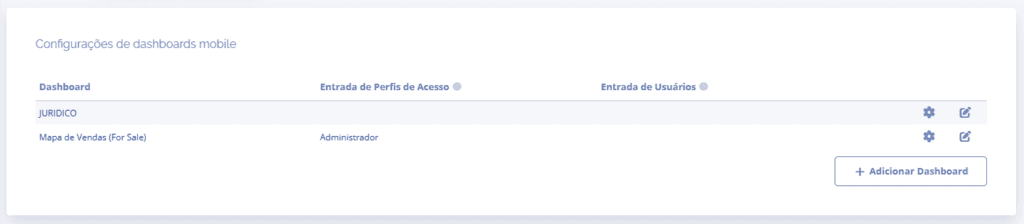
A floating window will open:
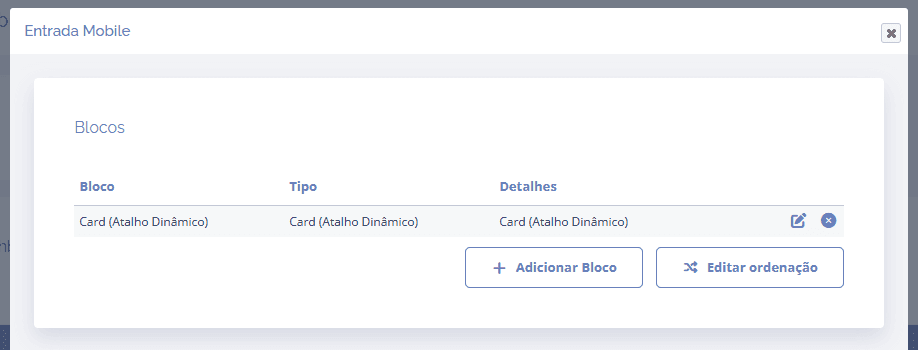
To edit the block, click the edit icon, and the block information will be reloaded in the same window, where editing can be performed:
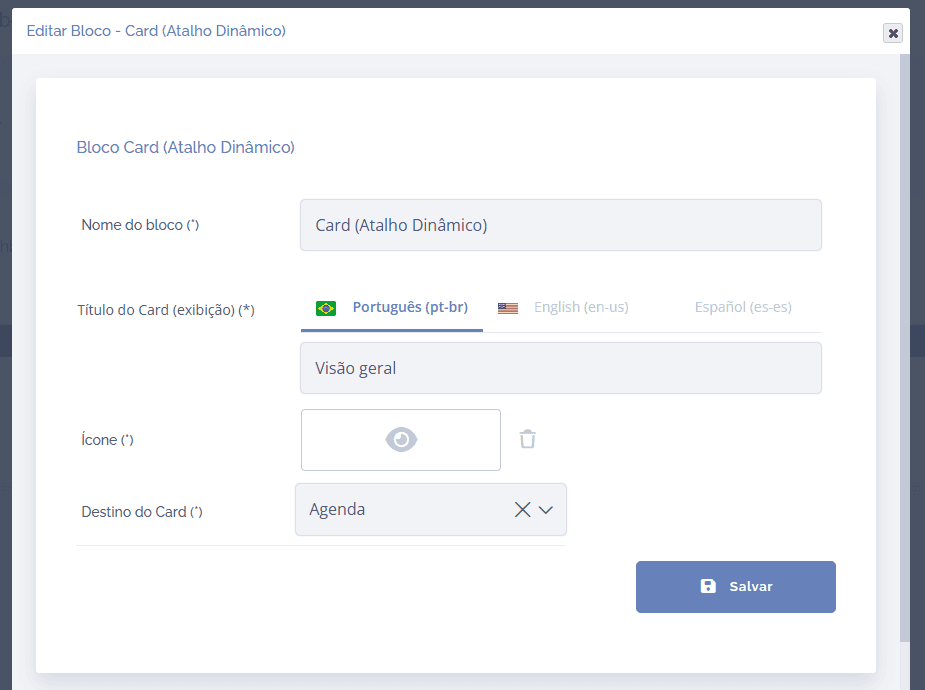
After editing, click the Save button to save the information.