
Outbreaks of activities in units
In the details of a unit, click the Activity trigger card:

Next, the Add activity block will be displayed, then click Select… in the Activity type field:

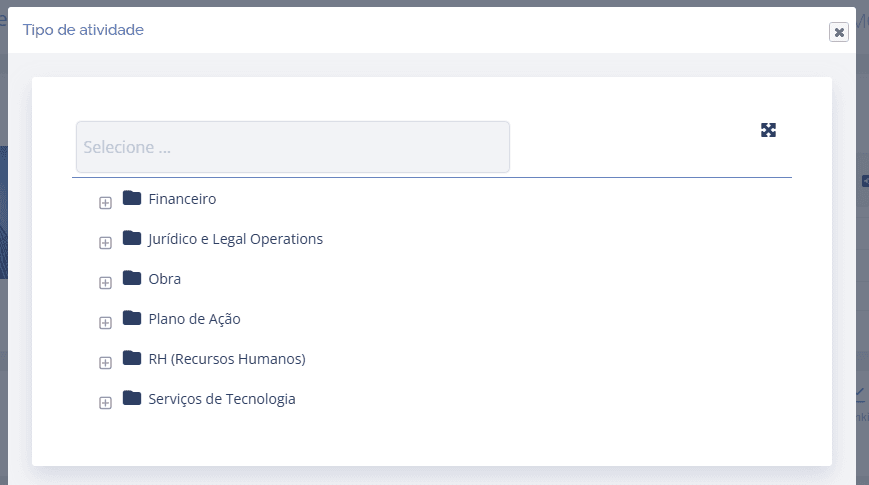
A floating window will be displayed; choose the desired type from those registered:
Then, a new block (Add activity) of the chosen type will be displayed:
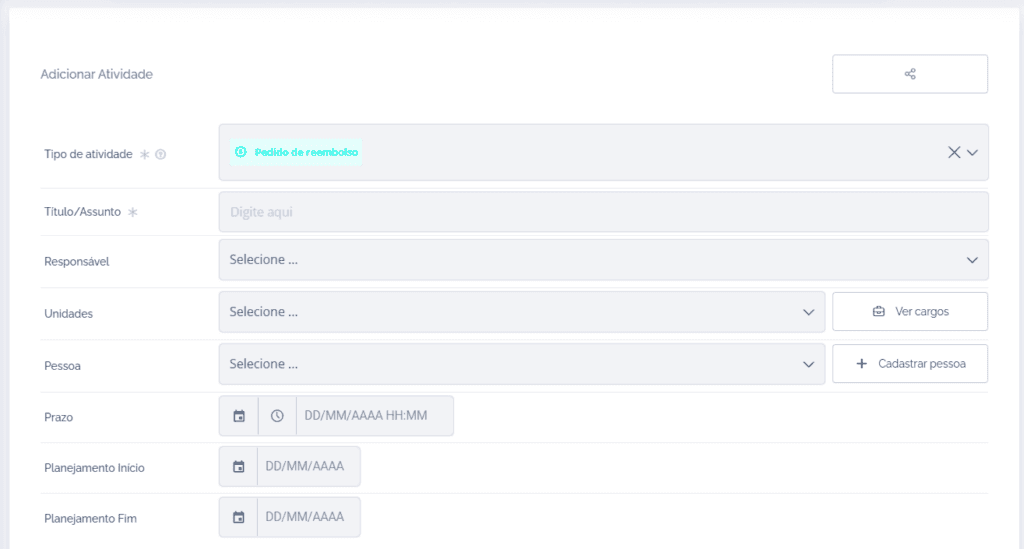
After filling in the fields, click the Save button.
Important: For a better understanding of how to fill in the fields of an activity type, see the topic Create/Add activities in the Activities module of the manual.