Create access profile
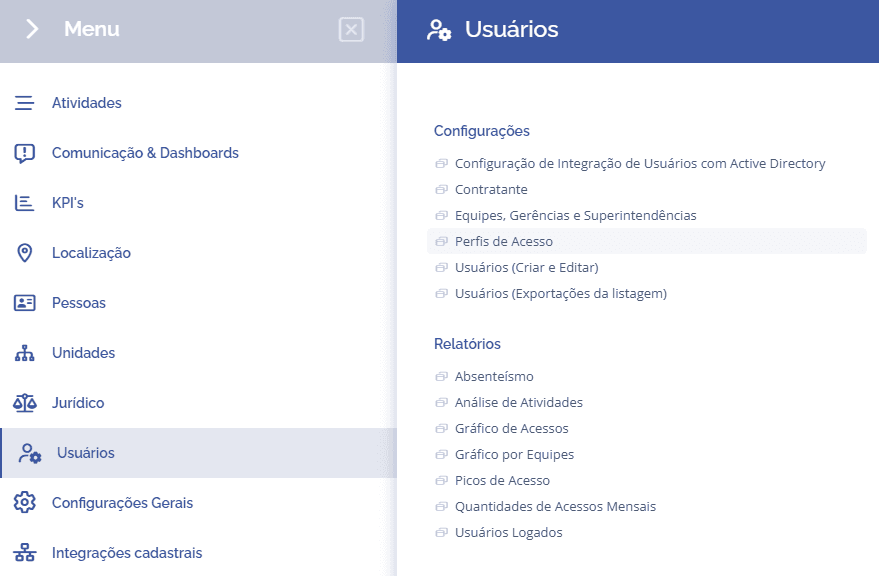
To create an access profile, open the main menu, select the Users module, Settings and click the Access profiles option.
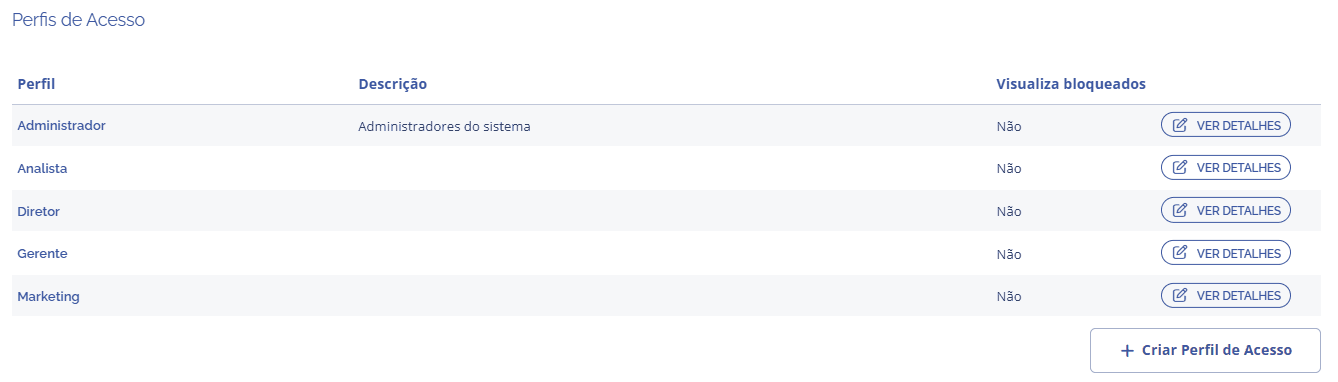
Click the Create access profile button:
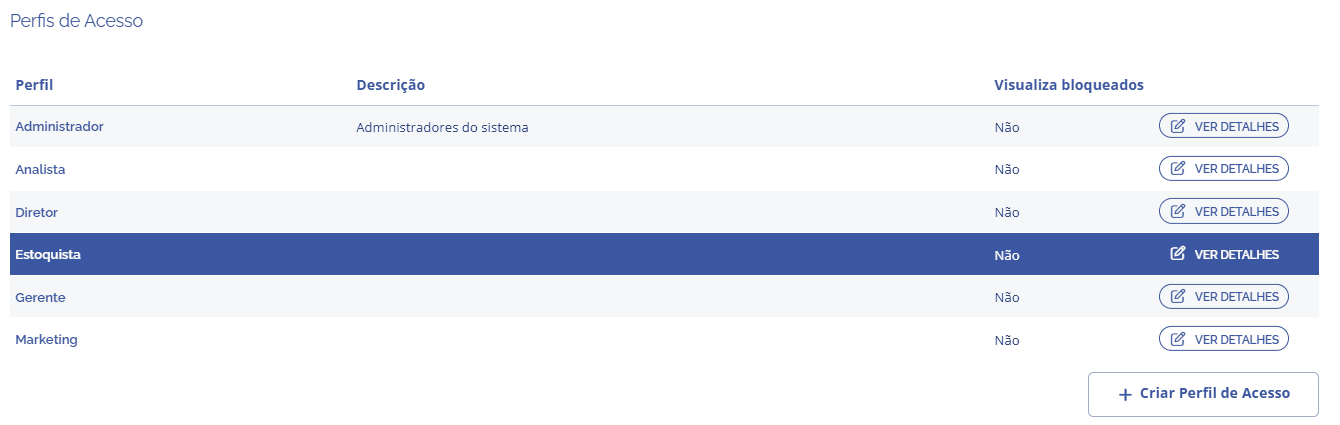
At this stage, you need to define the access profile for a specific group of users. As an example, the Stock Clerk access profile was created. The description is just a brief comment about this access profile, including its responsibilities and roles in the system.