
Create/Add blocks in the web dashboard
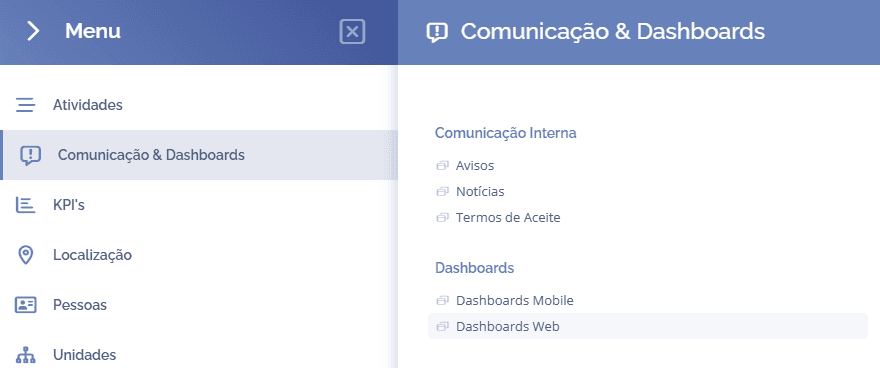
To add blocks, open the main menu, select the module Communication & Dashboards, Dashboards and click the option Web Dashboards:
In this block, click the settings icon

A floating window will open:
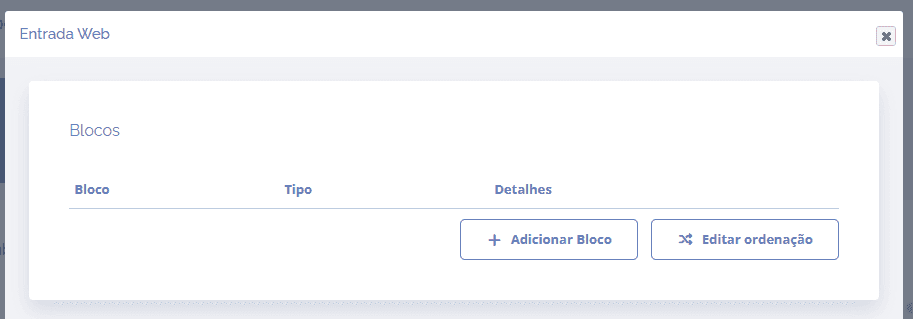
When you click the Add block button, a block will open below to select one or more blocks for the dashboard
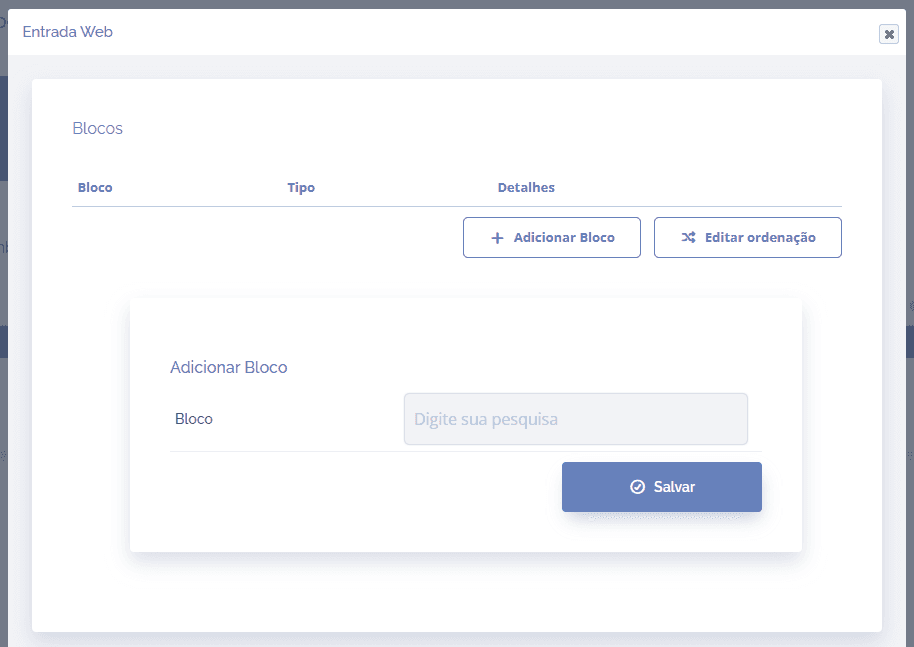
After selecting the block(s), click the Save button to record the information in the system.