Creating a plan
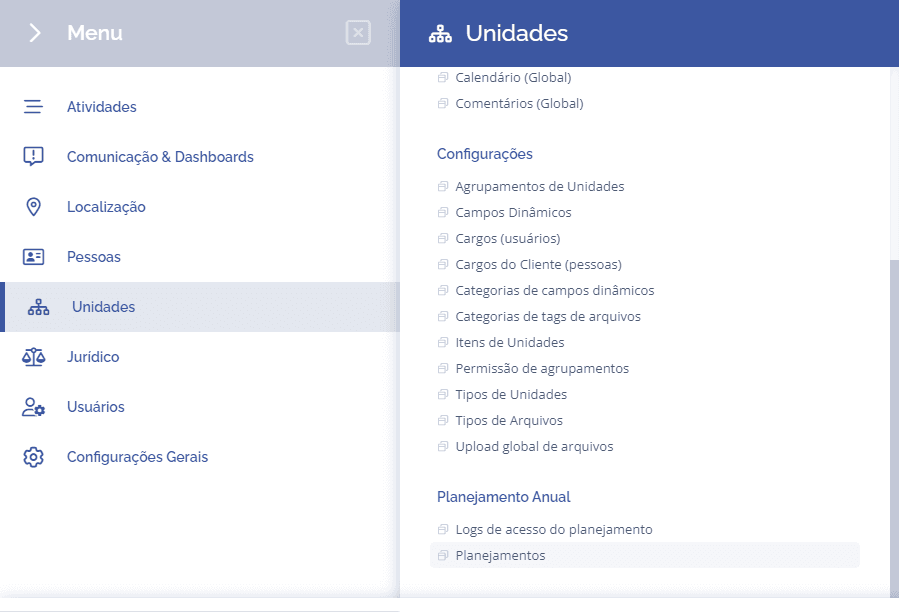
To create a new planning, go to: “Units” > “Annual Planning” > “Plannings”.
Creating the planning
On the next screen, the planning form will be displayed, where you can edit an existing planning or create a new one.
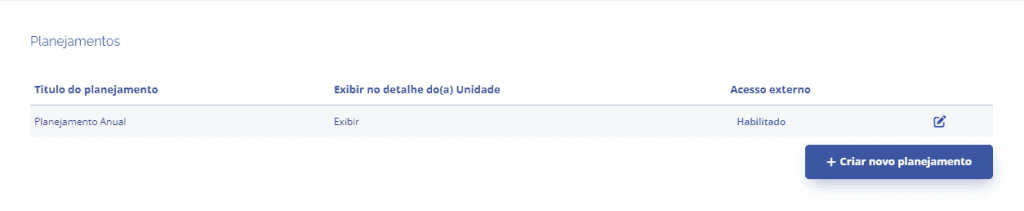
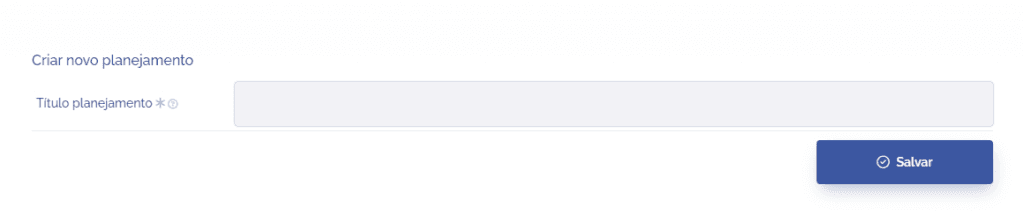
After clicking the Create new planning button, you must fill in the title and then click Save.