
Getting to know the platform
In this topic, you will learn a little more about the Blue Service platform, with an overview of how it works, its main benefits, and how it is structured.
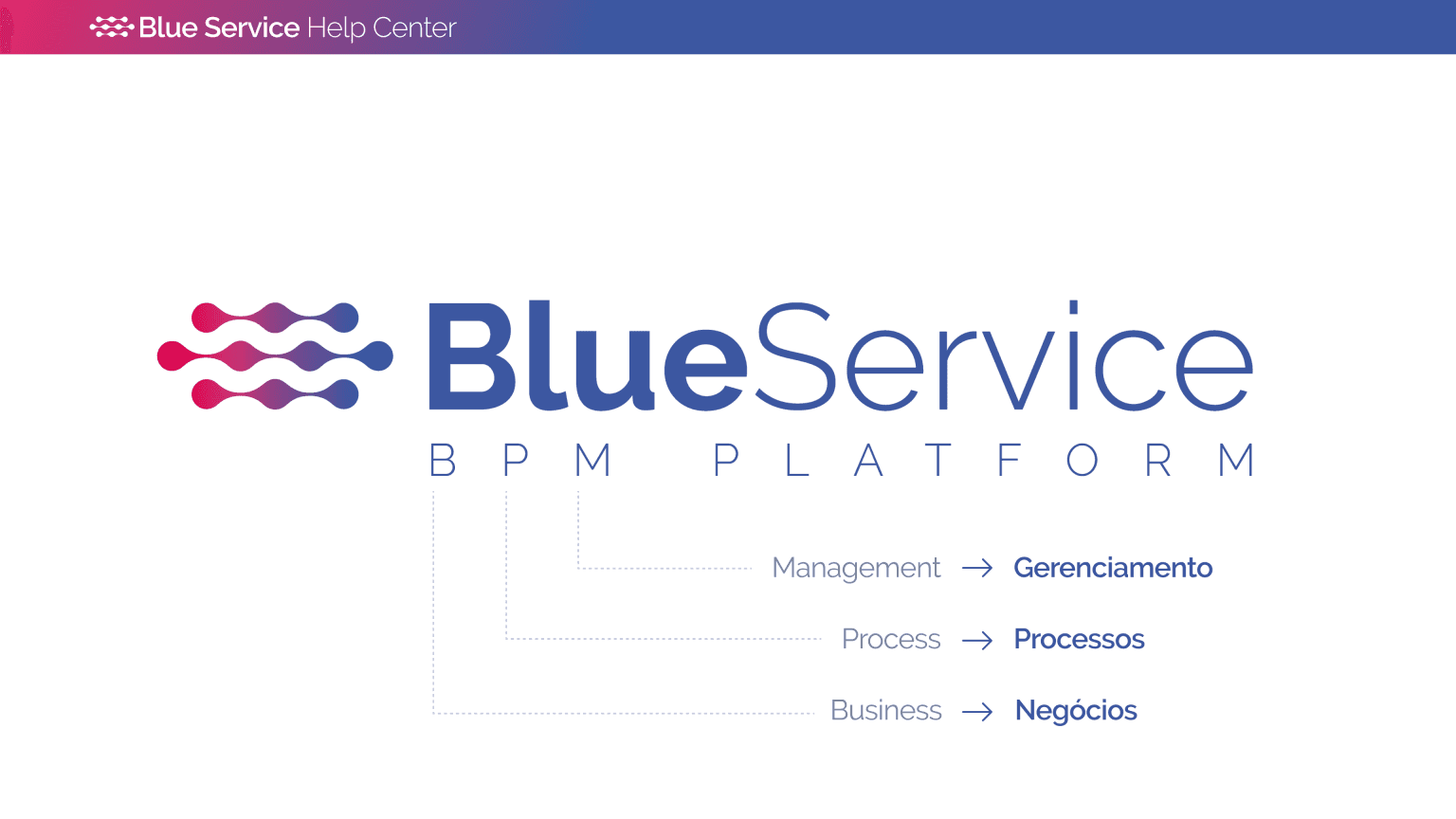
Blue Service is a BPM platform, which stands for Business Process Management. In other words, it is a specialized software solution developed to help companies and organizations from a wide range of industries better manage their business processes.
Structures in modules
The Help Center is divided into modules, arranged in a logical sequence. This division allows you to get to know the system progressively, moving forward module by module according to the platform structure:
Business processes
Business processes are made up of several stages and actions to be carried out at different moments in the workflow. Some processes require the involvement of other departments and even external agents, such as suppliers, service providers, and customers.
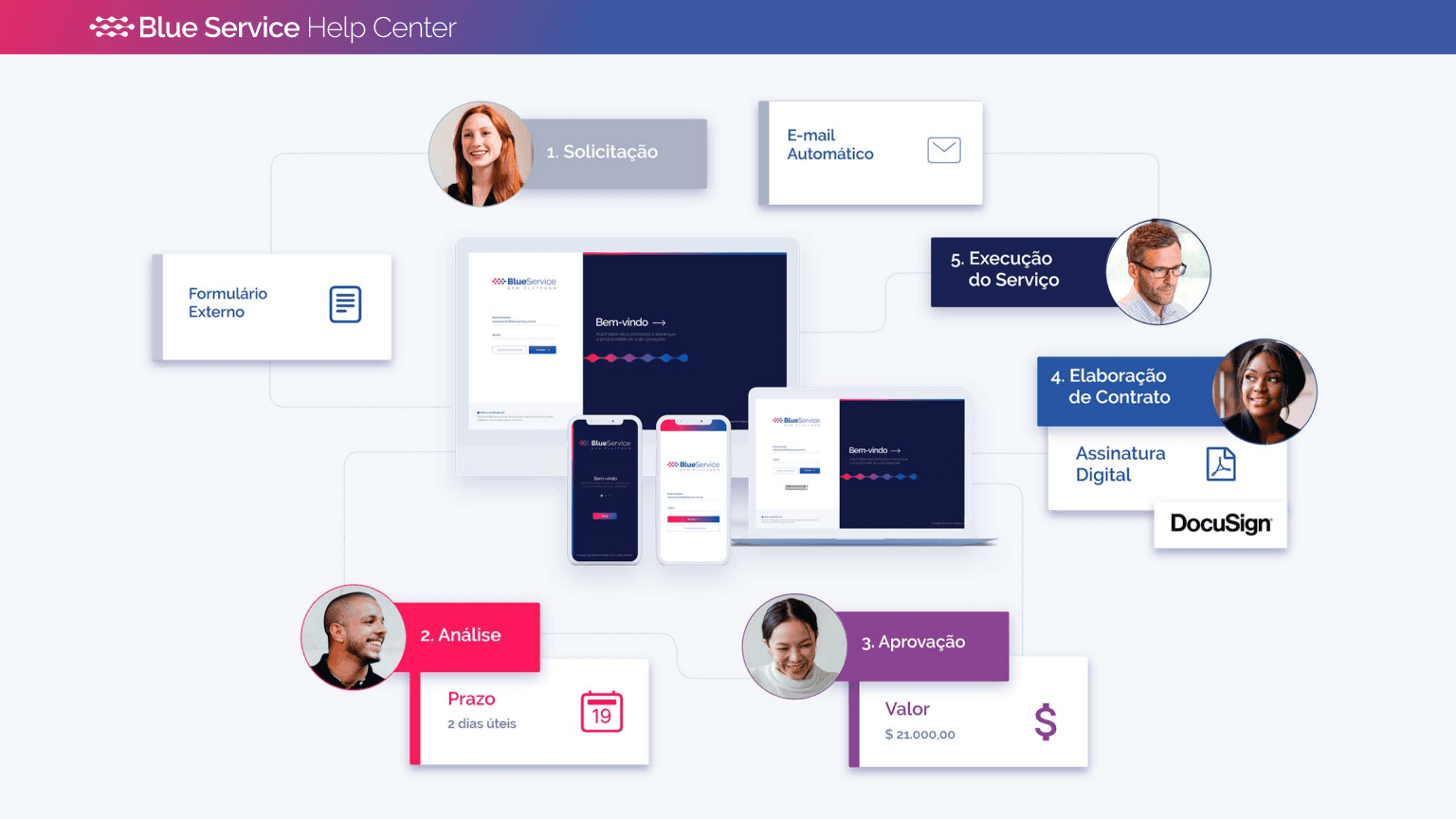
When tasks are integrated and automated, the result is an organized, smooth, and uncomplicated delivery. The Blue Service platform addresses all these aspects, connecting people and processes to improve the flow of activities. This brings a series of benefits, such as gains in efficiency and productivity, elimination of waste and rework, and greater process control and transparency.
Complete platform
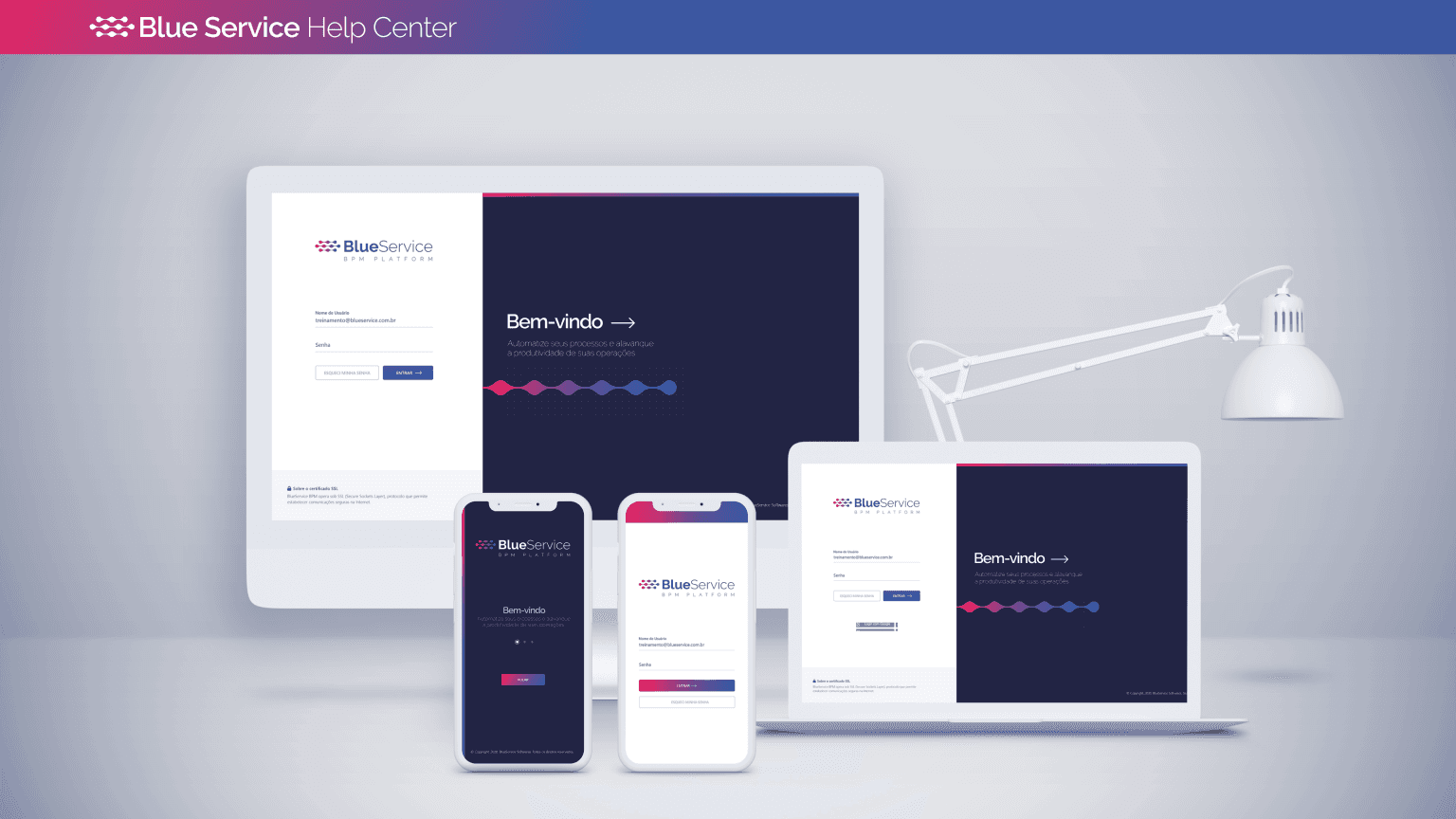
Blue Service is a complete, broad, robust, and highly customizable platform, accessible via the web and also through the mobile app. It is a 100% no-code platform. This means no programming knowledge is required to use or configure it.
Operation vs Configuration
Before learning about the main system modules, it is important to understand some platform concepts, starting with the distinction between “operation” and “configuration.” The platform has a large number of different modules, screens, and features. In many parts of the system, these features are divided between operation screens and configuration screens.
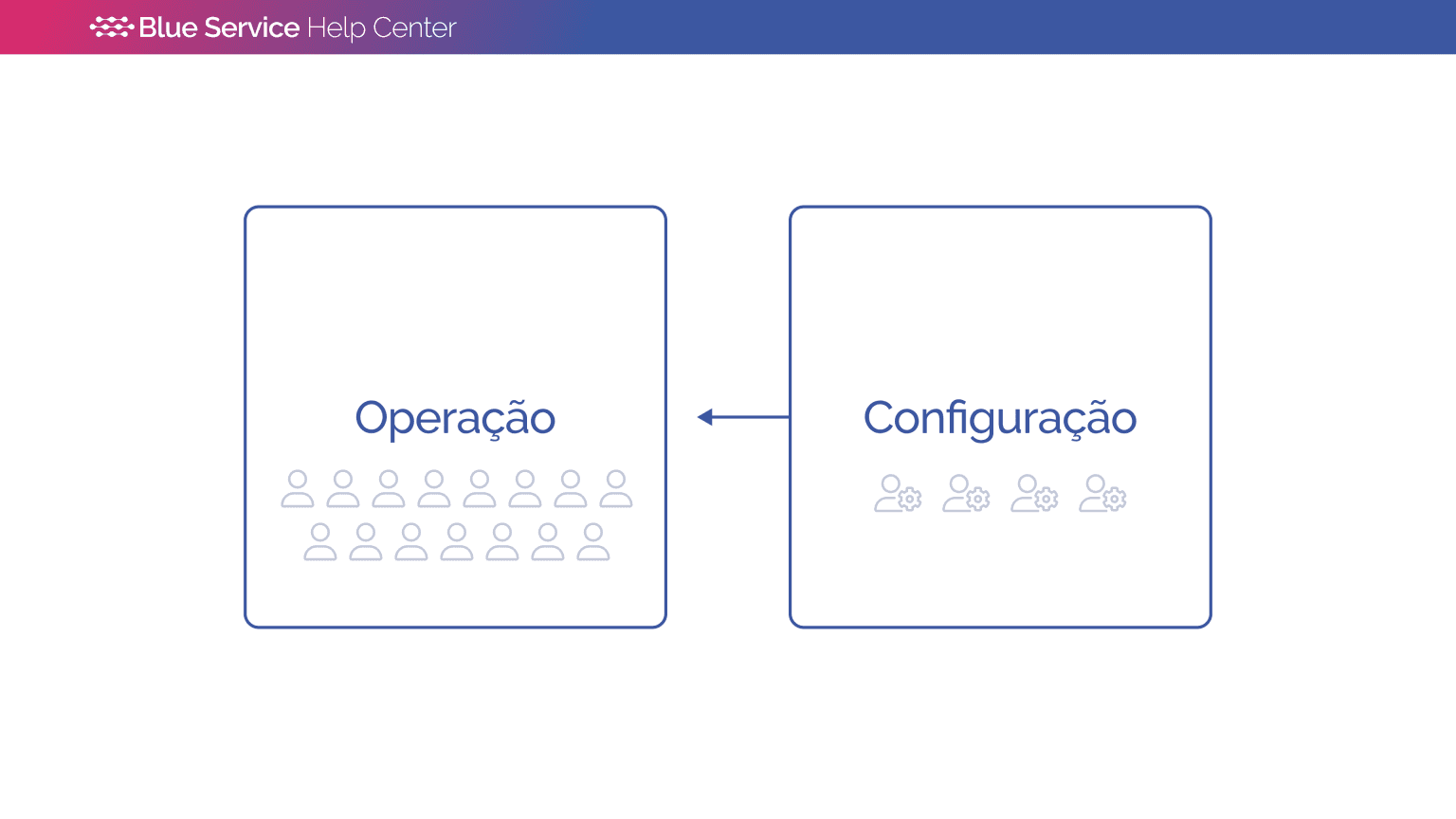
Configuration screens contain system management and organization features, and are usually restricted to certain users. Changes made on configuration screens directly affect operation screens.
Operation screens contain operational features, used daily by a large number of users. All platform users are organized into access profiles, with rules that define “by whom” and “which” information can be accessed.
Therefore, not all users see the same information within the system. This happens due to access permission rules.
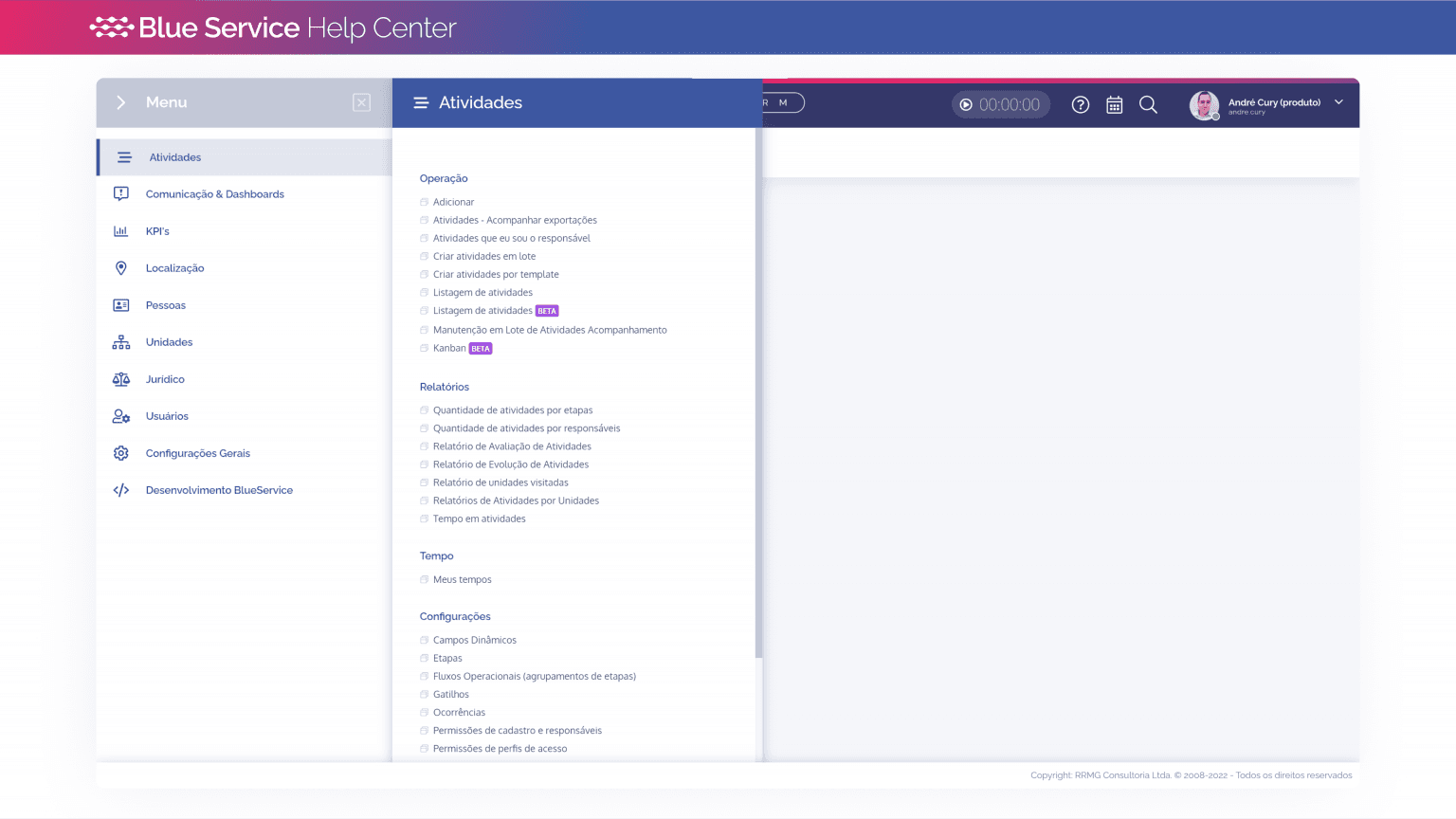
Therefore, it is important to evaluate your context of use of the platform. In the Help Center, the modules are presented first for users with an operational profile, and then the configuration screens are presented.
Next, you will learn about the main modules that make up the platform. See you then!