
Free content block on the web dashboard (insert video)
Free content block on the web dashboard (insert video)
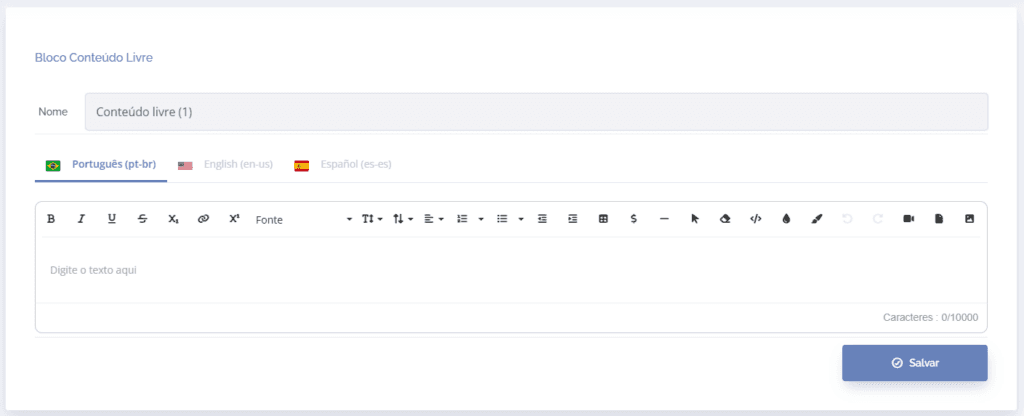
When you click the edit icon to configure the free content block, a text box for formatting will be displayed:
Important: To insert content from YouTube, click share, embed, and copy:
Important: To insert content from Vimeo, click share, embed, and copy:
Attention: when copying the code from the Vimeo platform, it is necessary to uncheck the option “Show text link underneath this video.” in the selection box, as shown in the video above.
To insert the video content, select the icon, then enter the video's embed code:
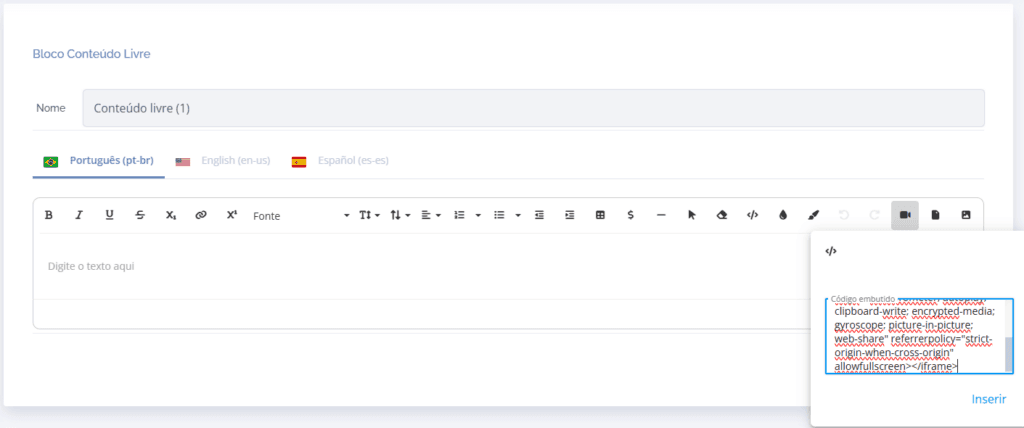
Then click the Insert button
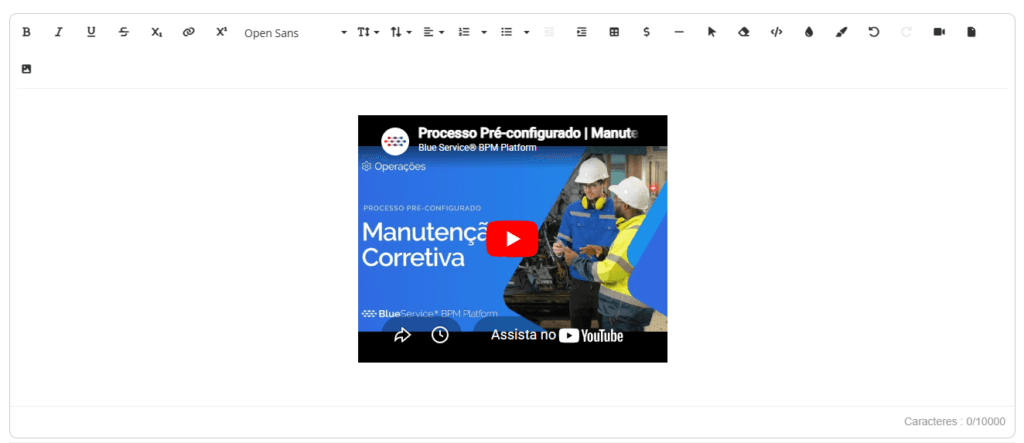
This way, the video will be linked in the free content block and will be displayed on the home screen if the dashboard is configured as the default landing page.