
Offline activities
The offline activities menu was developed to meet the needs of users who need to carry out and document an activity in regions where there is no internet connection. In a practical and objective way, it allows the user to document their activity in offline mode and synchronize the information when there is a connection. The method used in this solution consists of:
Download an activity by sending it to the Offline Activities menu.
Fill out the activity even without a connection to the internet.
Perform the upload synchronization of the activity to update the data that was filled in, when there is a connection to the internet.
Important Rules!
* Permission settings for operations in offline activities are carried out through the web platform.
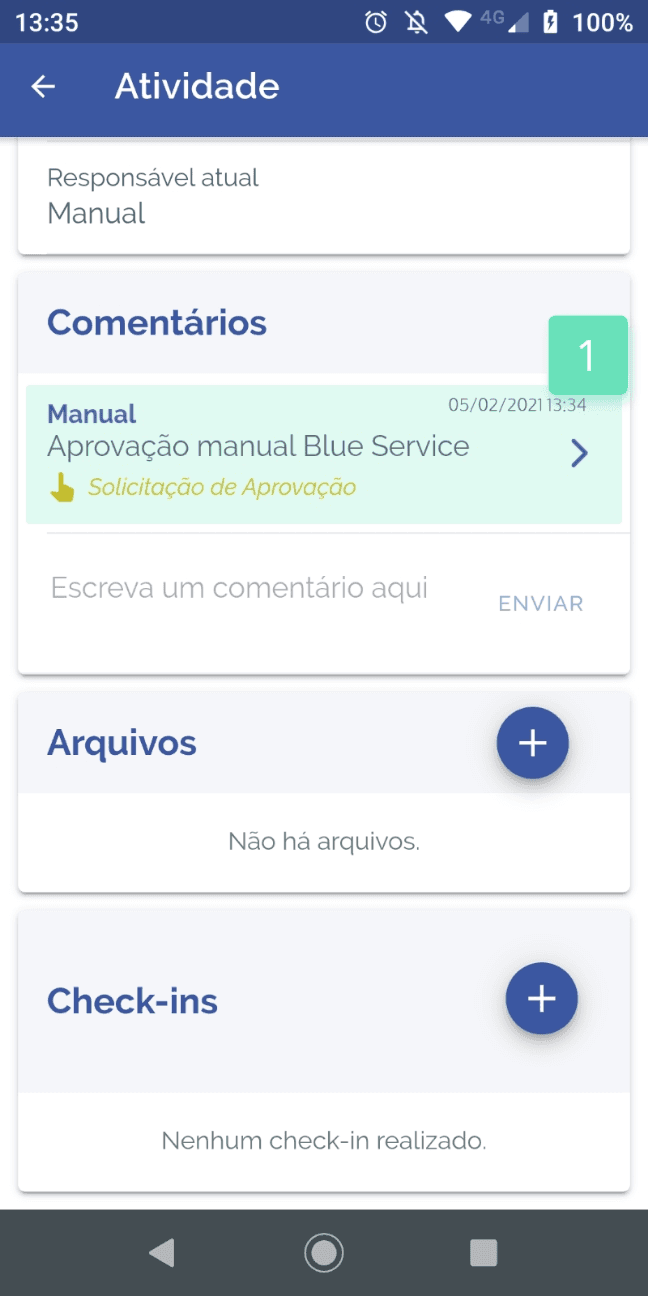
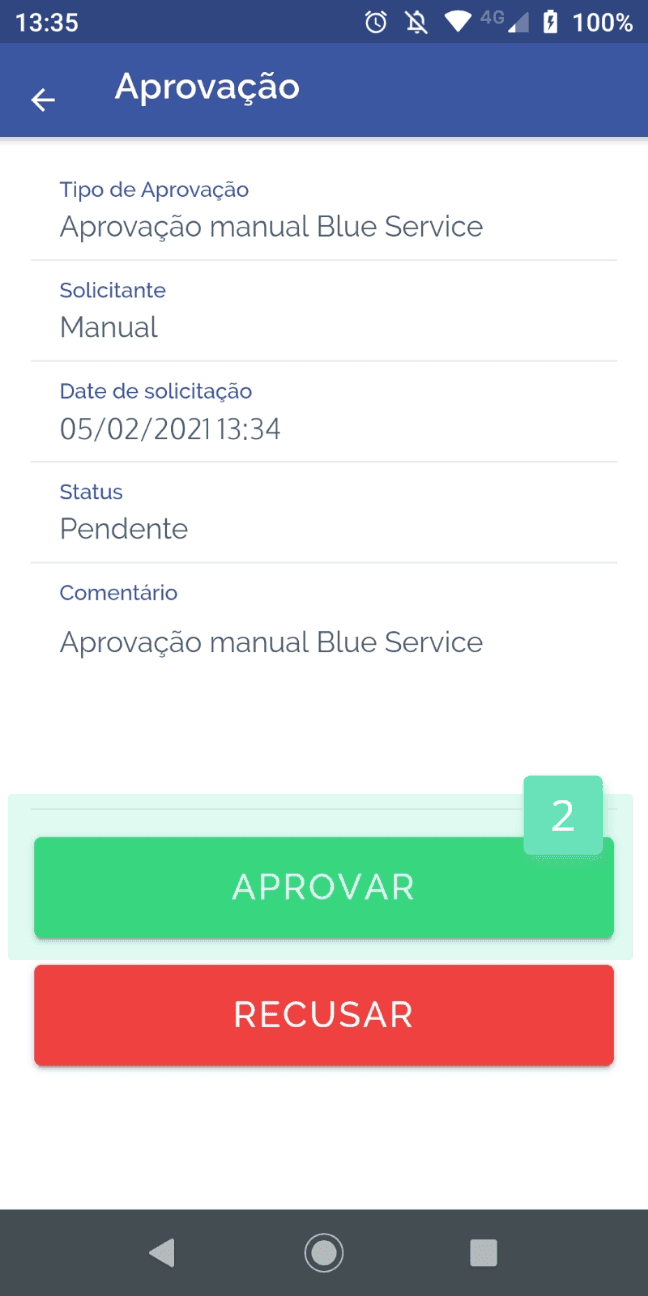
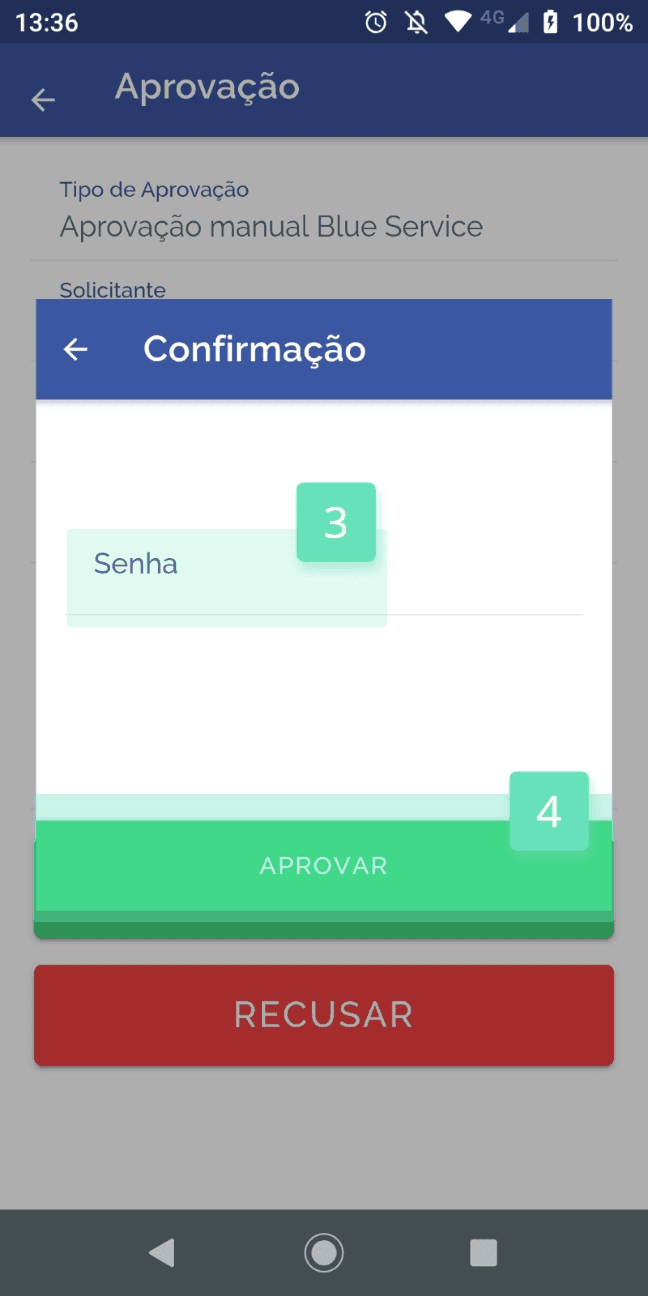
* It is necessary to carry out an “approval” on the online activity.
* It is necessary for the approver to be the same user responsible for the activity.
* It is necessary for the user to be connected to the internet to download an activity to use it in offline mode.
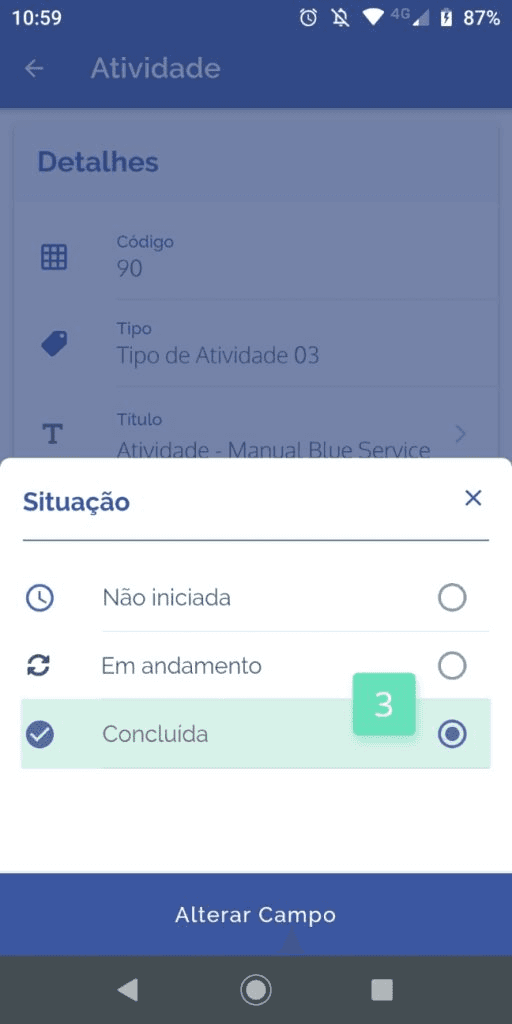
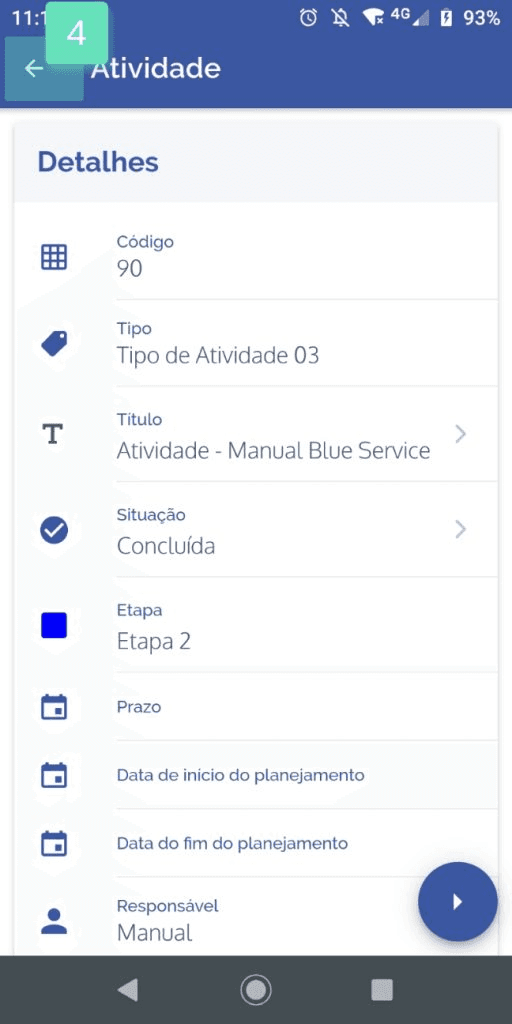
* For the synchronization of the data of an offline activity to be carried out in online mode, it is necessary that the activity “status” be “completed” and that the user has internet connection.
Downloading an activity to use it in offline mode
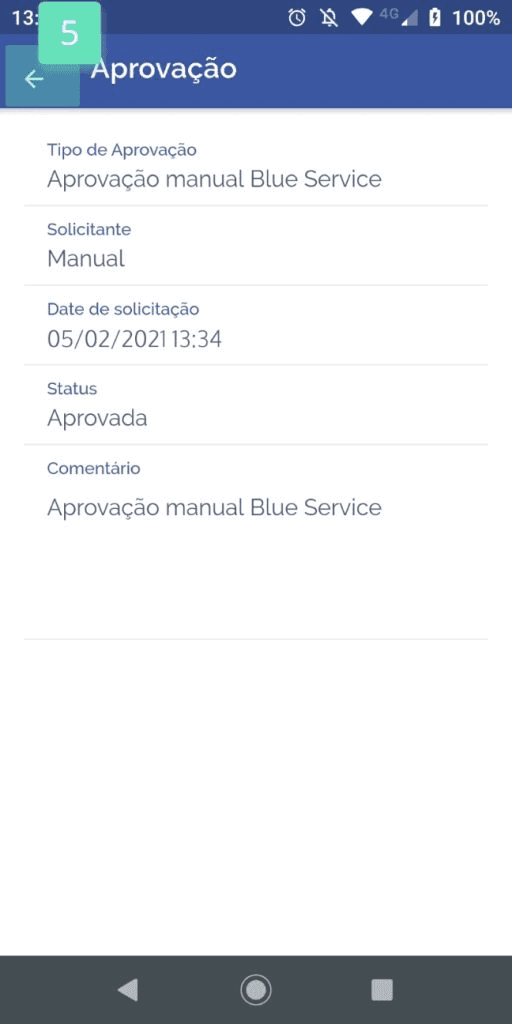
The first step to start the process of operating an activity in offline mode is to carry out an approval, let's see:
 |  |
|
 |  |
|
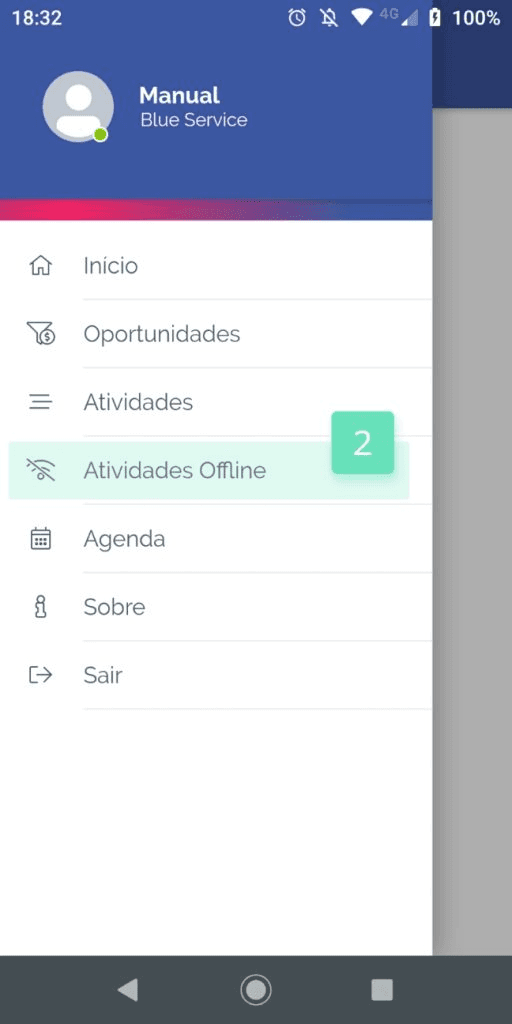
After carrying out the approval, access the Offline activities menu:
 |  |
|
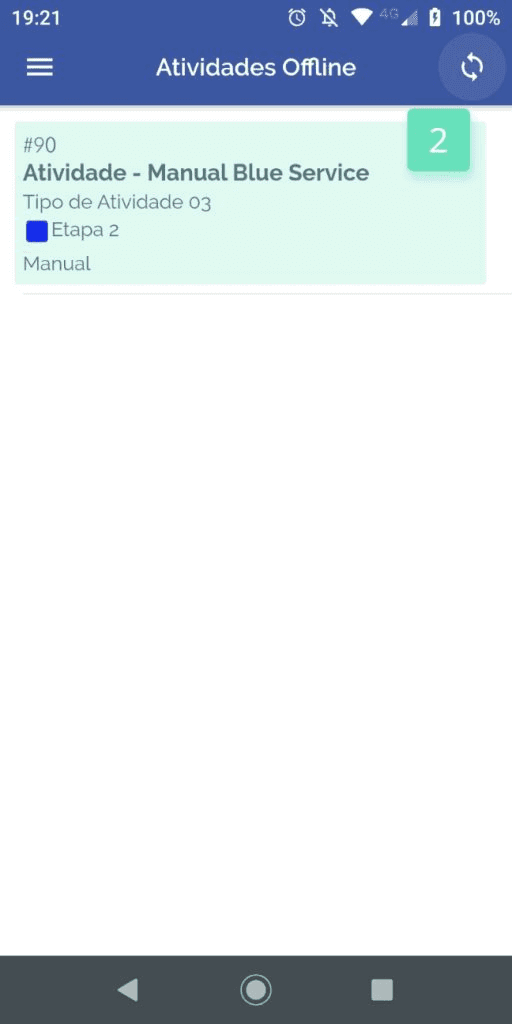
To download the activity is very simple:
 |  |
|
Important note!
* Whenever you download an activity, it will be shown only in the “offline activity” menu and no longer in the “activities” menu.
* Only activities listed in the “offline activities” menu can be operated without an internet connection.
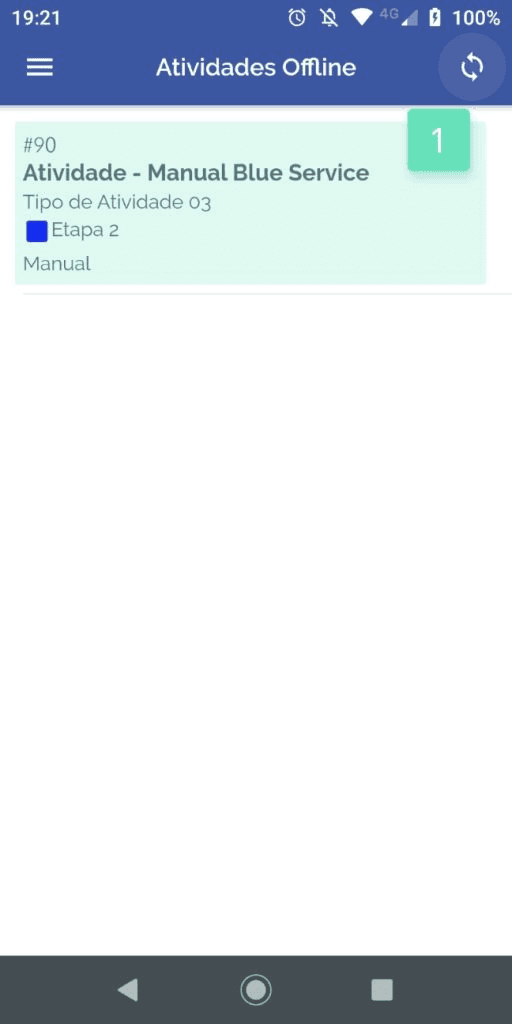
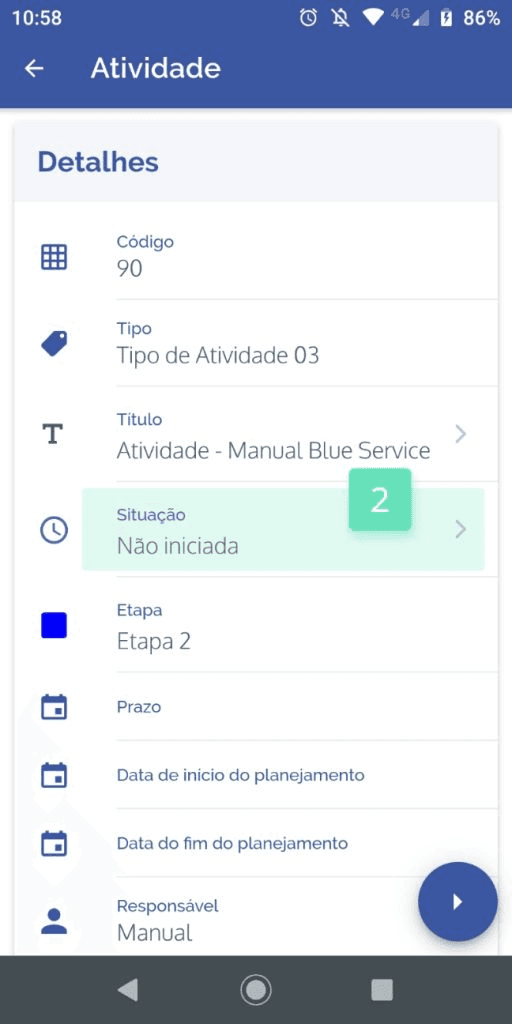
After carrying out operations on activities in offline mode, the next step is to upload the activity to update its data and return it to the “activities” menu; this process only needs to be carried out when there is an internet connection and is very simple:
 |  |
|
 |  |
|
Performing the upload of an activity for data updating
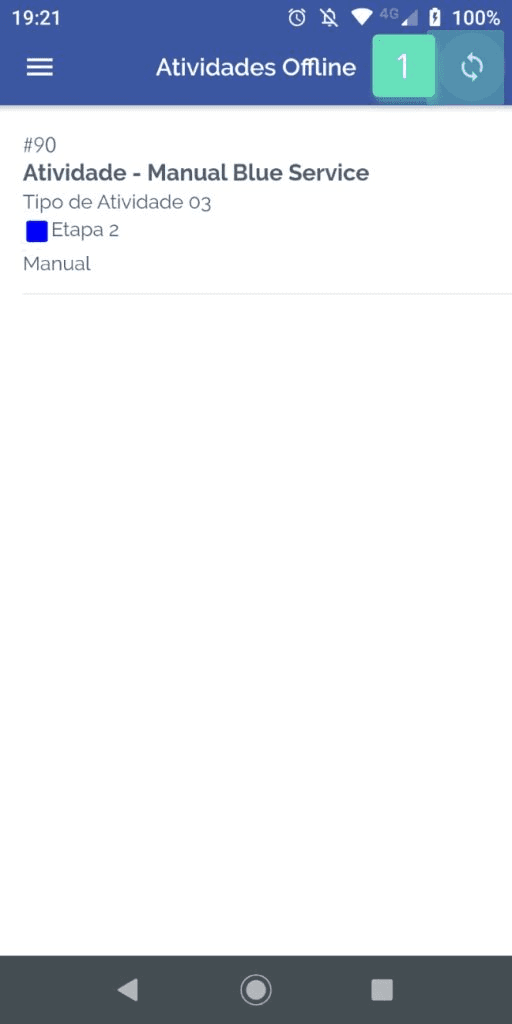
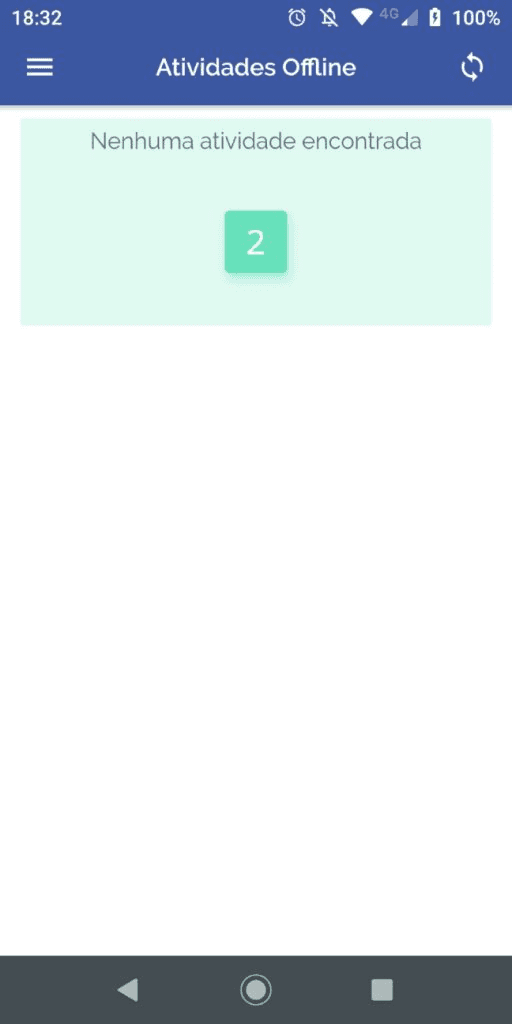
Now to finish the operation, let's upload the activity that was operated in offline mode. To carry out this step it is necessary to be connected to the internet, let's see:
 |  |
|