Absenteeism
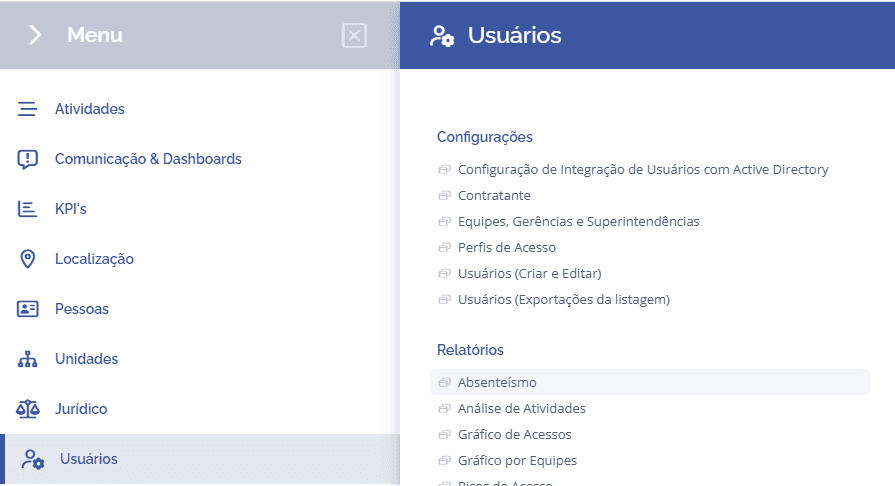
To check the absenteeism report, it is necessary to access Users > Reports > Absenteeism:
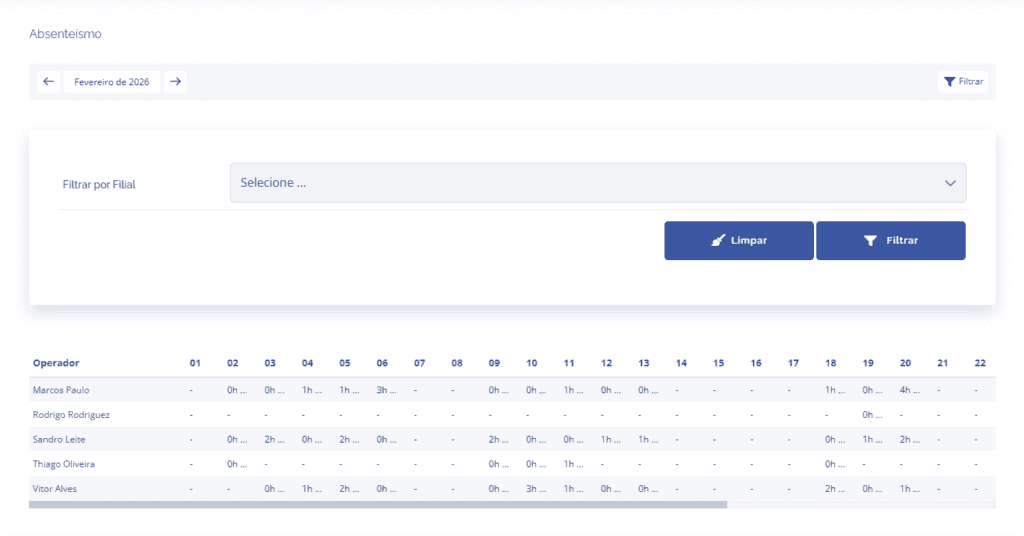
In this section, the user can view the system operators' report, as well as check the number of days each operator was active during the month and the daily average of hours worked.
If necessary, it is possible to filter by branch or specific month.
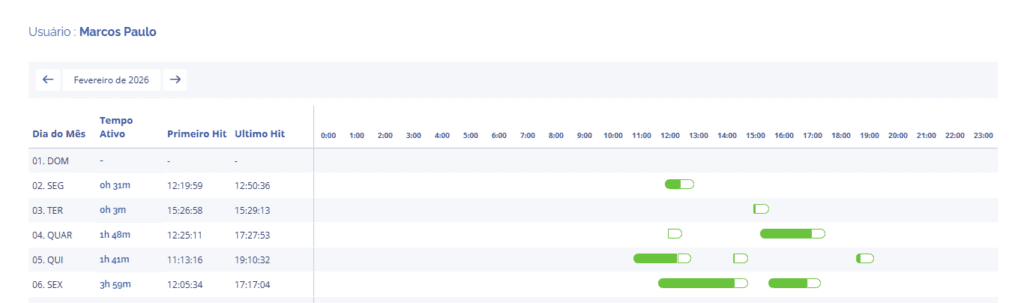
By clicking on an operator's name, the system allows you to see more complete operator data, showing in green the active time and in white the inactive time in the system.
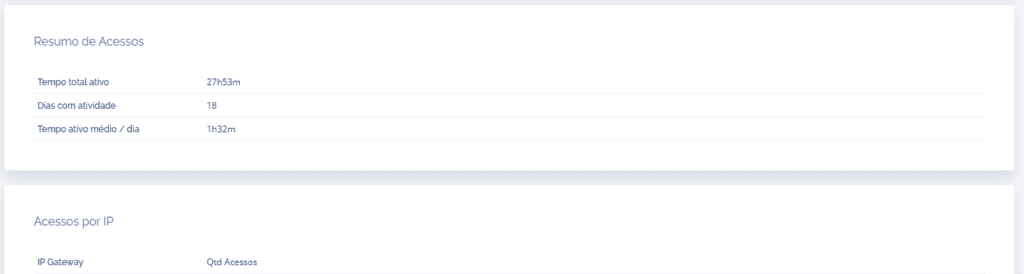
Just below, you can see the blocks of access summary and accesses by IP.