
Resynchronize
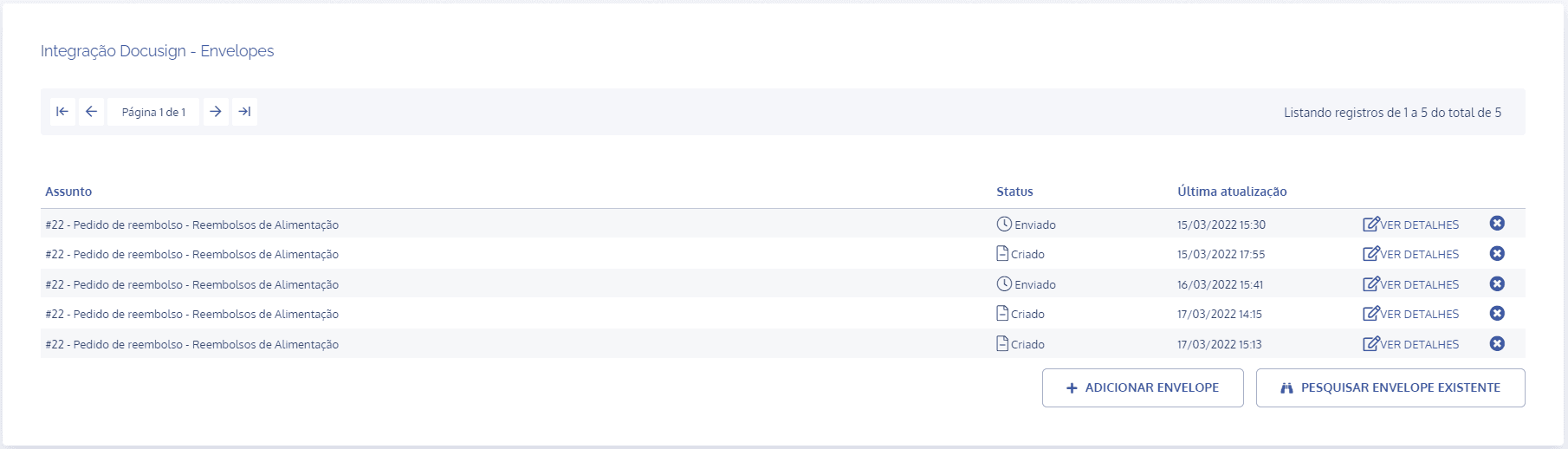
In the DocuSign Integration – Envelopes block, click the view details button for the desired envelope:
In the envelope details, click the Resynchronize card:

In the Resynchronize block, click the Resynchronize button:

The resulting action allows all the content of the envelope associated with the activity to be loaded into the system again.