Remove notices
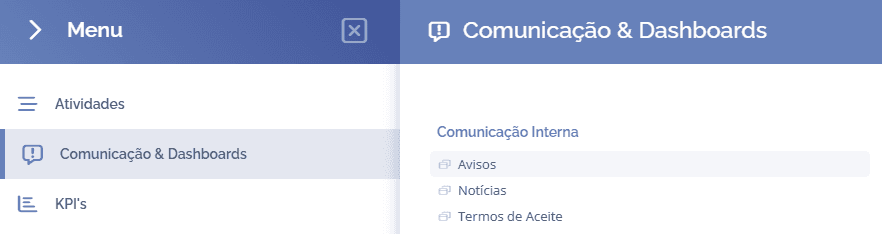
To remove notices, open the main menu, select the Communication & Dashboards module, Internal Communication and click the Notices option:
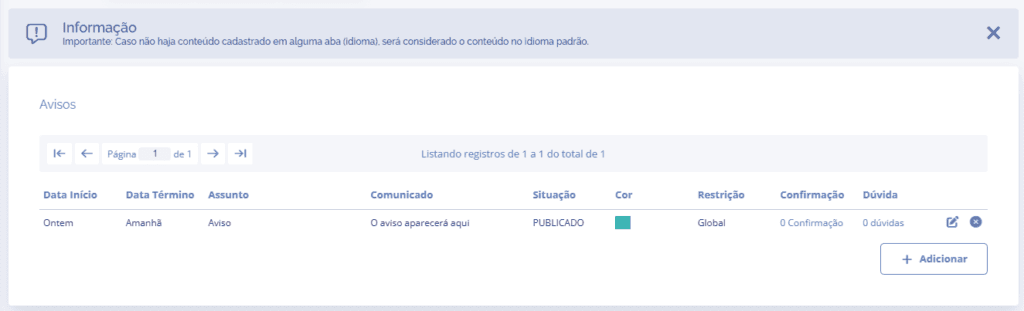
In this section, choose the notice you want to remove (if there is more than one) and click the remove icon
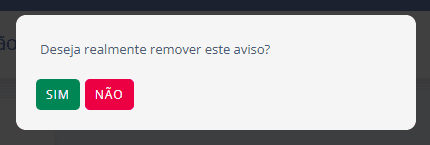
A confirmation pop-up will open asking whether you really want to remove the notice: