Planning – Calendar
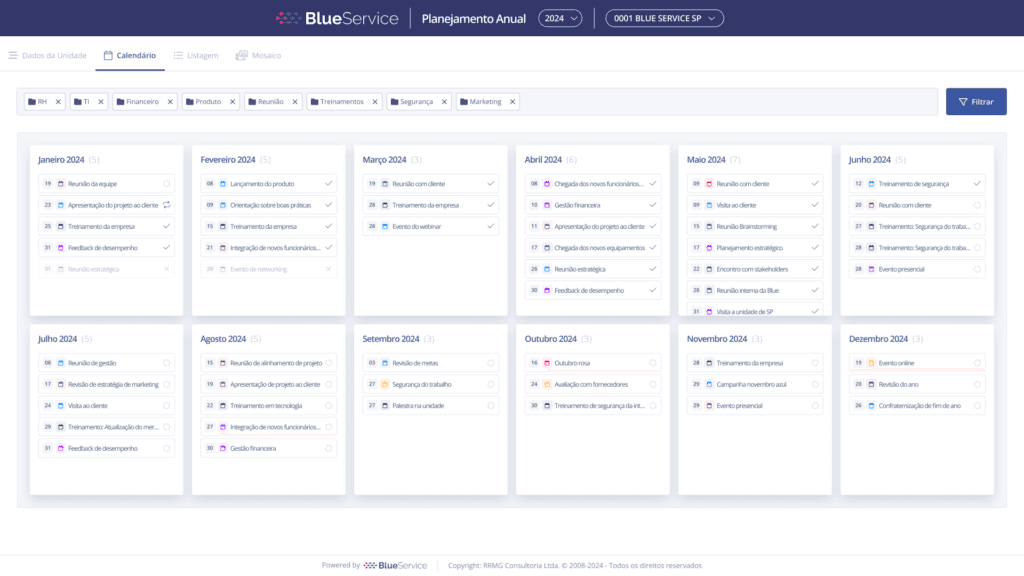
This is the Calendar tab. Here, you can manage all activities, with their respective dates, deadlines, and statuses, and also filter based on the registered categories.
Filtering
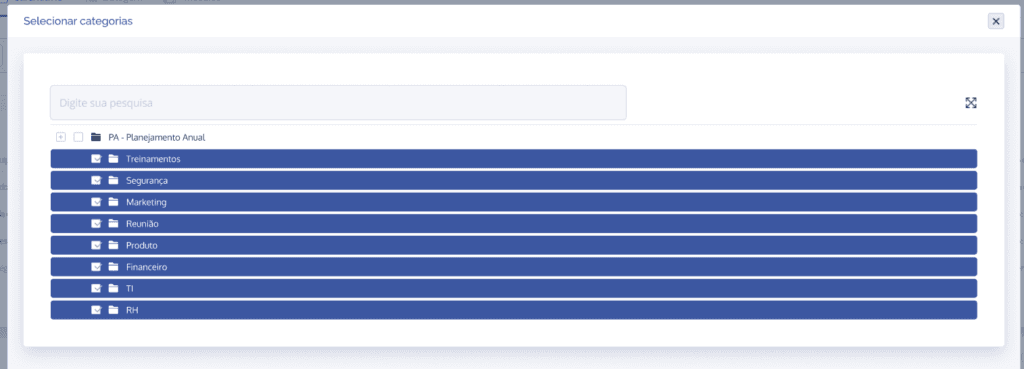
When you select the “Filter” button, a list will be displayed to select the categories that were created in your annual planning, and you can also reorder them according to your preference.
Activities
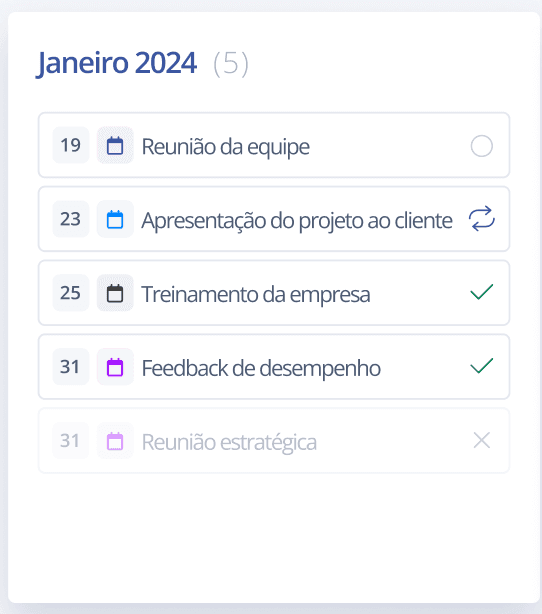
In the Calendar, a list of activities will be displayed for each month, showing the total number of activities, followed by the highlighted day, an icon (referring to a category), the activity name, and its status. The statuses are:
Not started
In progress
Completed
Canceled