
Legal document permissions
In a document's details, click the Permission card:

This block displays the access profiles with permission over the legal document:

When clicking the Add permission button, a block will open below:
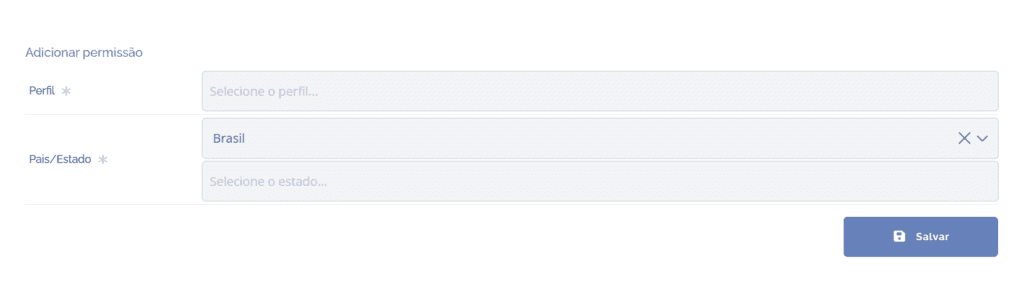
Profile: Select one or more access profiles.
Country/State: By default, the country is already filled in (Brazil), and can be changed. Below, we can select one or more states.
After filling in the fields, click the Save button to record the information in the system.