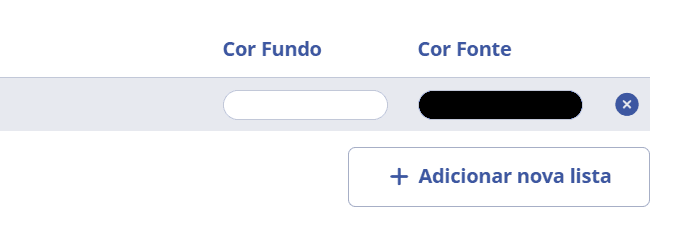
People lists
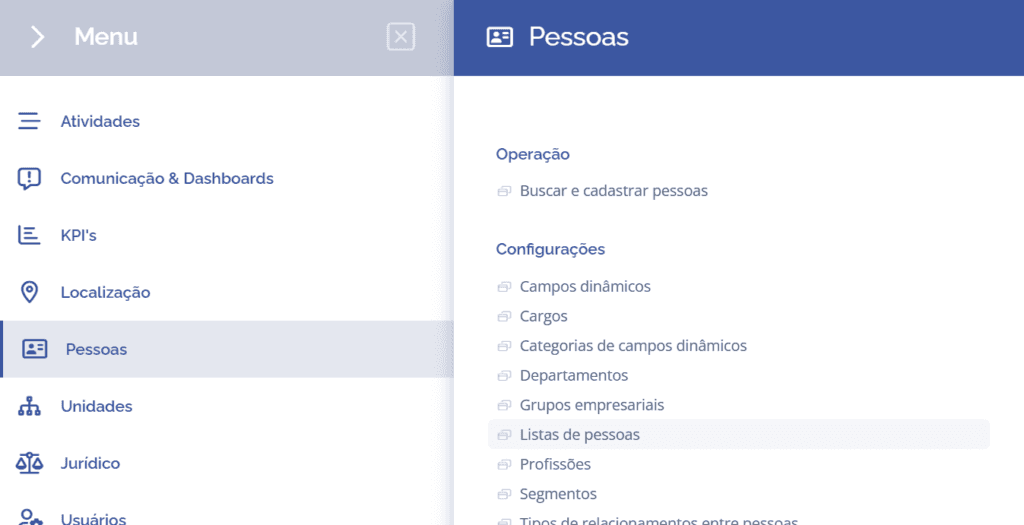
To create people lists, open the main menu, select the People module, Settings and click the People lists option.
On the next screen, click the Add button:

A new block, Add new list, will be displayed:
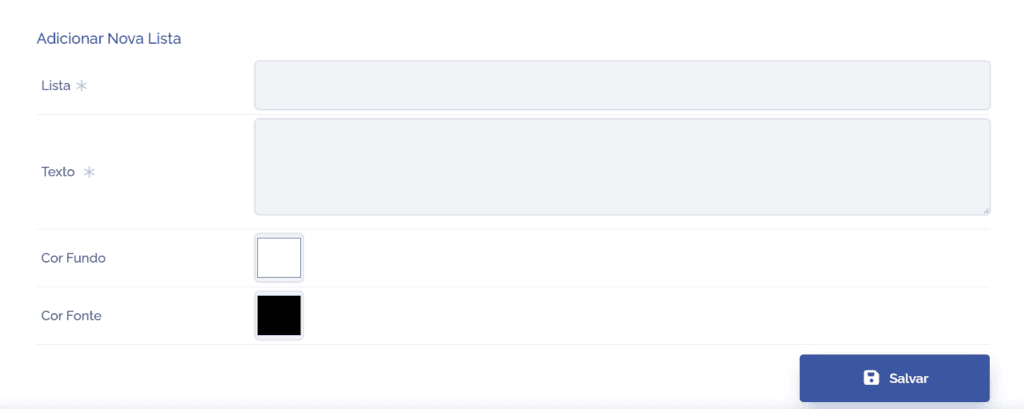
To proceed with creating the new list, the following items must be filled in:
List: When selecting this field, you can define a title for the list, so fill it in with the desired name.
Text: When selecting this field, you can enter a brief description of the list's function, so fill it in with the desired description.
Background color: When selecting this field, you can define a background color for the list, so choose it.
Font color: When selecting this field, you can define a font color for the list, so choose it.
After configuring the Add new list fields, click the Save button.
Delete list
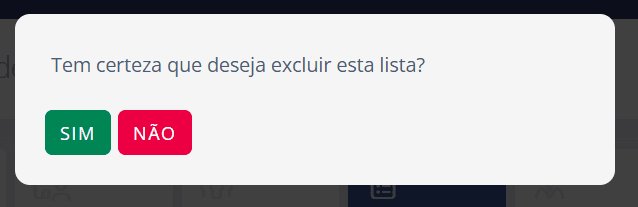
When clicking the remove icon, a list deletion confirmation box will be displayed: