
Envelope history
In the DocuSign Integration – Envelopes block, click the view details button for the desired envelope:
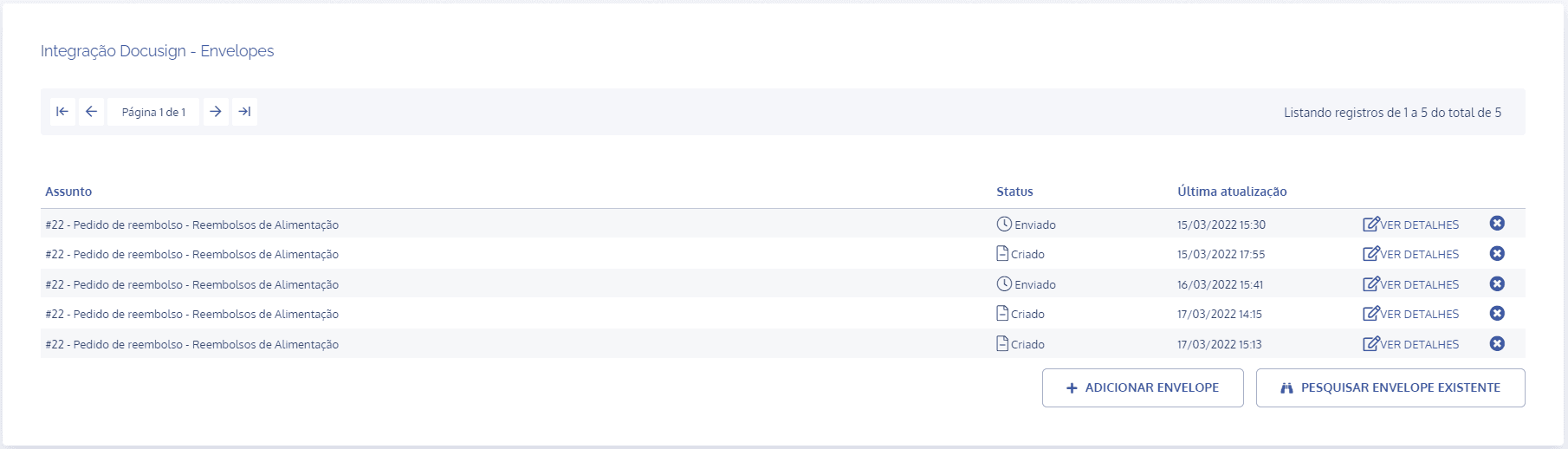
In the envelope details, click the Envelope history card:

In the Envelope event history block, all changes made to the envelope are listed:
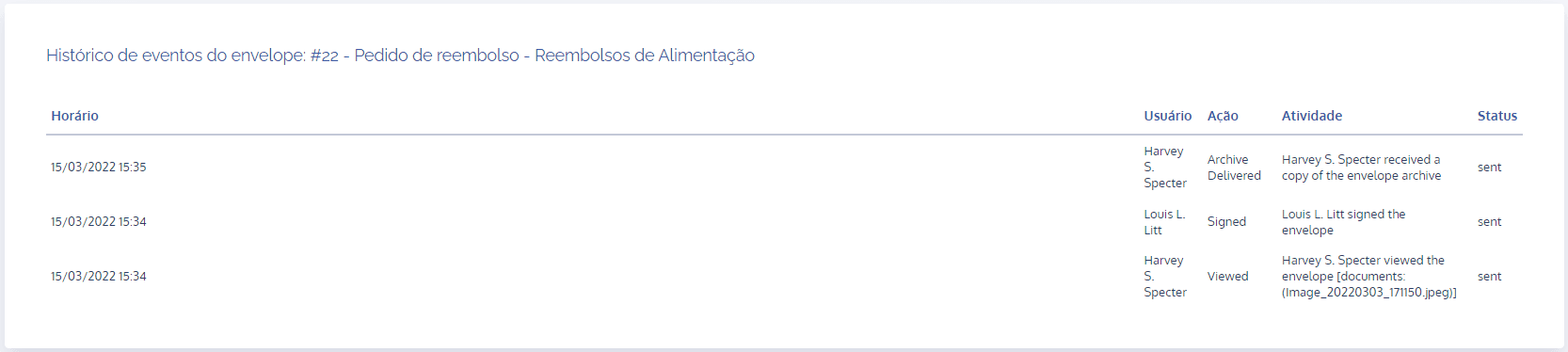
Time: the date/time when an action occurred on the envelope is listed.
User: the user for each action is listed.
Action: the action performed by the user is described.
Activity: a brief summary of the action carried out by the user is shown.
Status: the status of the action is shown.