
Activity features
Activities also have complementary/additional settings that allow customization of the company’s day-to-day operations.
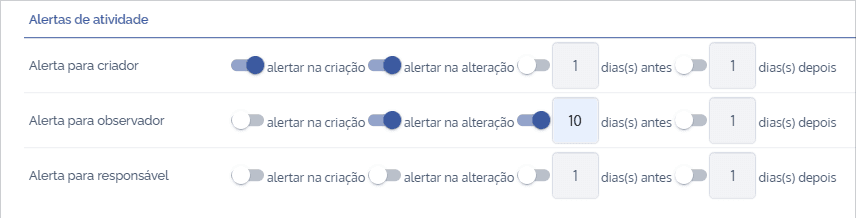
Activity alerts
It is possible to configure alerts both when creating and editing activities, sending informational emails to the activity creator, observer, or assignee. The user can also define whether the alert will be sent before or after a certain number of days.
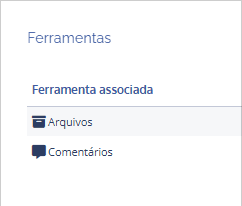
Tools
The system also offers some additional tools for the activity, such as the option to enable file upload in an activity’s details or allow the user to view the comments block and add new comments to the activity.
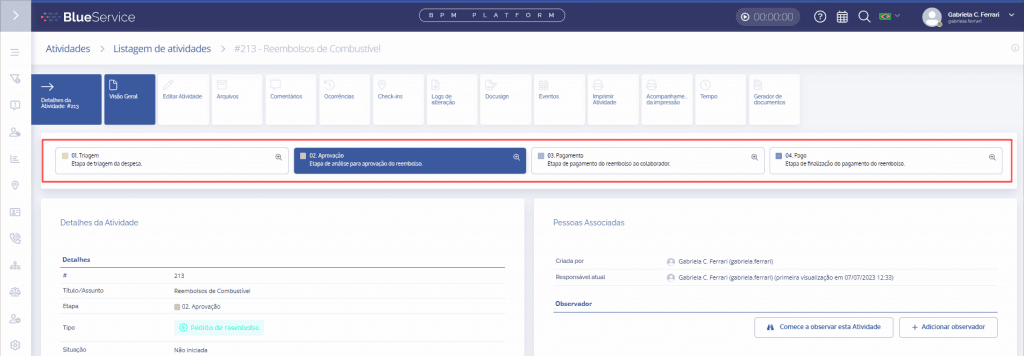
Stage diagram
This setting allows the user to configure how stages are displayed in the activity overview, with a short and long description if desired.
Title suggestions
This feature allows the user to register title suggestions that will be displayed when filling out a new activity.

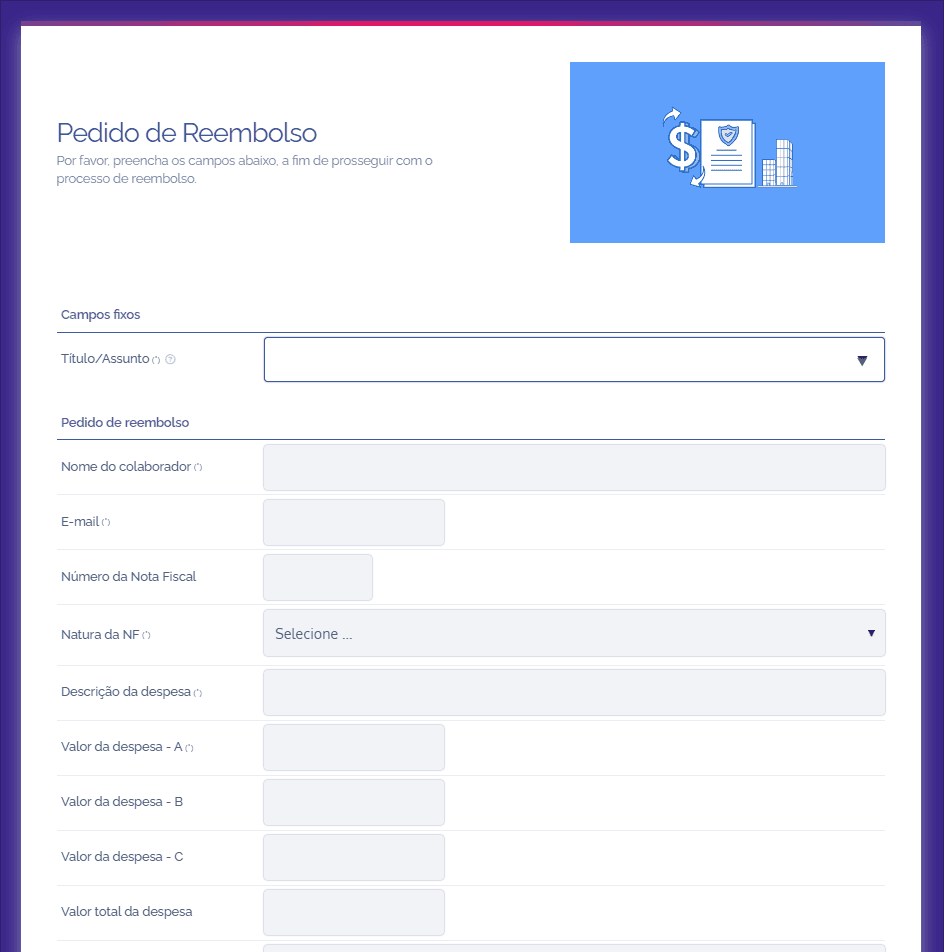
External Form
This feature allows the user to configure an external form and, from it, create activities directly on the platform.
Sub-activities/Associated Activities
It is possible to enable Sub-activities/Associated Activities through this feature, as well as restrict by activity type.

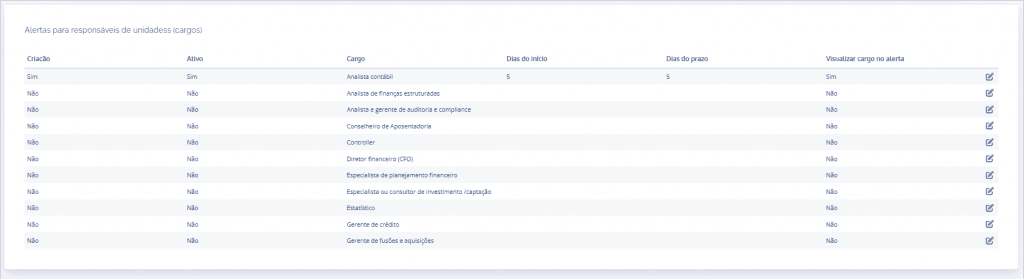
Alerts for responsible roles (positions)
This alert is sent to associated roles; the user can configure it to receive the alert when an activity is created. It is possible to enable/disable the alert for each role, with the option to display the role in the alert or not.
WhatsApp Templates
This integration with WhatsApp allows the user to create simple or customized templates (header, media, footer, and buttons) for notifications sent to users.
Import layout
The import layout allows prior configuration of a customized layout, which will later be used to create activities via CSV file.
Time
Through the “Time” card, the user has the possibility to log work time in an activity’s details. The system already automatically calculates the amount based on hours worked.
