
Create/Add units
This topic begins the functional and operational part of the Units module, starting with the creation of units.
Important: before proceeding, make sure you are familiar with the concepts covered in the Introduction of this module.
The following content covers creating units manually, that is, through the unit creation form.
Unit creation form
The unit creation form is the simplest way to create a unit on the platform. To access it, open the main menu, select the Units, Operation, module, and click the Create units option.
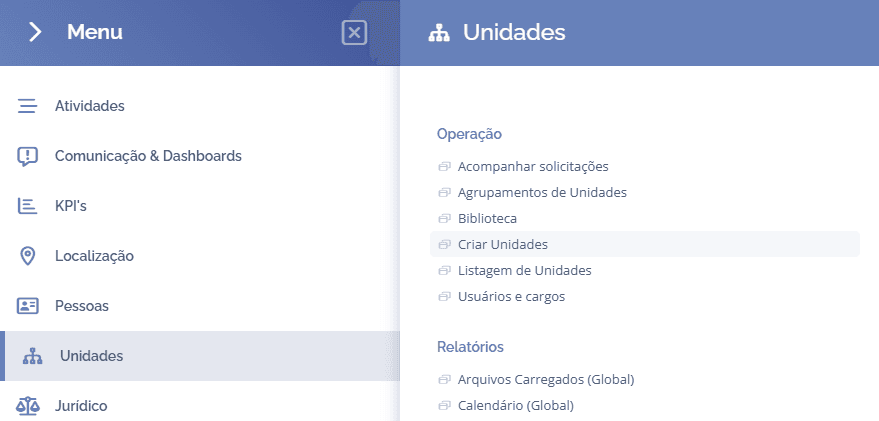
Create unit
On the next screen, the unit creation form will be displayed:
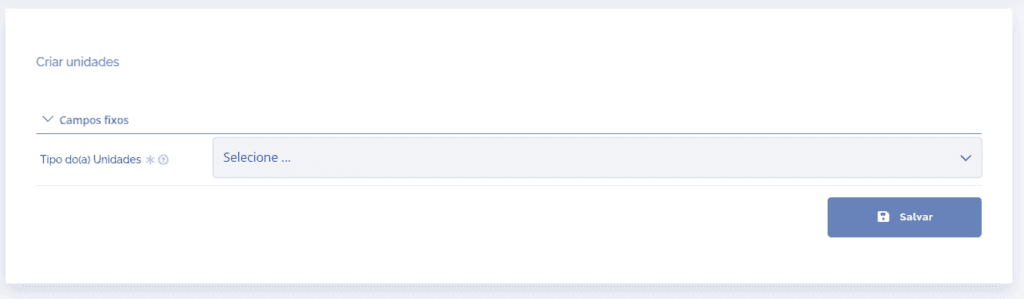
Unit type: In this field, a list of available unit types will be displayed, so you need to choose the desired unit type. To do this, click Select…
After clicking the desired type, new fields will be added to the unit creation form, if configured; that is, the selected type will link to the dynamic fields, groups, and roles (users) relevant to the desired type.
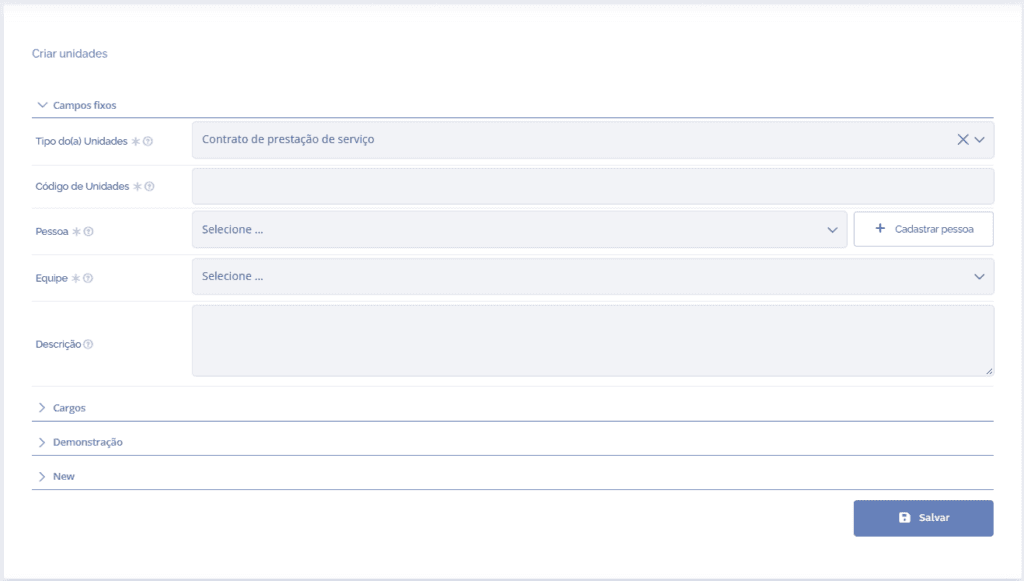
Attention: only unit types, clients, and branches compatible with the user's access profile will be displayed.
After filling in the fields, click the Save button.