
Create/Add notices
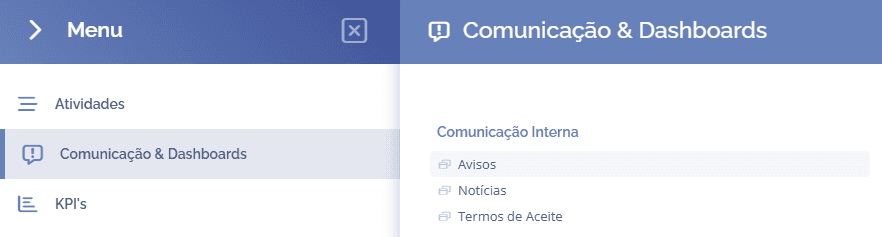
To create notices, open the main menu, select the module Communication & Dashboards, Internal communication and click the Notices option:
The notices will be displayed in this block:
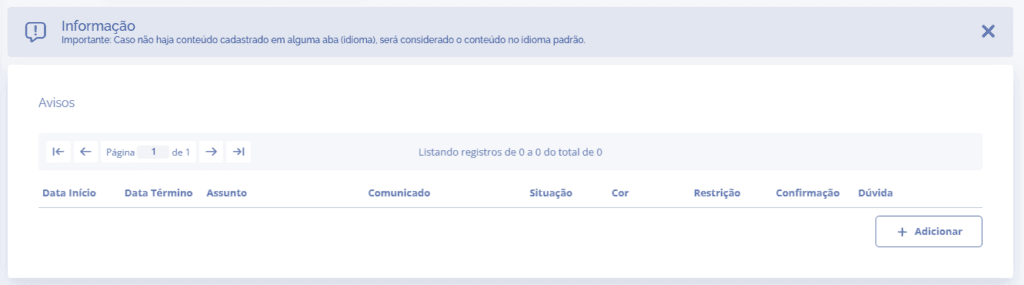
When you click the Add button, the Add notice section will open:
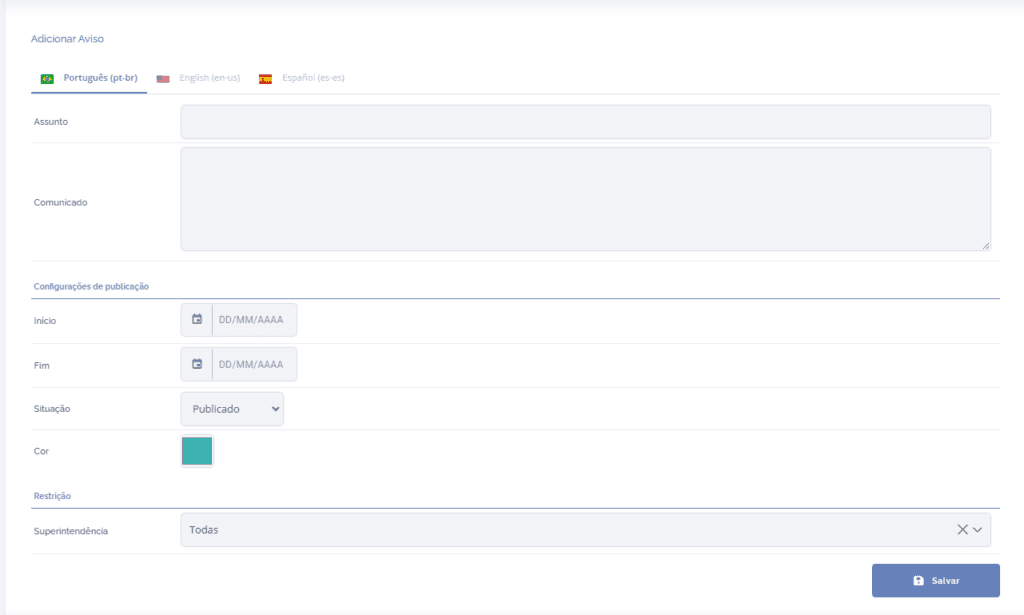
Language: Select the notice language
Subject: Briefly describe the notice.
Announcement: Write the notice message that will be displayed.
Start: Date when the notice will be displayed.
End: Date when the notice will end.
Status: If the status is Published, the notice will be displayed. If it is Unpublished, the notice will not be displayed.
Color: Define a color for the notice message.
Restriction
In this section, in the Superintendencies field, you can define which superintendency will see the notice, and it is possible to select all or only one specific superintendency.
After filling in the fields, click the button Save to save the information.