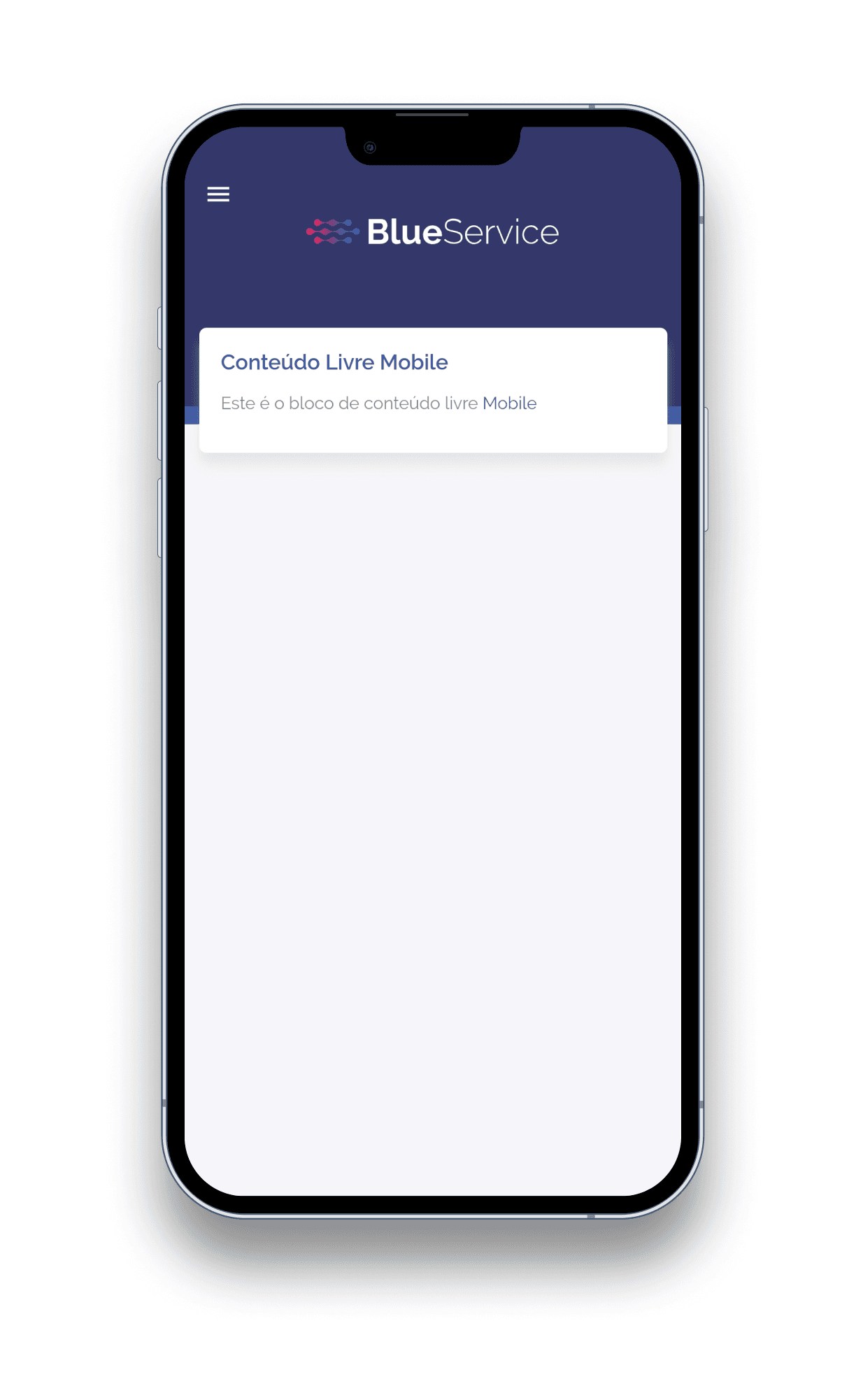
Free content block on the mobile dashboard
In this block, click the settings icon
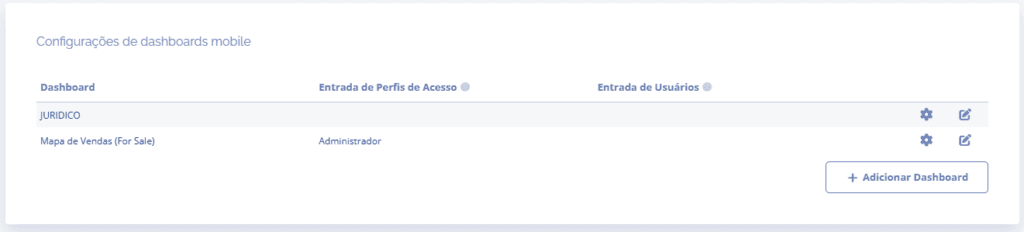
A floating window will open:
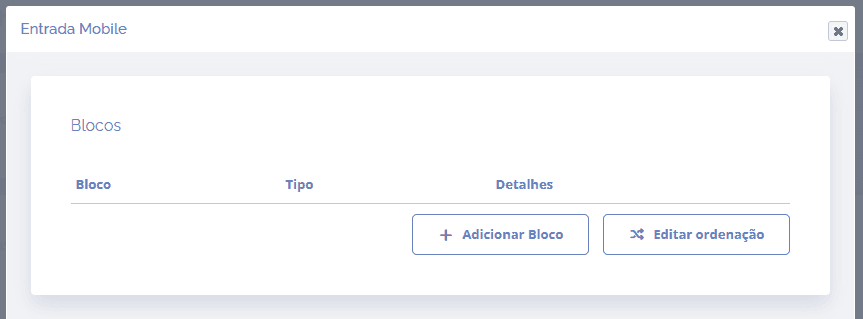
When you click the Add block button, a block will open below to select one or more blocks for the dashboard
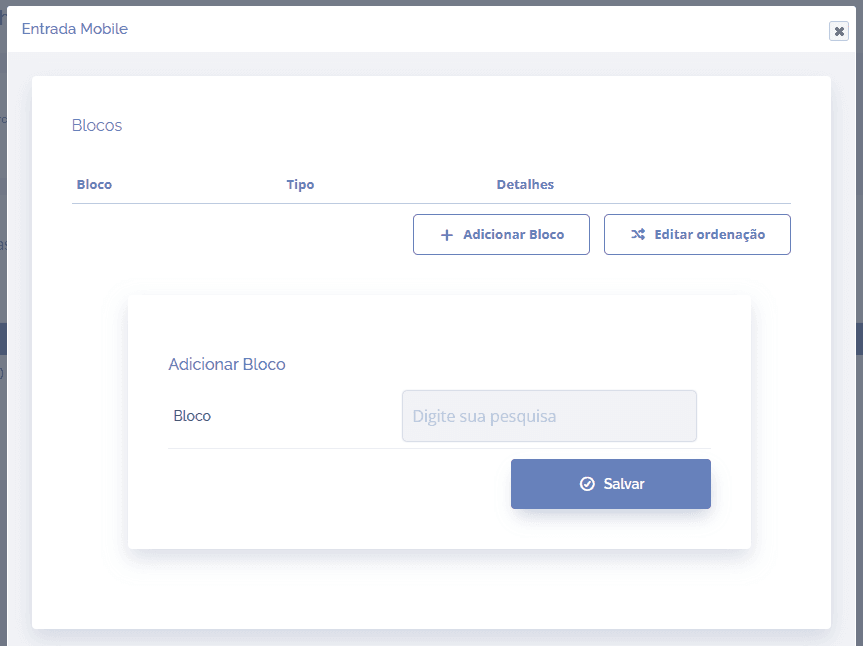
Select the Free content block and click the Save button
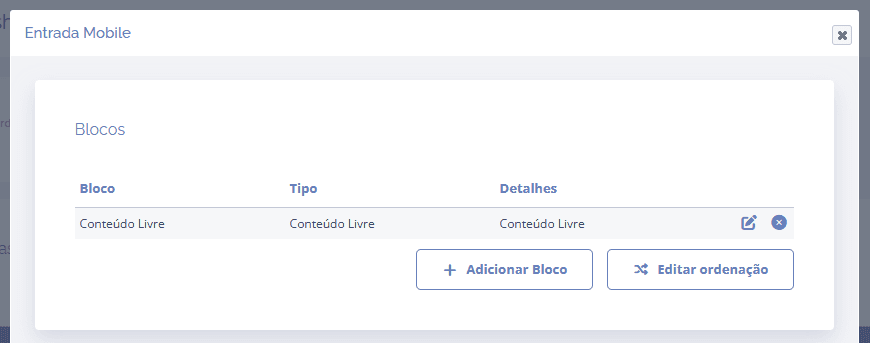
Click the edit icon to configure the Free content block
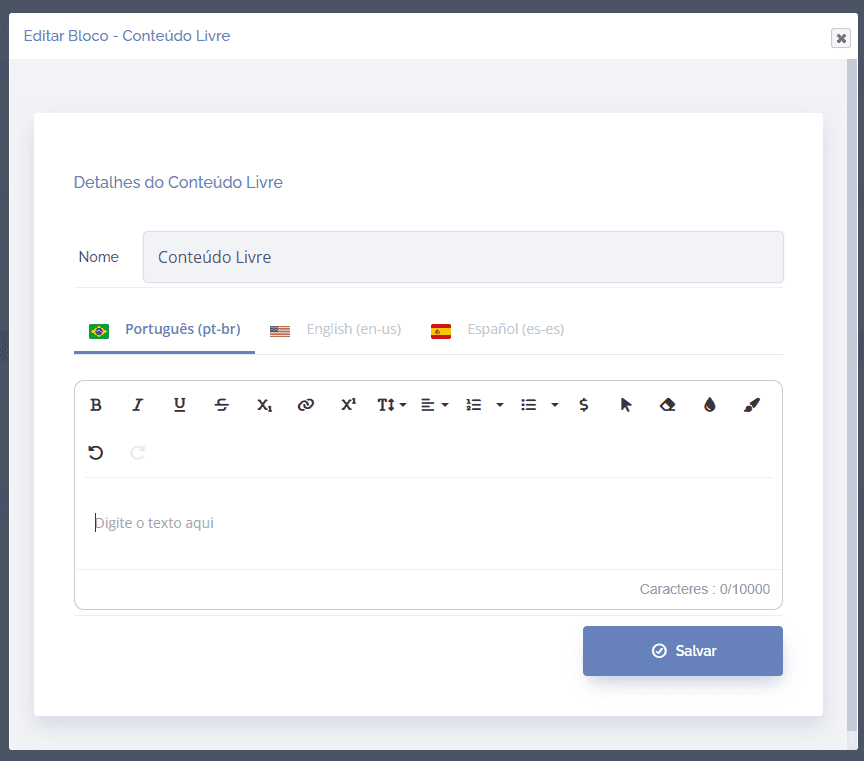
Unlike Web free content, on mobile it is limited to text content only, formatted texts, and colored texts:
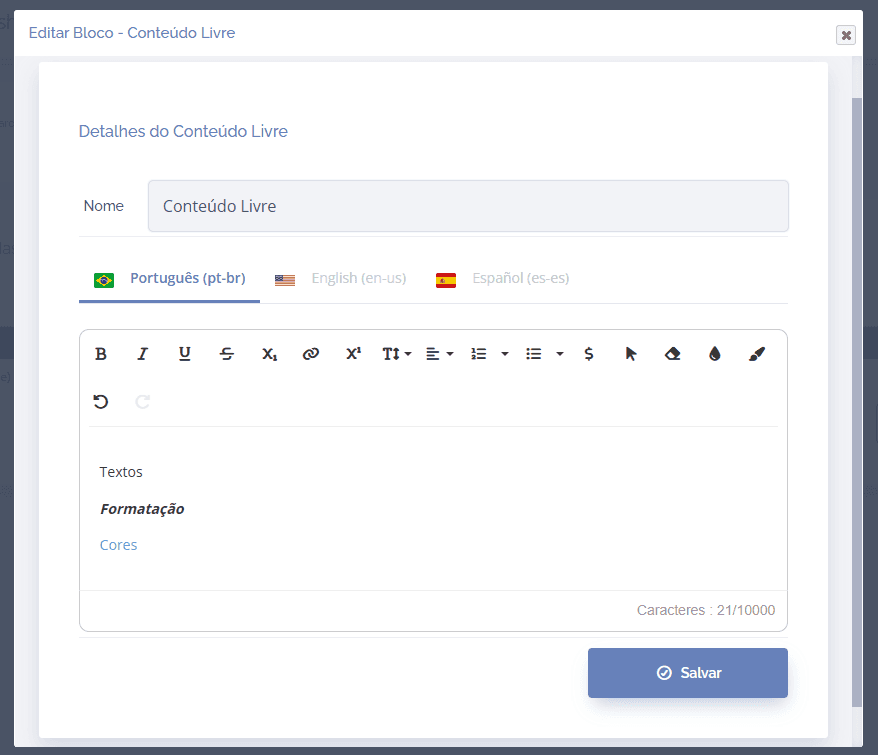
After adding any content, click the Save button to save the information.
If the dashboard is configured as the default entry, the free content will automatically be displayed on the app's home screen.