
Associated activities
In the activity overview, when scrolling to the end of the screen, we have the associated activities block

There are two options to perform: Add new and/or associate an existing one.
Add associated activity
When clicking Add new, the Add activity block will open:
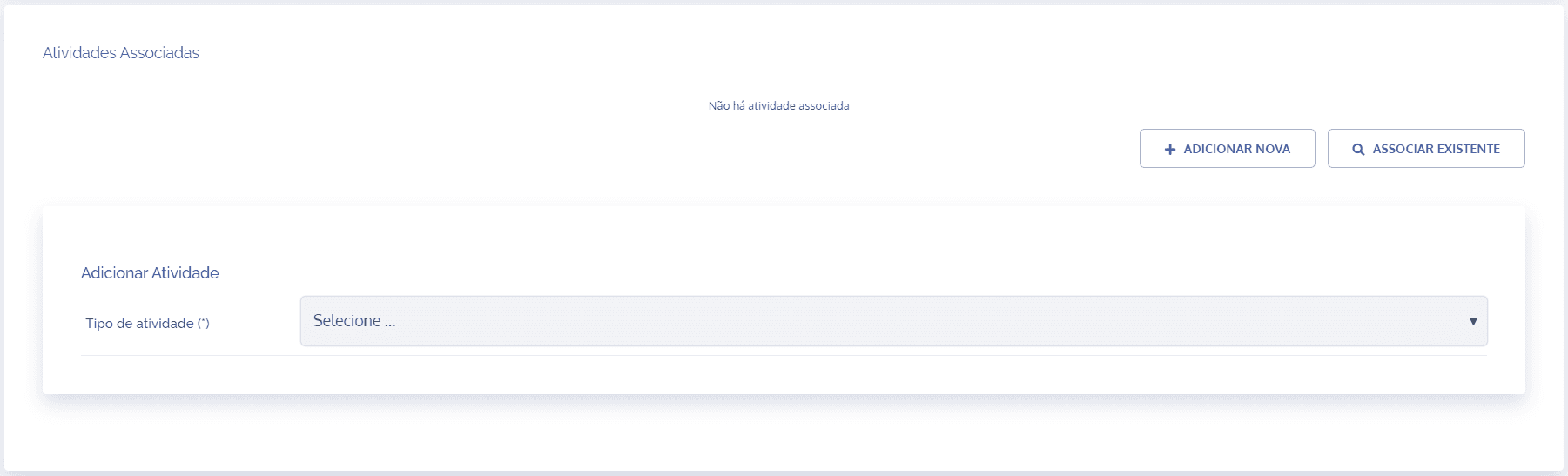
In this block, it is possible to choose the type of activity to be registered.
The activity types are always displayed according to the user's access and viewing permissions.
For a better understanding of how to register an activity, see the topic Activity creation form.
After registration, it will be automatically linked to the main activity and will be listed in the associated activities block.
Associate activity
When clicking Associate existing, Add link will open.
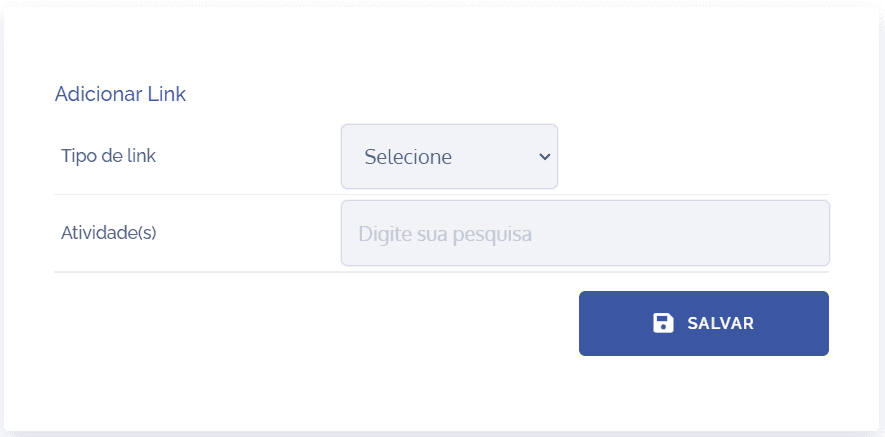
In this block, it is possible to select the desired link type and an existing activity through the code or title.
After filling in the fields and clicking the Save button, it will be automatically linked to the main activity. It is also possible to undo the link by clicking the Unlink button.