
Association of dynamic fields in legal areas
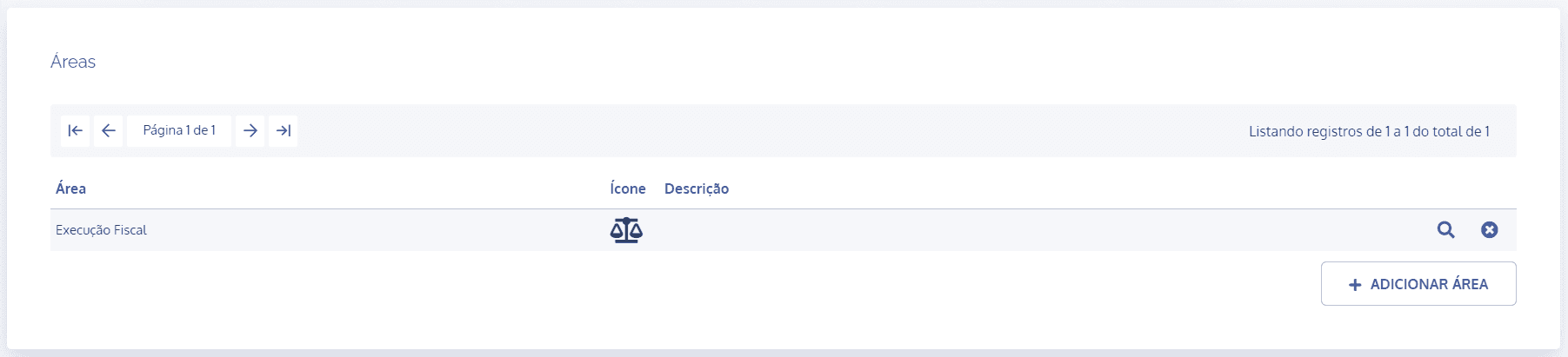
In the areas block, click the details icon of the desired area:
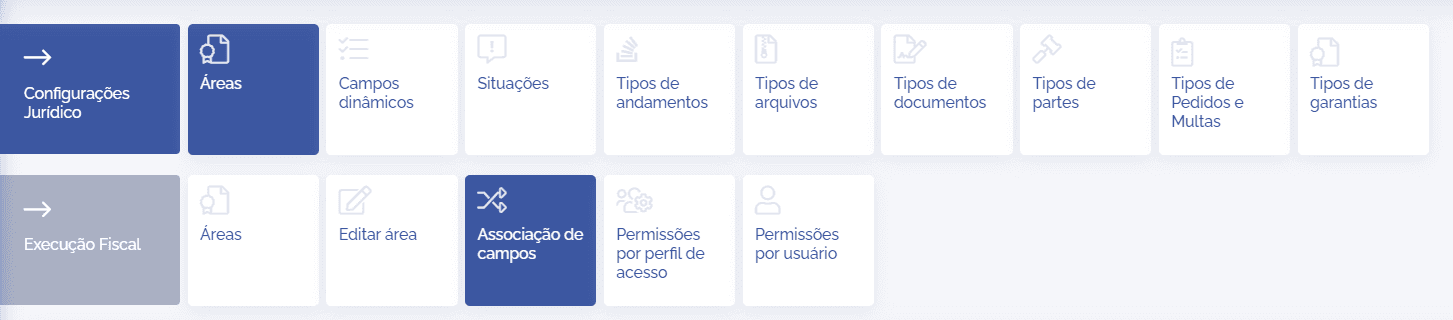
In the area details, click the Field Association card:
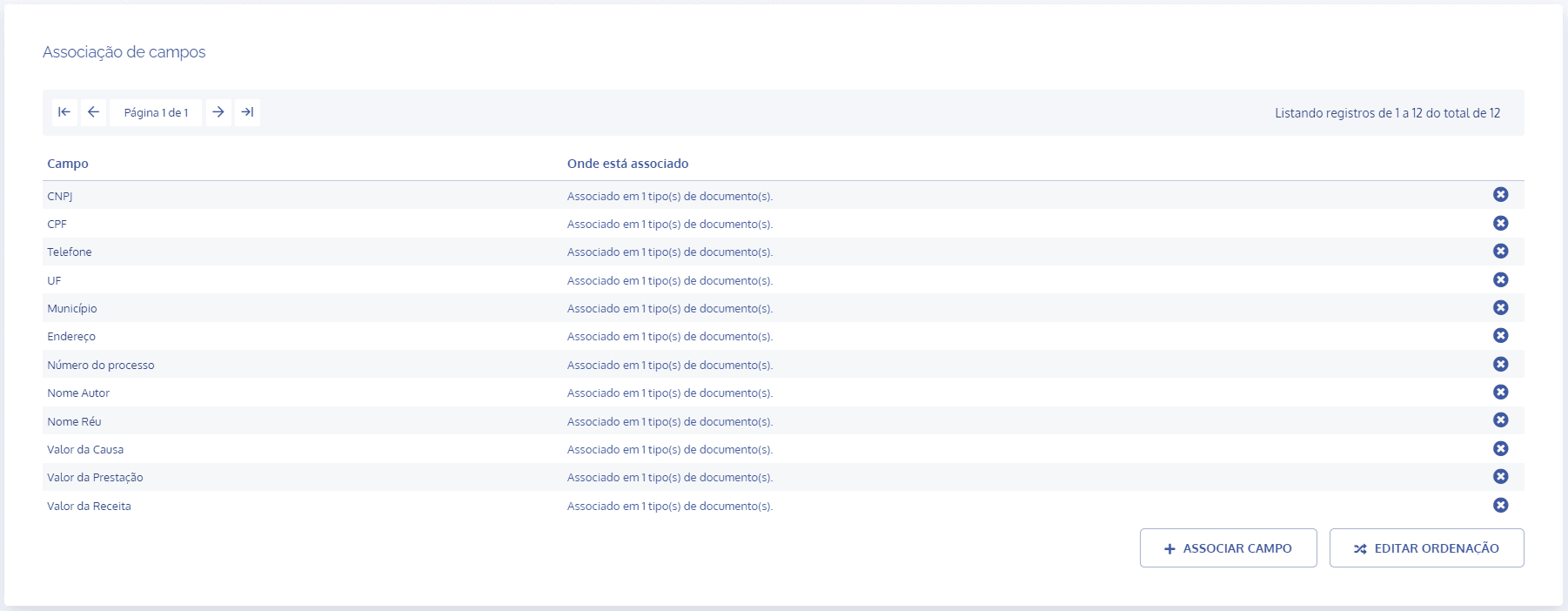
In the Field Association block, the registered fields will be listed:
To display the associated fields, select the checkbox for each desired field. By default, they are hidden.
After configuring the field association, click the Associate fields button to save the changes.