
Change email
To change your email, open the user menu in the upper-right corner and click the option My details
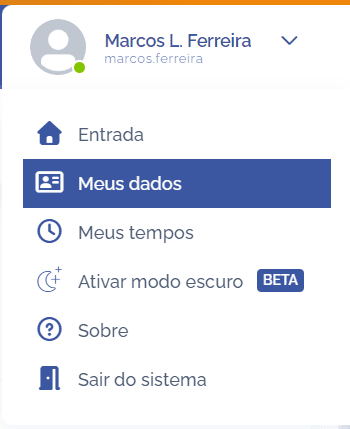
In the Edit user data section, click the Change email card:

In the Change email section, you can make the change:
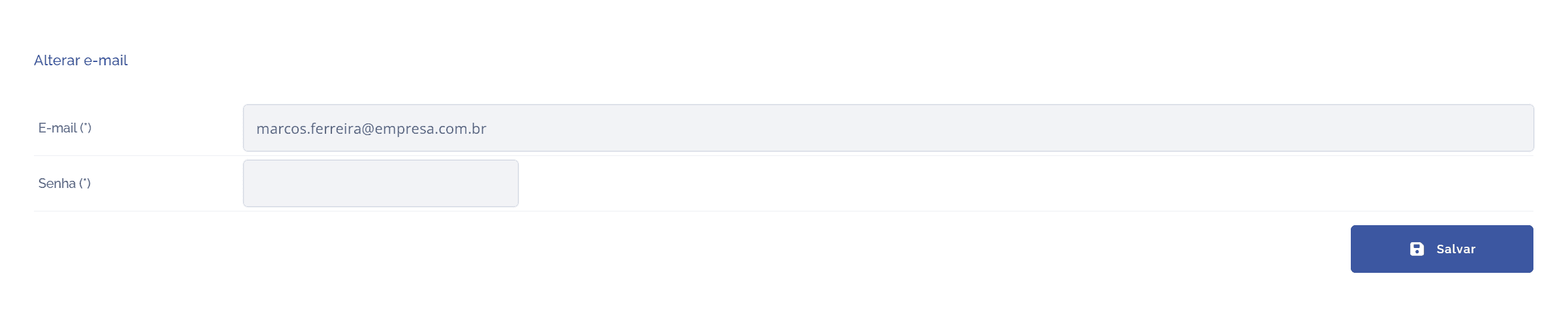
After setting a new email, click the Save button to apply the change.